
Rain Maps for Beginners in the Car: A Driver's Guide
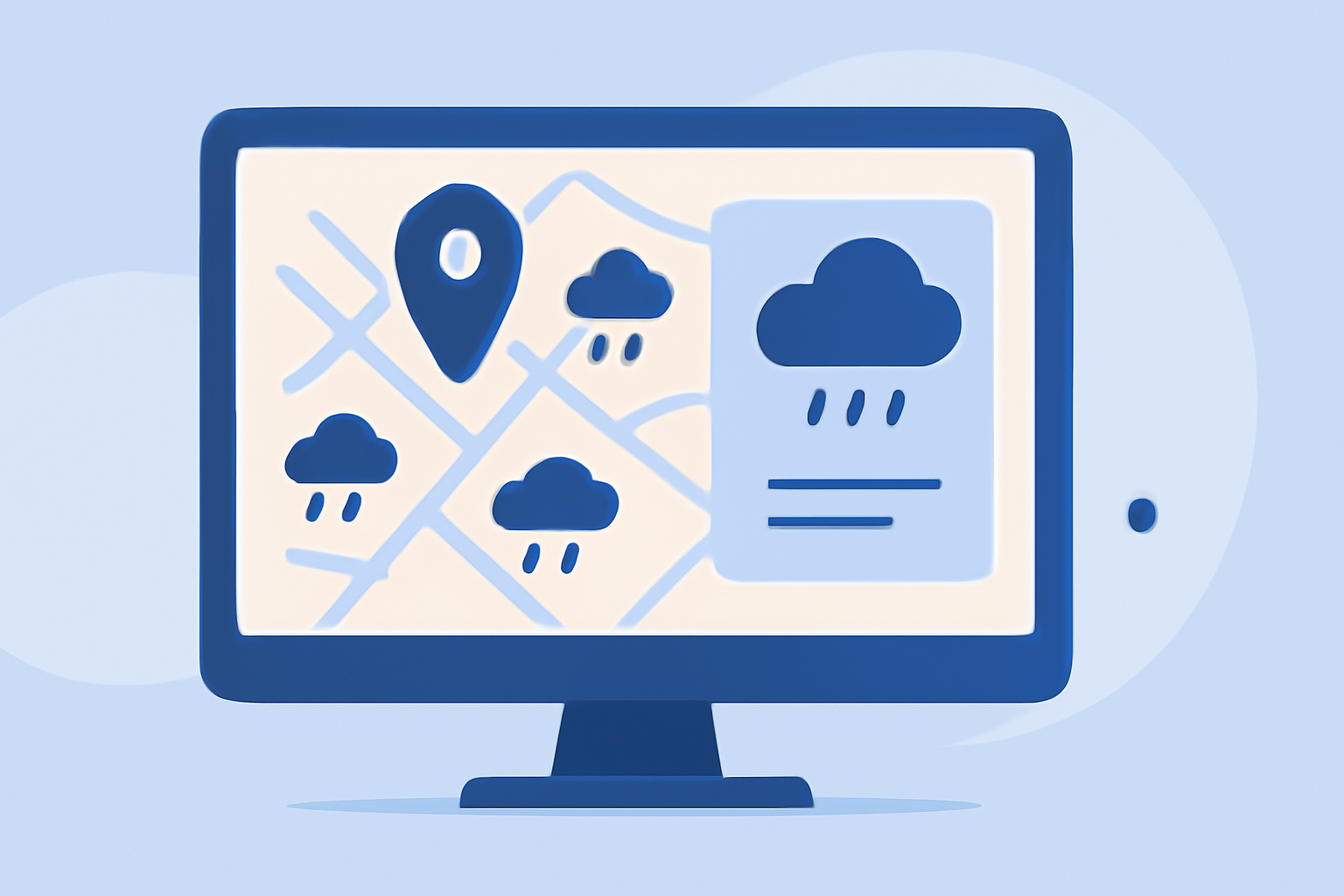
Understanding rain maps is essential for drivers aiming to navigate safely through changing weather conditions. These tools provide real-time information on precipitation, helping you make informed decisions during your journey.
What Are Rain Maps?
Rain maps, or precipitation maps, display current and forecasted rainfall patterns over specific areas. They utilize data from weather satellites, radar systems, and ground stations to illustrate where and how much rain is expected. For drivers, these maps are invaluable for anticipating wet conditions and planning routes accordingly.
Why Are Rain Maps Important for Drivers?
Rain can significantly impact driving conditions, reducing visibility and road traction. By consulting rain maps, drivers can:
- Plan Routes: Identify areas with heavy rainfall to avoid potential hazards.
- Adjust Timing: Schedule trips to avoid driving during adverse weather.
- Enhance Safety: Stay informed about sudden weather changes that could affect driving conditions.
How to Use Rain Maps While Driving
Integrating rain maps into your driving routine can be straightforward:
- Choose a Reliable App: Select a weather application that offers real-time rain maps and alerts.
- Set Up Alerts: Configure notifications for your route to receive timely updates on weather changes.
- Monitor Conditions: Regularly check the rain map during your drive to stay updated on precipitation patterns.
Clime: A Comprehensive Solution for Drivers
Clime is a weather application designed with drivers in mind, offering features that enhance road safety:
- High-Resolution Radar: Provides detailed precipitation maps, allowing drivers to visualize rain patterns along their route.
- Severe Weather Alerts: Delivers timely notifications about hazardous conditions, including heavy rainfall and storms.
- User-Friendly Interface: Features a mobile-first design, ensuring ease of use while on the road.
By utilizing Clime, drivers can access accurate and up-to-date rain maps, aiding in safer travel decisions.
Additional Tips for Using Rain Maps Effectively
- Stay Updated: Weather conditions can change rapidly; regularly check your rain map for the latest information.
- Combine Resources: Use rain maps alongside other weather tools, such as traffic apps, to get a comprehensive view of driving conditions.
- Practice Safe Driving: Even with accurate rain maps, always drive cautiously in wet conditions, maintaining appropriate speed and distance.
Incorporating rain maps into your driving routine can significantly enhance your ability to navigate safely through varying weather conditions. By staying informed and prepared, you can make your journeys more secure and comfortable.