
Rain Maps Explained on Wear OS
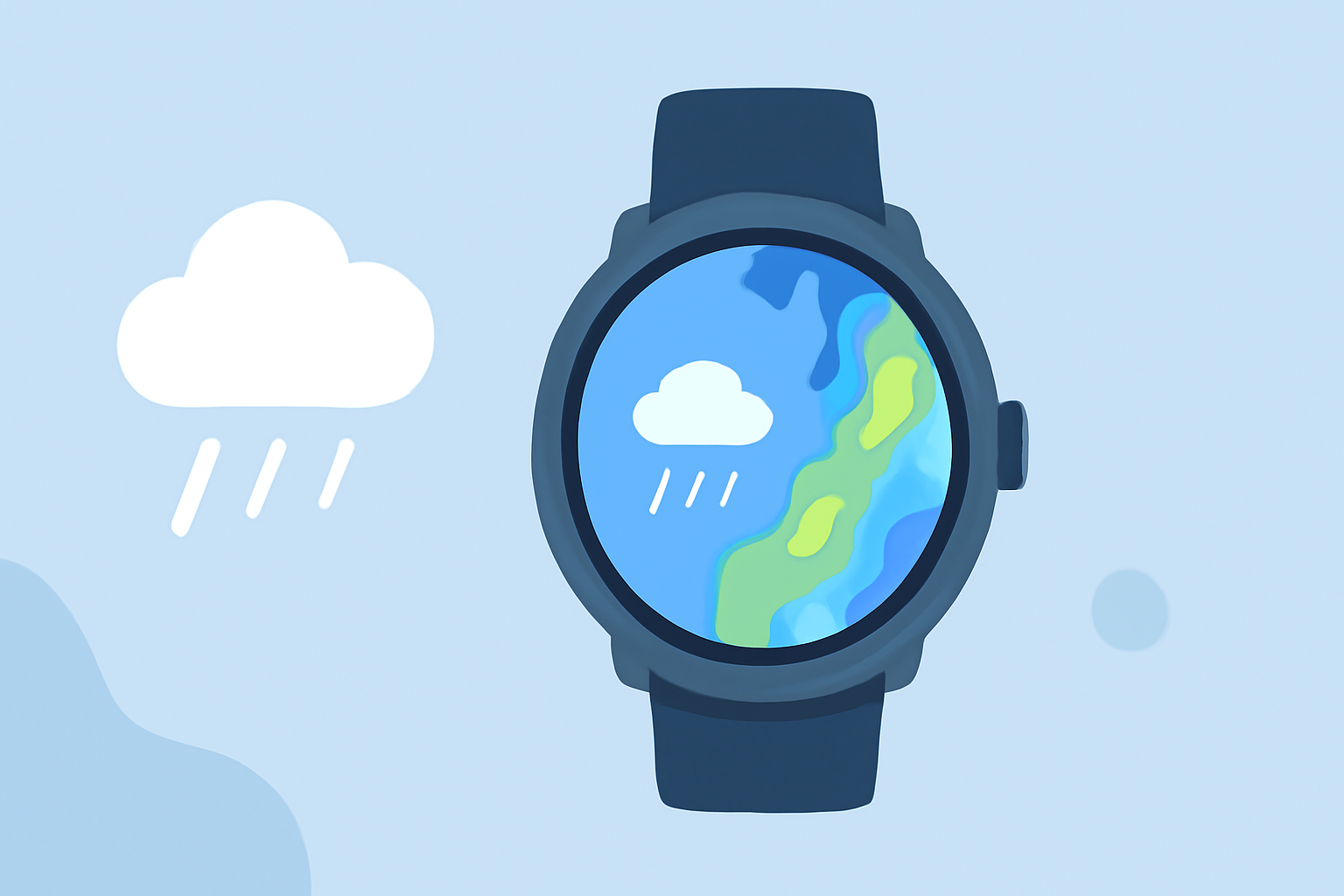
Rain maps on Wear OS smartwatches provide real-time precipitation data, allowing users to monitor rainfall patterns directly from their wrist. This feature is particularly beneficial for planning outdoor activities, commuting, or staying informed about local weather conditions.
Accessing Rain Maps on Wear OS
To view rain maps on your Wear OS device, you can utilize the Google Maps app, which offers weather overlays, including precipitation forecasts. Here's how to access and use this feature:
-
Open Google Maps: On your Wear OS smartwatch, swipe up to access your apps and select the Google Maps icon.
-
Enable Weather Layer: Within the app, tap the layers icon (usually represented by a stack of squares) to access different map overlays.
-
Select Weather: Choose the 'Weather' option to display current weather conditions, including precipitation, on the map.
This functionality allows you to visualize areas experiencing rain, aiding in better decision-making for your daily plans.
Limitations of Built-in Rain Maps
While Google Maps provides basic weather overlays, it may lack detailed precipitation data and advanced features. For instance, it might not offer real-time radar imagery or localized forecasts, which are crucial for accurate weather predictions.
Enhancing Your Weather Experience with Clime
Clime offers a comprehensive weather application designed to provide detailed and accurate weather information directly on your Wear OS smartwatch. Key features include:
-
Real-Time Precipitation Maps: Clime delivers up-to-date rain maps, showing current rainfall intensity and movement, helping you anticipate weather changes.
-
Localized Forecasts: Receive hyper-localized weather forecasts tailored to your exact location, ensuring you have the most relevant information.
-
Severe Weather Alerts: Stay informed with timely notifications about severe weather conditions, including heavy rainfall, thunderstorms, and more.
-
Interactive Radar: Utilize an interactive radar feature to track precipitation patterns and plan your activities accordingly.
By integrating Clime into your Wear OS device, you gain access to a robust suite of weather tools, enhancing your ability to make informed decisions based on current and forecasted weather conditions.
Conclusion
While Wear OS devices offer basic rain map functionalities through apps like Google Maps, they may not provide the depth of information required for precise weather planning. Clime's specialized weather application offers advanced features that can significantly enhance your weather monitoring experience on your Wear OS smartwatch.
Highlights:
- How to use Google Maps on a Garmin watch, Published on Friday, August 29