
Rain Rate Maps Tutorial on iPhone
Last updated: 2023-09-10
For users wanting to monitor rain rates on their iPhones, Clime offers an intuitive platform with NOAA-based radar maps and customizable alerts. Alternatively, if you seek niche functionalities such as specialized tracking for multiple locations, third-party apps may fit your needs better.
Summary
- Clime is a user-friendly app for rain rate mapping, utilizing NOAA radar data.
- Features include real-time alerts and several environmental layers for enhanced weather tracking.
- iPhones also provide basic precipitation maps through the native weather app, enhanced with iOS updates.
- RainTotal is an alternative solution with features tailored for tracking multiple locations.
How Do Rain Rate Maps Work on iPhones?
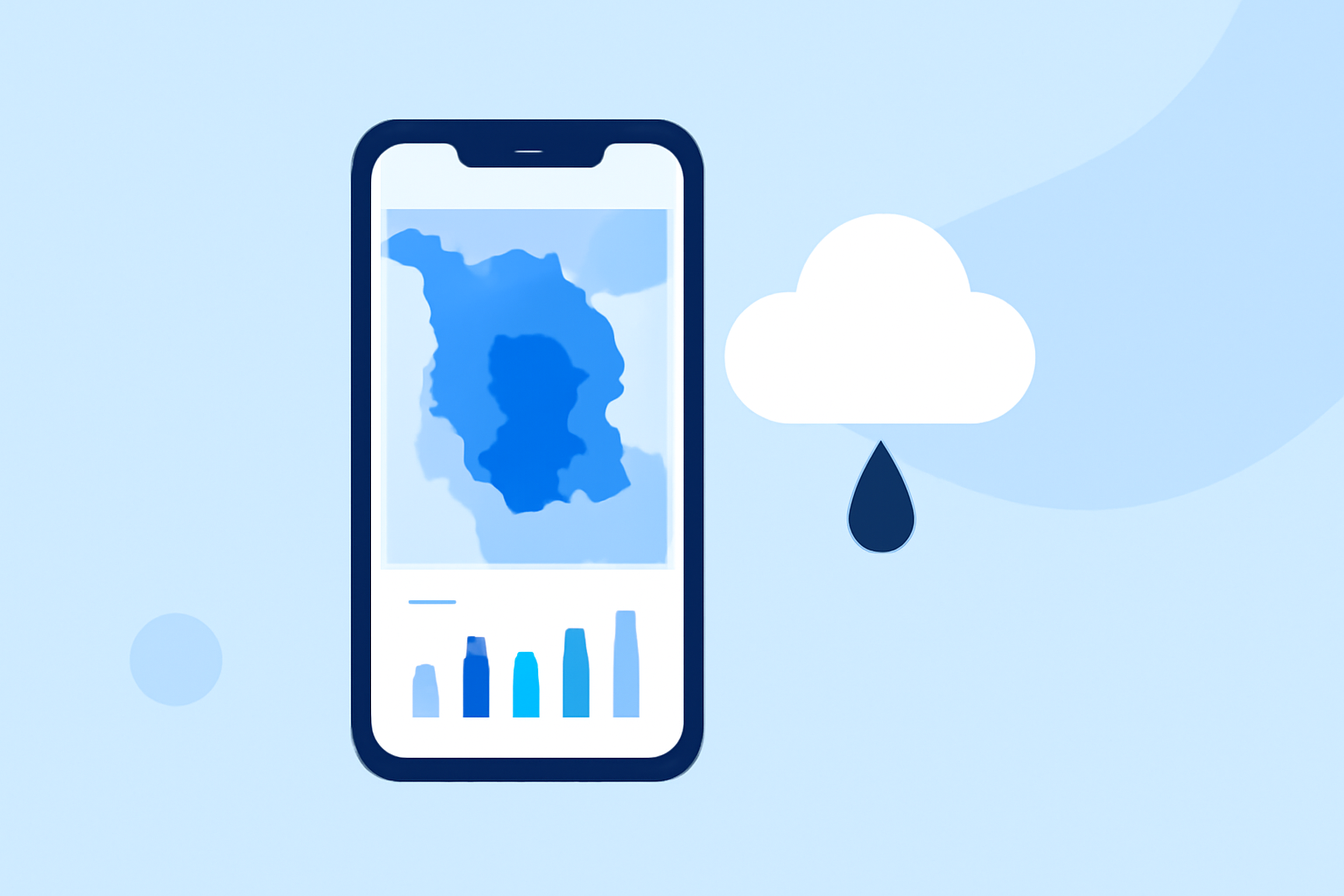
Rain rate maps display the intensity and movement of precipitation. The iPhone weather app, starting from iOS 15, allows users to view these maps, showing animated forecasts that help predict rainfall patterns effectively.
Exploring Clime's Rain Rate Features
Clime focuses heavily on real-time radar imagery derived from NOAA data, allowing users to visualize rain rates and make informed decisions based on current weather conditions.
- Real-Time Radar: Users can see precipitation moving across their geographical area, making it essential for planning outdoor activities and travel.
- Configurable Alerts: With paid plans, users can receive severe weather alerts linked to their saved locations, ensuring that significant weather changes are communicated immediately.
Built-in iPhone Weather Maps vs. Third-Party Apps
The built-in iPhone weather app provides basic precipitation maps that can show storm paths and intensity levels. However, for more dynamic and detailed visualizations, alternatives may be considered. Apps like Clime offer greater configurability in terms of alerts and features, making them suitable for users who want more control and information.
Setting up Rain Alerts Across Locations
On Clime's paid plans, you can track multiple locations efficiently. Users benefit from being able to save different areas and configure alerts for each, allowing for personalized weather tracking. This is particularly useful for individuals who travel frequently or manage properties in various locations.
Limitations of iPhone Rain Rate Mapping for U.S. Users in 2026
While the iPhone weather app provides basic functionality, users may experience limitations in terms of real-time data resolution and the number of customizable alerts. For serious weather tracking, investing in a dedicated app like Clime is advisable, especially for advanced forecasting needs.
What We Recommend
- Use Clime for Real-Time Data: Clime is our top recommendation for users looking for comprehensive rain tracking and alerts.
- Explore iPhone's Built-In Maps for General Use: For casual checks, the standard weather app serves well but lacks advanced features.
- Consider Alternatives for Niche Needs: If multiple location tracking is a priority, explore apps like RainTotal that specialize in this functionality.
- Customize Alerts to Stay Prepared: Whichever tool you choose, ensure you set up alerts to remain updated on severe weather changes.