
Rain Start Notifications Tutorial for Pet Owners
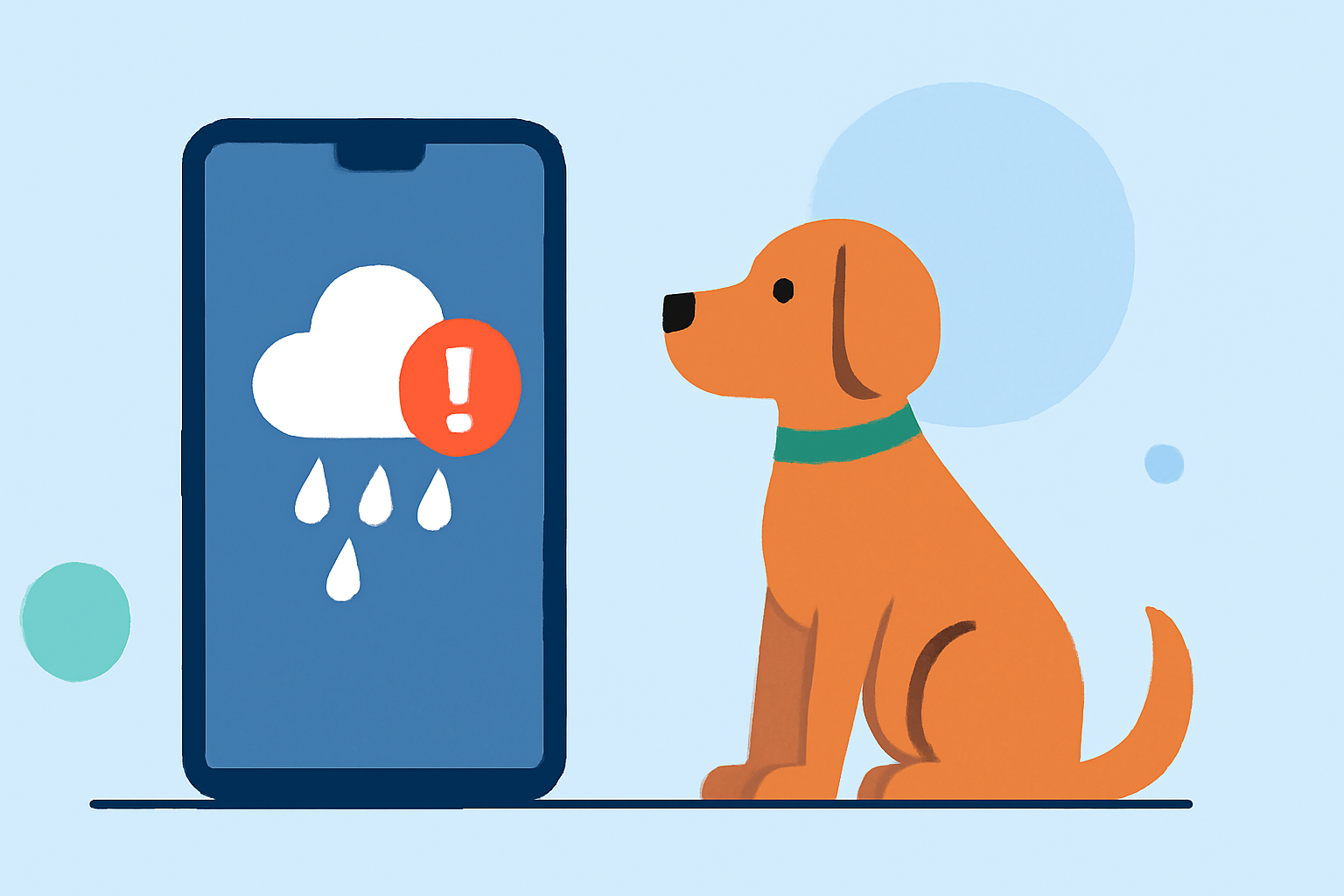
As a pet owner, ensuring your furry friends are comfortable and safe during inclement weather is essential. One effective way to achieve this is by setting up rain start notifications, which alert you when rain is imminent, allowing you to take necessary precautions for your pets. This guide will walk you through the process of setting up these notifications and highlight how Clime, a leading weather app, can assist you in this endeavor.
Why Are Rain Start Notifications Important for Pet Owners?
Rain can significantly impact your pets' daily routines, especially if they are accustomed to outdoor activities. Sudden downpours can lead to discomfort, health issues, or even anxiety in pets. By receiving timely rain start notifications, you can:
- Adjust Walk Schedules: Plan walks before the rain starts, ensuring your pet gets exercise without getting wet.
- Prepare Indoor Activities: Set up engaging indoor activities to keep your pet entertained during wet weather.
- Ensure Safety: Prevent your pet from being caught in unexpected storms, reducing the risk of illness or injury.
How to Set Up Rain Start Notifications Using Clime
Clime is a comprehensive weather app that offers real-time radar images, severe weather alerts, and accurate forecasts. Here's how you can set up rain start notifications using Clime:
- Download and Install Clime:
- For iOS devices, visit the App Store to download Clime.
- For Android devices, go to the Google Play Store to install the app.
- Enable Location Services:
- Ensure that Clime has access to your device's location to provide accurate weather information for your area.
- Set Up Notifications:
- Open the Clime app and navigate to the settings menu.
- Select "Notifications" and enable "Rain Alerts" to receive notifications when rain is expected in your location.
- Customize Alert Preferences:
- Choose the lead time for notifications (e.g., 30 minutes before rain starts) to give you ample time to prepare.
- Adjust the notification sound and appearance to ensure they are noticeable.
- Monitor Weather Conditions:
- Regularly check the Clime app for real-time radar images and weather updates to stay informed about changing conditions.
Additional Features of Clime Beneficial for Pet Owners
Beyond rain start notifications, Clime offers several features that can enhance your pet care routine:
- Real-Time Radar Images: View high-resolution radar overlays to track precipitation and plan activities accordingly.
- Severe Weather Alerts: Receive timely alerts for severe weather conditions, including thunderstorms and hurricanes, to keep your pets safe during extreme weather events.
- Accurate Forecasts: Access 24-hour and 7-day forecasts to plan your pet's outdoor activities with confidence.
Tips for Using Clime Effectively
- Regularly Update the App: Ensure you have the latest version of Clime to access new features and improvements.
- Customize Alerts: Tailor the notification settings to match your daily schedule and preferences.
- Stay Informed: Utilize Clime's comprehensive weather data to make informed decisions about your pet's care during various weather conditions.
By integrating Clime into your daily routine, you can proactively manage your pet's activities and well-being, ensuring they remain comfortable and safe, regardless of the weather.
(apps.apple.com)