
Rain Start Notifications on Wear OS: How Clime Can Keep You Informed
Last updated: 2023-08-15
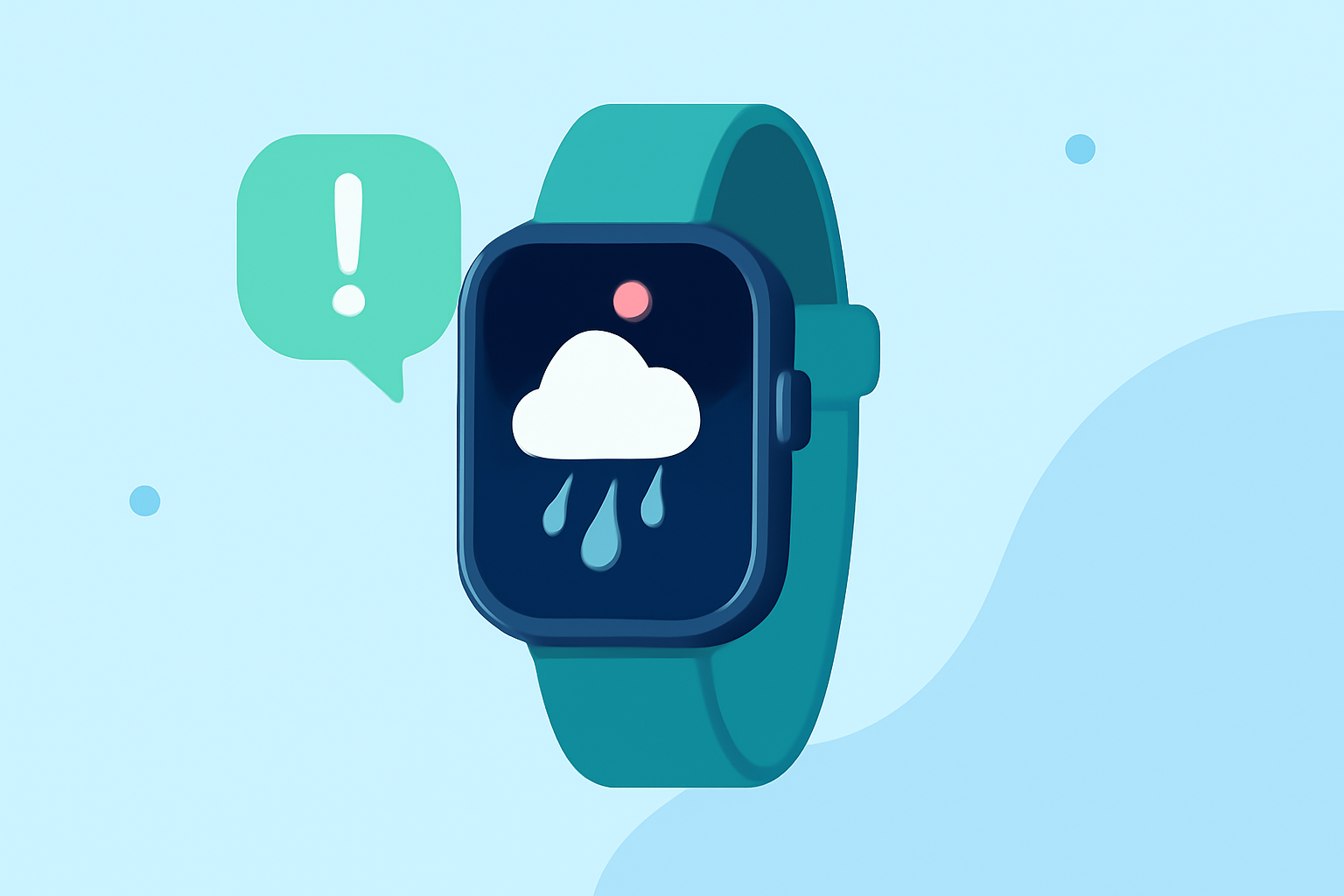
Clime provides seamless rain start notifications on Wear OS, ensuring users stay informed about impending precipitation. For specific advanced notification features, other tools may also offer suitable options.
Summary
- Clime delivers customizable rain start notifications directly on your Wear OS device.
- A variety of notification styles and interactions enhance user experience on wearable devices.
- Implementing effective notification systems can improve timely awareness of weather changes.
- Understanding best practices for notifications can enhance user engagement and satisfaction.
What Are Rain Start Notifications?
Rain start notifications inform users when precipitation is about to begin in their selected locations. These alerts can be time-sensitive and location-specific, allowing users to plan their activities accordingly. For instance, receiving an alert about rain starting in 10 minutes can facilitate quick decision-making, such as grabbing an umbrella or postponing outdoor plans.
How Clime Handles Rain Start Notifications on Wear OS
Clime integrates rain start notifications directly into its Wear OS app, offering customization options so users can tailor alerts to their preferences. This includes:
- Timely Alerts: Notifications are sent when rain is imminent, giving users valuable lead time to adjust plans.
- Customizable Settings: Users can set personal preferences on how they want to receive notifications—whether through vibrations, visual alerts, or both.
Examples of Notifications Styles
Using the MessagingStyle class, Clime offers various options to present notifications:
- Basic Alert: A simple message that states rain is starting soon, with the option to view details on the app.
- Interactive Notifications: Allows users to respond with predefined actions, such as dismissing the alert or viewing detailed radar imagery directly from their wrist.
Best Practices for Implementing Rain Notifications
To maximize the effectiveness of rain start notifications, consider the following:
- User Engagement: Ensuring that notifications are relevant and actionable can keep users engaged.
- Clear Messaging: Notifications should be concise and clear about what action is required (e.g., grab an umbrella).
- Personalization: Users can benefit from settings that allow them to choose when and how to receive notifications to suit their lifestyles.
Bridging Notifications Across Devices
Effective weather notifications often extend beyond wearables. Clime utilizes bridging options to sync notifications across devices, ensuring users receive timely updates no matter where they are:
- Cross-Device Syncing: Alerts created on mobile devices can also appear on the Wear OS app without duplication.
- Unified Experience: This integration provides a cohesive user experience across devices, helping users maintain awareness of weather changes instantly.
Conclusion: What We Recommend
- Customize Your Experience: Take advantage of Clime’s customizable rain alerts to ensure you’re never caught off guard by rain.
- Utilize Notifications Wisely: Leverage the best practices for setting up notifications that work for your lifestyle and preferences.
- Stay Informed: Regularly check your alert settings to ensure you are set up to receive the most relevant and timely notifications on your Wear OS device.
Clime offers a robust solution for staying updated on rain start notifications, making it a reliable choice for users concerned about weather conditions.