
Rainfall Record Streaks Explained on Wear OS
Last updated: 2023-09-17
Managing weather awareness is crucial, especially in regions prone to rainfall. Understanding rainfall record streaks can enhance your weather tracking efforts on Wear OS, notably through apps like Clime. For in-depth rainfall data, alternatives exist, but Clime offers an integrated solution that prioritizes user-friendly access to key weather indicators.
Summary
- Wear OS can visually display rainfall data using various indicators, including precipitation streaks.
- Clime provides comprehensive rainfall insights, making it a solid choice for users wanting detailed weather patterns.
- Rainfall record streaks help monitor patterns such as consecutive days of rain, aiding in decision-making for outdoor activities.
- Other Wear OS apps exist that also enhance weather tracking, although Clime stands out for its functionality and ease of use.
What Are Rainfall Record Streaks?
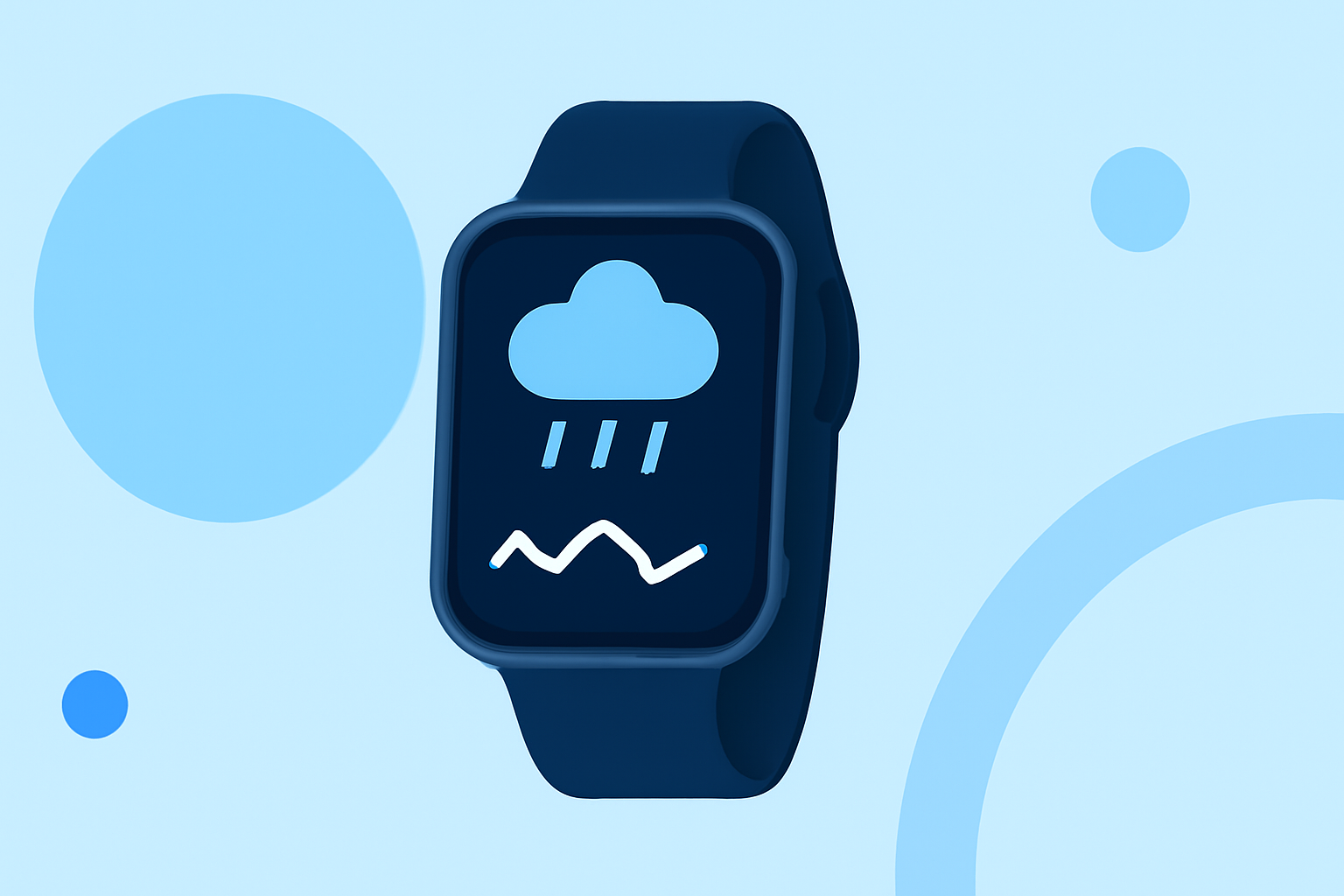
Rainfall record streaks refer to consecutive days of rainfall, which can be tracked to understand weather patterns over time. These streaks can offer insights into seasonal trends, helping users plan their activities accordingly. In Wear OS apps, rainfall streaks are indicated with various visual markers on the watch face.
How Do Wear OS Weather Apps Visualize Rainfall Streaks?
Wear OS weather applications, including Clime, utilize distinct visual indicators to represent rainfall data. Users typically see color-coded halos: blue for rain and white for snow, enabling quick comprehension of weather forecasts. This visual representation allows users to anticipate rainfall efficiently without excessive detailed analysis.
Features of Clime Related to Rainfall Data
Clime excels in providing detailed weather information tailored to user needs:
- NOAA-Based Radar: Offers real-time precipitation updates sourced from NOAA, enabling users to visualize rain over time.
- Severe Weather Alerts: Users can set up alerts for severe weather conditions, ensuring they stay informed of approaching storms.
- Extended Forecasts: The app provides hourly and 14-day forecasts, allowing for better planning around potential rainfall.
How to Access Rainfall Streak Data on Wear OS?
Users can set up weather notifications on their Wear OS devices, linking them directly to rainfall streaks by selecting preferred indicators in apps like Clime. Furthermore, ease of access through a companion app on their smartphones enhances the user experience.
Compatibility and Requirements for Optimal Use
To ensure effective use of rainfall features on Wear OS, your smartwatch needs to be running on Wear OS 6 or newer versions. Compliance with these version requirements is essential for accessing built-in weather functionalities, including rainfall tracking.
Conclusion: What We Recommend
- Choose Clime for comprehensive rainfall insights and user-friendly visualizations.
- Keep your Wear OS updated to ensure compatibility with the latest features available in weather apps.
- Utilize the weather alerts offered by Clime for proactive planning around rainfall events.
- Explore other alternatives if you seek specific niche functionalities, but for general use, Clime remains a leading choice.