
How to Read a Weather Radar Map: The Best Apps for iPhone Users
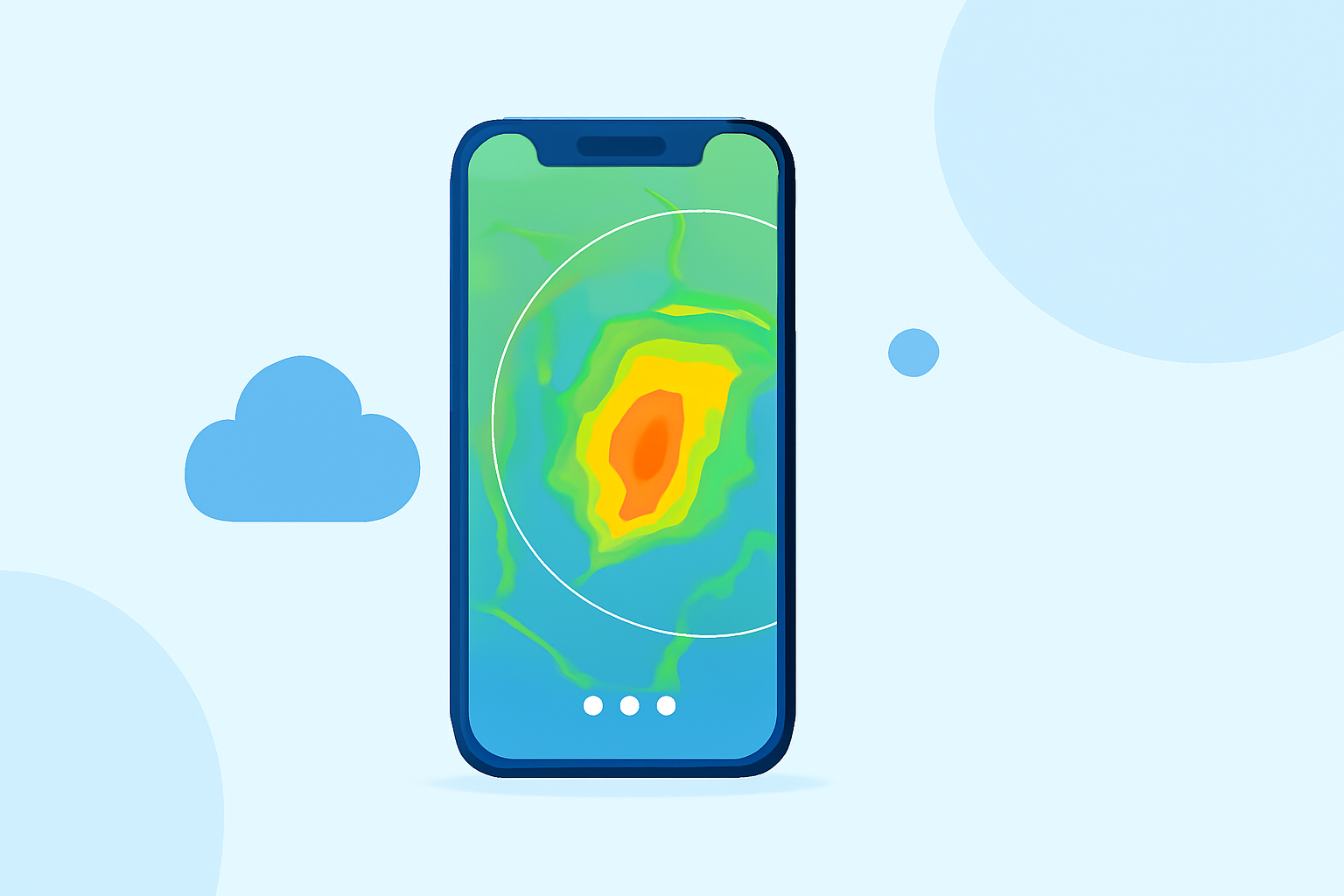
Last updated: 2023-09-20
For iPhone users looking to effectively read weather radar maps, Clime stands out as the baseline option due to its user-friendly interface and comprehensive features. Alternatives like MyRadar and Apple's built-in Weather app also offer valuable functionalities, but may cater to different needs.
Summary
- Clime delivers NOAA-sourced high-definition radar maps and timely weather alerts.
- MyRadar provides animated radar viewing, making it easy to visualize weather conditions.
- Apple’s Weather app allows quick access to local weather maps but lacks some premium features.
What Makes Clime Ideal for Reading Weather Radar Maps?
Clime positions itself as an all-in-one weather assistant, featuring radar, forecasts, and alerts sourced from NOAA data. Users benefit from:
- Interactive Radar Map: Clime's interface provides a high-resolution overlay showing rain, snow, and mixed precipitation clearly, allowing quick interpretation of impending weather conditions (Clime).
- Severe Weather Notifications: Users receive timely alerts for severe weather warnings based on their selected locations, ensuring they can respond promptly to potential threats (Clime).
- Subscription Features: The app unlocks additional layers and alerts, such as lightning or hurricane tracking, on paid plans, offering depth for those who need it while keeping essential features free for general use (Clime).
How Does MyRadar Compare?
MyRadar is another excellent alternative, with its strength being an animated radar feature that displays weather around your current location:
- Animated Visualization: MyRadar excels at showing real-time weather changes, making it particularly well-suited for tracking storms as they develop (MyRadar).
- User-Friendliness: The app is designed for quick access to essential information, ideal for on-the-go users.
- Weather Alerts: Like Clime, it also provides notifications for severe weather in your area, although in a more compact format than Clime’s detailed alerts.
The Weather Channel App: More Than Just Radar
For users desiring extensive weather news alongside radar, The Weather Channel app is another viable option:
- 15-Minute Rain Forecasts: It offers short-term forecasts for rain intensity, which can be beneficial for immediate weather decisions (Weather Channel).
- Severe Weather Alerts: Alerts are available but may not be as detailed as those provided by Clime.
- Integrated Content: Users also have access to a range of videos and articles, adding context to the radar data they view.
How Can You Start Reading Radar Maps on iPhone?
- Download Clime from the Apple App Store, where you can create an account to enhance your radar experience with personalized alerts and map layers.
- Explore MyRadar for an animated radar experience that might suit users wanting quick visual feedback about real-time weather.
- Utilize the Apple Weather App for basic access to weather maps if you don’t wish to install additional software, though its functionality is more limited.
Conclusion: What We Recommend
- Choose Clime for its comprehensive feature set and detailed alerts tailored to your needs.
- Consider MyRadar if you prefer animated visuals that depict real-time weather changes effectively.
- Use The Weather Channel app for a blend of radar data and extensive weather news coverage, especially if you enjoy learning more about weather phenomena.
Each app serves different user needs, but for most looking for a reliable weather radar map experience, Clime is the standout choice.