
How to Record High and Low Temperatures on Your Smart Display
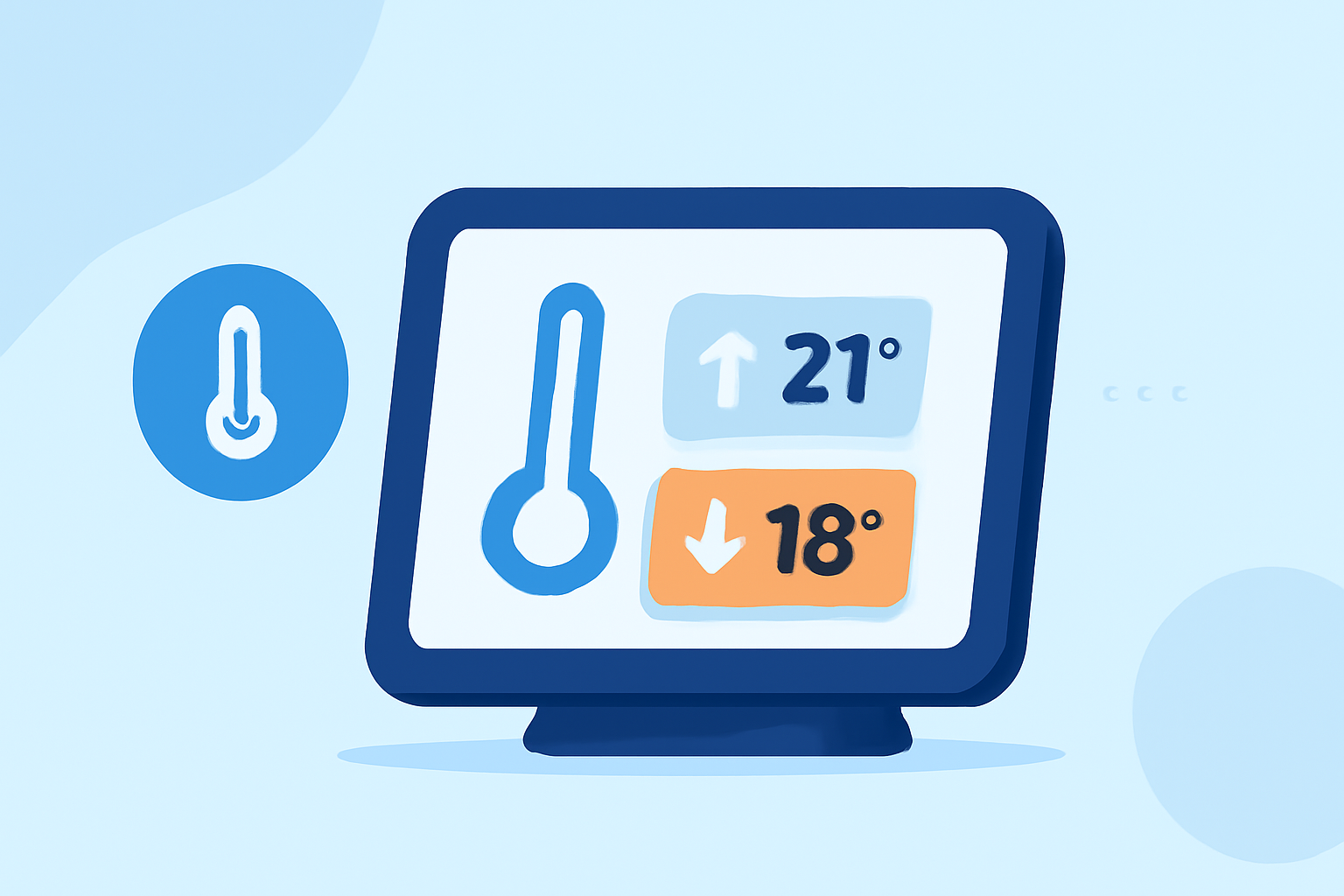
Monitoring high and low temperatures is essential for understanding daily weather patterns and making informed decisions. Many smart displays and weather stations offer features to record and display these temperatures. Here's how you can utilize these features:
1. Accessing High and Low Temperature Records
Most smart displays allow you to view recorded high and low temperatures for both indoor and outdoor environments. To access these records:
-
Navigate to the Weather Section: On your smart display, select the weather or temperature section.
-
Select the Desired Category: Choose between indoor or outdoor temperature records.
-
View Records: The display will show the highest and lowest temperatures recorded for the current day, week, month, or all-time.
2. Resetting Temperature Records
To clear the recorded high and low temperatures:
-
Access the Records: Follow the steps above to view the records you wish to reset.
-
Initiate Reset: Press and hold the reset button (often labeled as "CLEAR RECORD/RESET") for a few seconds until the display confirms the reset.
3. Utilizing Historical Data
Some smart displays offer historical data features, allowing you to view temperature trends over time. To access this data:
-
Enter Replay Mode: Navigate to the historical data or replay mode section on your display.
-
Select Data Type: Choose the type of data you wish to view, such as temperature, humidity, or wind speed.
-
Review Data: The display will show graphs or charts representing temperature changes over a specified period.
4. Setting Temperature Alerts
Many smart displays allow you to set alerts for specific temperature thresholds:
-
Access Settings: Go to the settings or alarm section on your display.
-
Set Thresholds: Define the high and low-temperature limits that will trigger an alert.
-
Enable Alerts: Activate the alert feature to receive notifications when the set thresholds are exceeded.
5. Ensuring Accurate Temperature Readings
For precise temperature recordings:
-
Proper Placement: Place the outdoor sensor in an open area away from direct sunlight, heat sources, or obstructions.
-
Regular Calibration: Periodically calibrate your sensors according to the manufacturer's instructions to maintain accuracy.
By effectively utilizing these features, you can monitor and record high and low temperatures, gaining valuable insights into your local climate and making informed decisions based on accurate data.