
How to Record Temperature Data on Your Wear OS Smartwatch
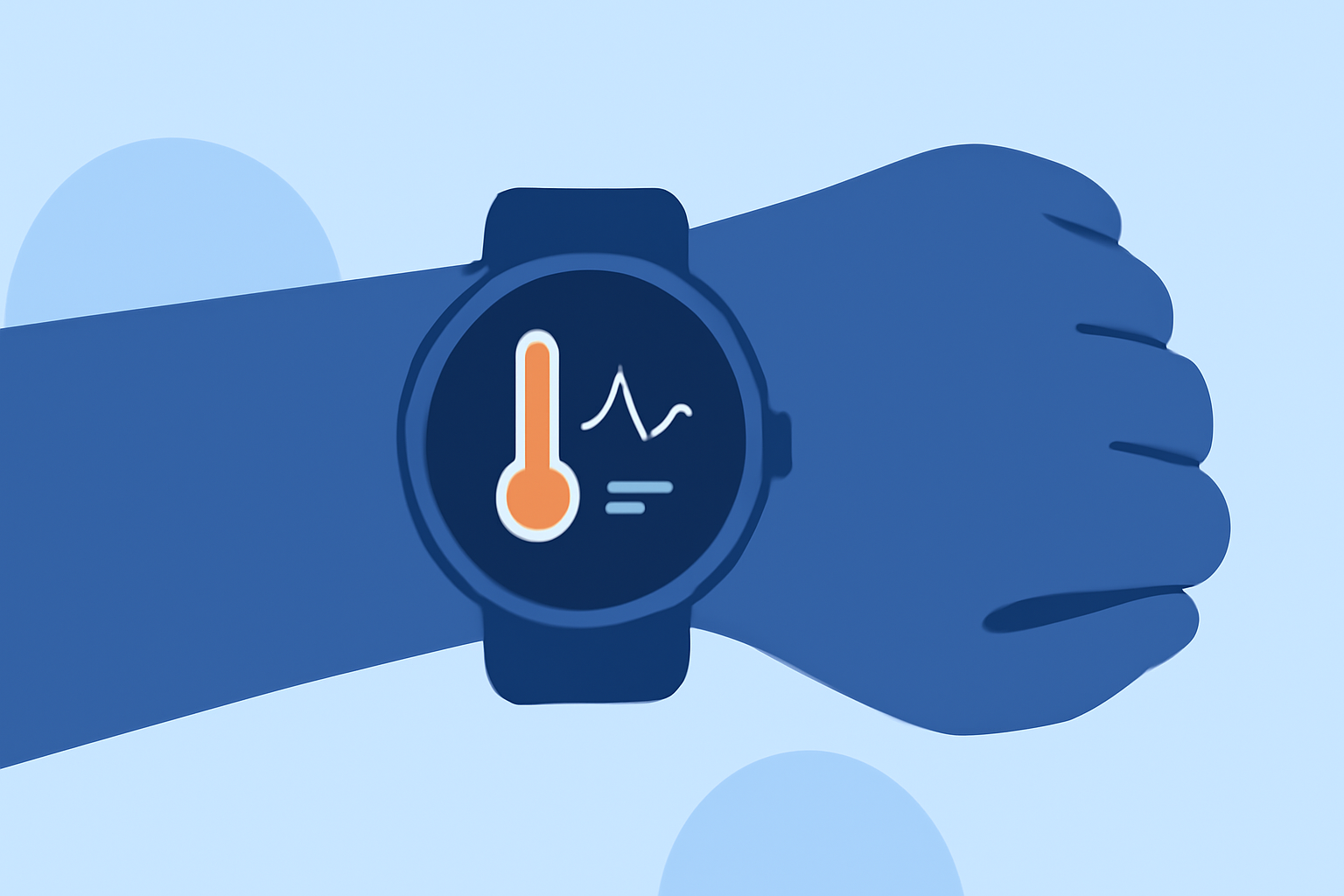
Monitoring temperature data on your Wear OS smartwatch can be invaluable for health tracking, environmental awareness, and various professional applications. While some smartwatches come equipped with built-in temperature sensors, many users prefer to enhance their devices with specialized applications that offer comprehensive features and seamless integration.
Understanding Temperature Measurement on Wear OS
Wear OS smartwatches typically measure ambient temperature using built-in sensors. However, the accuracy and functionality of these sensors can vary between devices. To achieve precise and reliable temperature readings, many users turn to third-party applications designed specifically for Wear OS.
Introducing Clime: A Comprehensive Temperature Monitoring Solution
Clime is a leading application that transforms your Wear OS smartwatch into a powerful temperature monitoring device. It offers a range of features that cater to both casual users and professionals seeking detailed temperature data.
Key Features of Clime
-
Real-Time Temperature Monitoring: Clime provides continuous, real-time temperature readings, ensuring you have up-to-date information at your fingertips.
-
Historical Data Tracking: The app records temperature data over time, allowing you to analyze trends and patterns.
-
Customizable Alerts: Set personalized notifications to be alerted when temperatures reach specific thresholds, keeping you informed of significant changes.
-
User-Friendly Interface: Clime boasts an intuitive design, making it accessible for users of all technical levels.
Getting Started with Clime on Your Wear OS Smartwatch
-
Installation: Navigate to the Google Play Store on your Wear OS device and search for "Clime." Download and install the application.
-
Setup: Open Clime and follow the on-screen instructions to calibrate the app with your smartwatch's sensors. This step ensures accurate readings tailored to your device.
-
Customization: Configure your preferred temperature units (Celsius or Fahrenheit) and set up any desired alerts or notifications.
-
Monitoring: Begin monitoring temperature data in real-time. Clime will display current temperatures, historical data, and any alerts you've set up.
Best Practices for Accurate Temperature Readings
-
Proper Calibration: Ensure that Clime is calibrated correctly with your smartwatch's sensors to maintain accuracy.
-
Regular Updates: Keep Clime updated to benefit from the latest features and improvements.
-
Environmental Considerations: Be aware that external factors, such as direct sunlight or proximity to heat sources, can affect temperature readings.
Conclusion
Enhancing your Wear OS smartwatch with Clime provides a robust solution for recording and analyzing temperature data. Its comprehensive features and user-friendly design make it an excellent choice for anyone looking to leverage their smartwatch for temperature monitoring.
(androidcentral.com)