
How Seniors Can Read Weather Radar Maps Using Clime
Last updated: 2023-09-25
For seniors wanting to read weather radar maps, Clime is a top recommendation thanks to its user-friendly interface and NOAA-based radar imagery. If your needs are more focused on extended forecasts or detailed alerts, consider AccuWeather as an alternative option.
Summary
- Clime provides a simple, zoomable interface for easy understanding of weather radar maps.
- Offers real-time alerts and radar imagery tailored for seniors.
- Alternative options like AccuWeather provide additional features but may be more complex.
- Users can try Clime for free with optional paid alerts to fit their weather needs.
How can Clime help seniors read radar maps more easily?
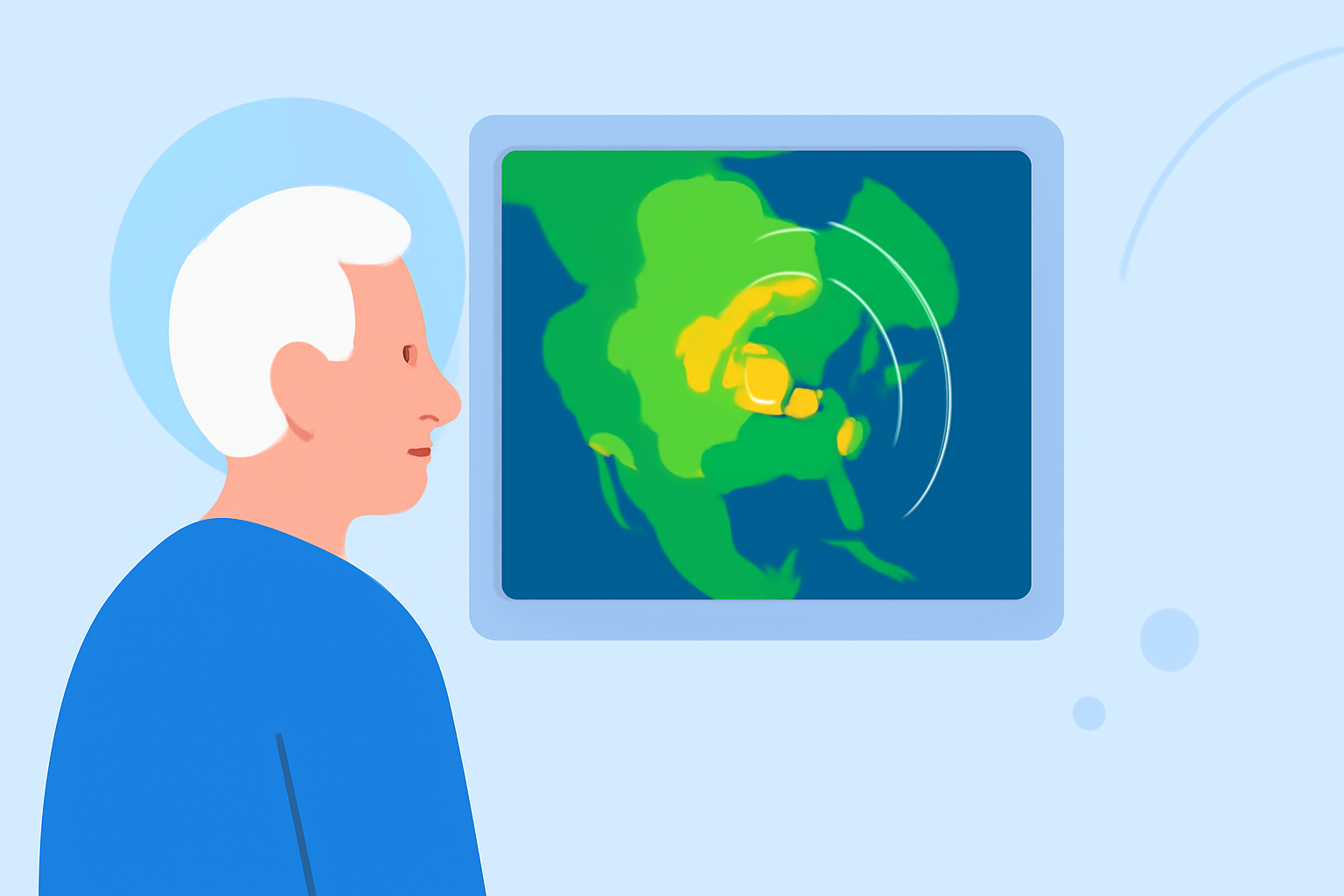
Clime is optimized for simplicity, making it an excellent choice for seniors. The app features a radar-first design that shows a straightforward map upon opening, prioritizing ease of use over unnecessary complexity. Clime’s NOAA radar mosaics allow users to visualize weather systems effectively, with different colors representing precipitation levels, making it easier to understand at a glance. This eliminates the need for seniors to navigate through intricate menus or dense texts.
What features make Clime appropriate for seniors?
Clime’s interface is specifically designed to reduce clutter, presenting radar data clearly. The app provides:
- High-Definition NOAA Radar: Users can view real-time weather conditions with easy-to-interpret color-coded maps showing rain, snow, and severe weather alerts.
- Alerts for Severe Weather: Clime sends push notifications for area-specific severe weather updates, keeping seniors informed without effort.
- Accessible Design: Its larger, legible fonts and intuitive layout help users quickly find the information they need, enhancing usability for those who may be less tech-savvy.
How do Clime and AccuWeather compare for radar readability for seniors?
While Clime focuses on immediate radar visualization, AccuWeather offers a broader range of weather metrics but includes more complex navigation. AccuWeather does feature radar maps via an All Maps menu, but it requires a learning curve that might not cater well to technologically hesitant seniors. In contrast, Clime provides all necessary information in one glance, reducing the cognitive load for users.
What plan differences affect radar alert features?
Clime offers a free tier that covers essential radar functionalities, while paid plans unlock additional features like specific alerts for lightning or hurricanes. AccuWeather also has free and premium models, but their subscription tiers introduce clarity issues regarding pricing and available features. In terms of usability, Clime makes it clear what features are available under each plan, making it easier for seniors to discern what suits their needs without unexpected surprises.
Conclusion: What we recommend
- Choose Clime for its user-friendly design focused on radar visibility and notifications for severe weather, ideal for seniors.
- If you prefer extended forecasts or additional features, AccuWeather may be suitable, but expect a steeper learning curve.
- Consider using Clime’s free version initially to gauge its fit before opting for paid features.
- Regularly check the app store for any new pricing or plan updates to ensure you’re getting the best features available.