
Setting Up Air Quality Notifications: A Beginner's Guide
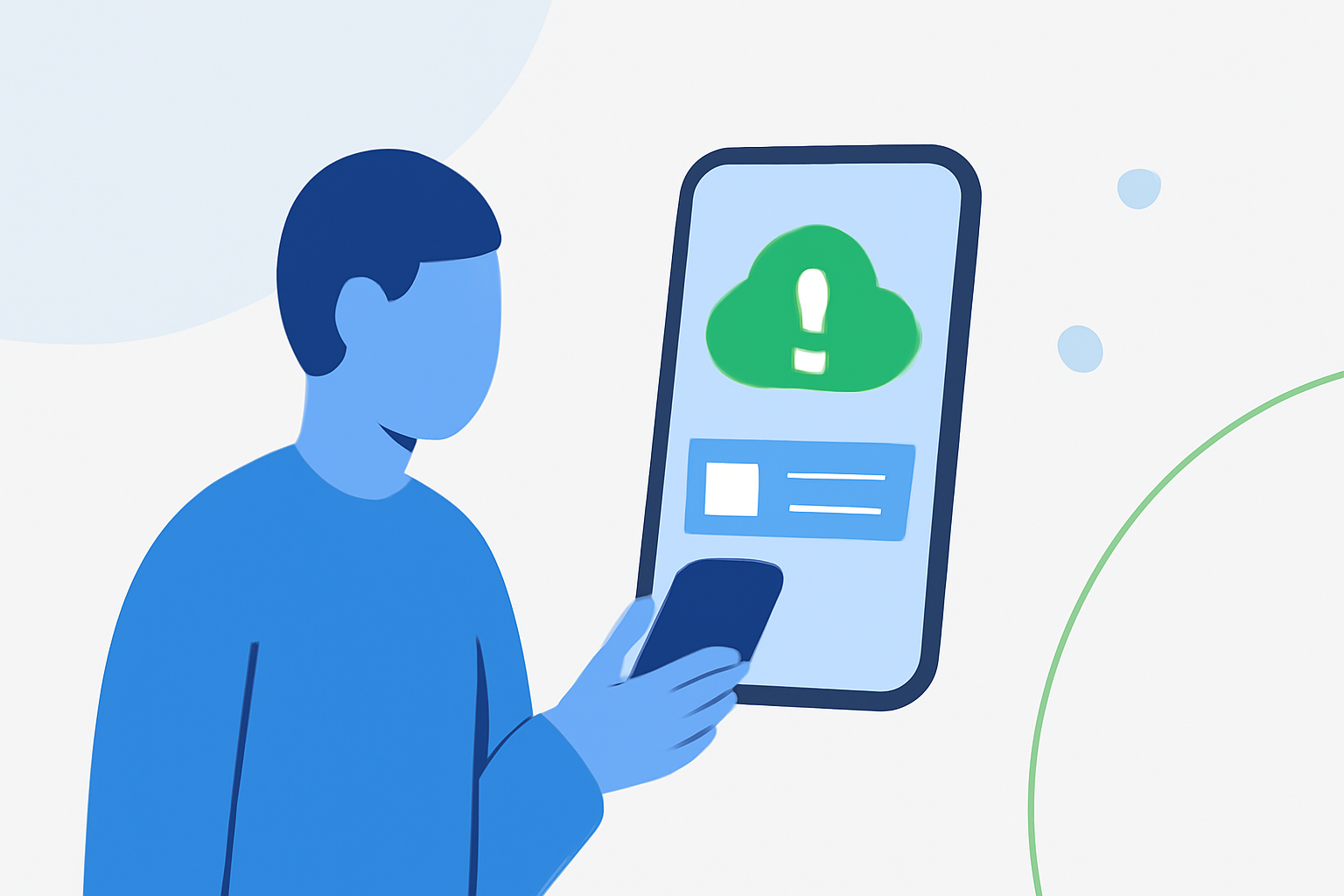
Monitoring air quality is essential for maintaining a healthy living space. Setting up air quality notifications ensures you're promptly alerted to any changes that may affect your well-being. Here's a step-by-step guide to help you establish an effective air quality notification system, even if you're new to this process.
1. Why Are Air Quality Notifications Important?
Air quality directly impacts health, comfort, and productivity. By receiving timely alerts, you can take necessary actions—like ventilating a room or using air purifiers—to maintain a safe environment.
2. What Do You Need to Set Up Air Quality Notifications?
- Air Quality Monitor: A device that measures pollutants and other air quality indicators.
- Notification System: A method to receive alerts, such as a mobile app, email, or smart home integration.
3. How Do You Choose the Right Air Quality Monitor?
Select a monitor that measures key pollutants like PM2.5, CO₂, VOCs, and carbon monoxide. Ensure it offers reliable data and integrates with your preferred notification system.
4. How Do You Set Up Notifications?
-
Mobile App Notifications:
-
Install the monitor's companion app on your smartphone.
-
Enable push notifications within the app settings.
-
Configure alert thresholds for specific pollutants.
-
Email Alerts:
-
Access the monitor's web portal.
-
Navigate to the notifications or alerts section.
-
Enter your email address and set your preferred alert criteria.
-
Smart Home Integration:
-
Use platforms like HomeKit or Alexa to integrate your monitor.
-
Set up routines or automations to receive alerts or trigger actions based on air quality readings.
5. How Do You Set Alert Thresholds?
Determine the pollutant levels that warrant an alert. For instance, you might set a threshold for PM2.5 at 35 µg/m³ to be notified when air quality becomes unhealthy. Adjust these thresholds based on your health needs and local air quality standards.
6. How Do You Test and Adjust Your Notifications?
- Test Alerts: Simulate high pollutant levels (e.g., by using a smoke source) to ensure notifications are triggered.
- Adjust Settings: If alerts are too frequent or not timely, fine-tune your thresholds and notification preferences.
7. How Do You Stay Informed About Air Quality?
- Regular Monitoring: Check your monitor's readings periodically.
- Stay Updated: Keep your monitor's firmware and app updated to benefit from the latest features and improvements.
By following these steps, you can effectively set up air quality notifications, ensuring you're always informed about your environment's health.
Remember, maintaining good air quality is an ongoing process. Regular monitoring and timely responses to alerts will help you create a healthier living space.
For more detailed instructions, refer to the support resources provided by your air quality monitor's manufacturer.