
Setting Up Sunrise Notifications in Your Car
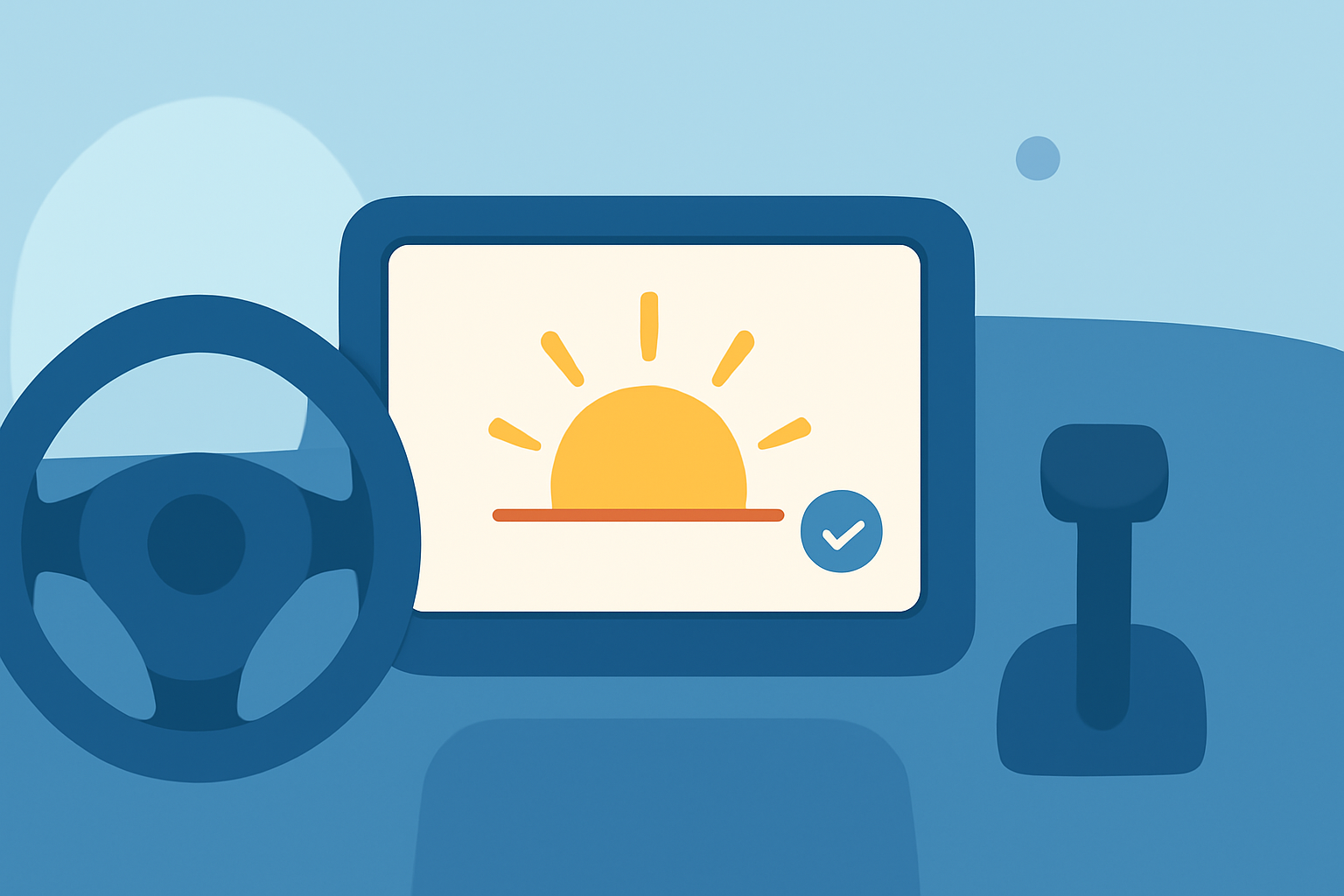
Receiving sunrise notifications in your car can enhance your driving experience by providing timely alerts about the day's first light. Here's how you can set up these notifications:
1. Using Smartphone Alarms
Many smartphones allow you to set alarms based on sunrise times:
-
Android Devices: Apps like Risetime calculate the exact time of sunrise for your location and set an alarm accordingly. (risetime.app)
-
iOS Devices: While iOS doesn't natively support sunrise alarms, you can use third-party apps or shortcuts to achieve this functionality.
2. Integrating with Car Systems
To receive sunrise notifications directly in your car:
-
Android Auto: Ensure your Android device is connected to your car's infotainment system via Android Auto. Set up a sunrise alarm on your phone, and the notification will appear on your car's display. (androidcentral.com)
-
Apple CarPlay: Connect your iPhone to your car's infotainment system using CarPlay. Set up a sunrise alarm on your iPhone, and the notification will be displayed on your car's screen.
3. Utilizing Voice Assistants
Voice assistants can help set up sunrise notifications:
-
Google Assistant: Create a routine that triggers at sunrise to receive a notification. (howtogeek.com)
-
Siri: Use the Shortcuts app to create an automation that sends a notification at sunrise.
4. Safety Considerations
While receiving notifications can be beneficial, always prioritize safety:
- Driving Focus: Both Android and iOS devices offer features to minimize distractions while driving. Ensure these features are activated to reduce interruptions.
By setting up sunrise notifications, you can stay informed about the day's start, enhancing your driving experience.