
Setting Up a Weather App in Your Car: A Step-by-Step Guide
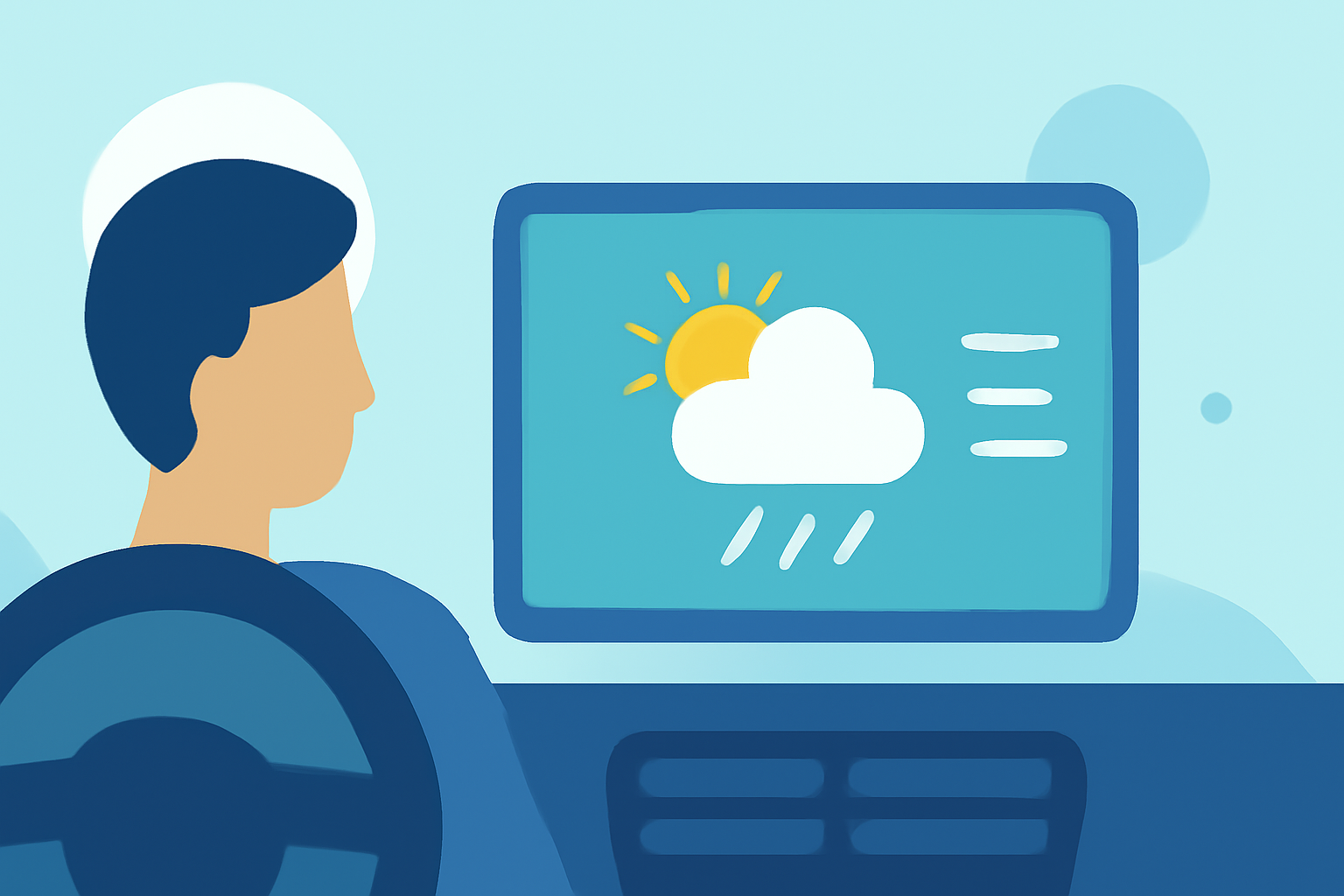
Integrating a weather app into your car's infotainment system can provide real-time updates, helping you plan your journeys more effectively. Here's a step-by-step guide to assist you in setting up a weather app in your vehicle.
1. Check Your Vehicle's Compatibility
Before proceeding, ensure that your car's infotainment system supports app installations. Many modern vehicles offer in-vehicle app services that allow you to access various applications directly from the touchscreen. For instance, some systems enable downloading apps like The New York Times or The Washington Post. (buick.com)
2. Access the App Store on Your Infotainment System
Navigate to the app store or app management section on your vehicle's infotainment system. This is typically found by selecting the "Apps" icon on the home screen. If your system doesn't have a dedicated app store, refer to your vehicle's manual for guidance.
3. Search for a Weather App
Within the app store, use the search function to look for a weather application. Ensure that the app is compatible with your vehicle's operating system. Some systems may offer built-in weather apps, while others might require downloading from the app store.
4. Install the Weather App
Once you've identified a suitable weather app, select it and follow the on-screen instructions to install it. This process may involve accepting terms and conditions and granting necessary permissions.
5. Launch and Configure the App
After installation, open the weather app from your infotainment system's home screen. You may need to enter your location or enable location services to receive accurate weather updates. Some apps also allow you to set up notifications for severe weather alerts.
6. Utilize Voice Commands (If Available)
Many modern infotainment systems support voice commands, enabling you to access weather information hands-free. Activate the voice assistant and say commands like "What's the weather today?" or "Show me the weather forecast."
7. Stay Updated
Regularly check for updates to the weather app to ensure you have the latest features and improvements. Some systems may update apps automatically, while others might require manual updates through the app store.
Additional Tips:
-
Data Connection: Ensure your vehicle has an active data connection, either through a built-in cellular modem or by connecting your smartphone via Bluetooth or USB.
-
Safety First: Always set up and configure apps while the vehicle is stationary to ensure safety.
By following these steps, you can seamlessly integrate a weather app into your car's infotainment system, keeping you informed and prepared for your travels.