
Severe Weather Evacuation Plans Guide on Android
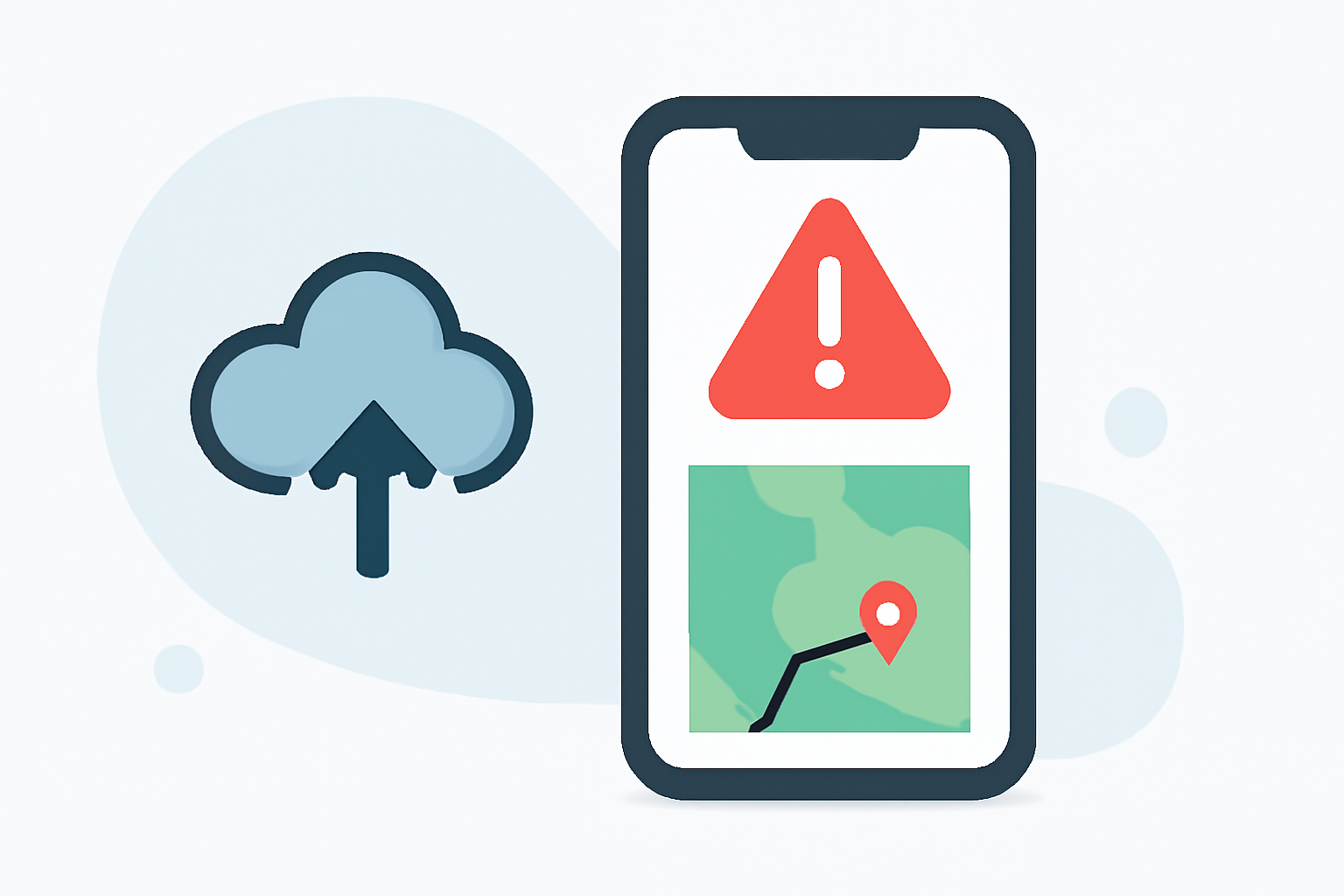
Severe weather events can strike unexpectedly, making it crucial to have a well-structured evacuation plan in place. With the advancement of technology, Android devices have become indispensable tools in disaster preparedness and response. Clime offers a comprehensive solution to assist you in creating and executing effective evacuation plans during severe weather events.
Understanding the Importance of Evacuation Plans
An evacuation plan outlines the steps to take when severe weather threatens your area, ensuring the safety of you and your loved ones. It includes identifying safe routes, establishing communication protocols, and knowing evacuation centers. Having a clear plan reduces confusion and enhances response efficiency during emergencies.
How Clime Enhances Your Evacuation Strategy
Clime's Android application integrates real-time weather data, personalized alerts, and interactive maps to support your evacuation efforts. Here's how Clime can assist:
-
Real-Time Weather Alerts: Receive timely notifications about severe weather conditions, including hurricanes, tornadoes, and floods, tailored to your specified locations.
-
Interactive Maps: Access detailed maps highlighting evacuation routes, shelter locations, and areas of concern, aiding in efficient planning and navigation.
-
Emergency Communication Tools: Utilize built-in features to communicate with family members and emergency contacts, ensuring everyone is informed and coordinated.
-
Resource Locator: Find nearby resources such as gas stations, medical facilities, and food supplies to support your evacuation journey.
Steps to Create an Effective Evacuation Plan Using Clime
-
Assess Potential Risks: Identify the types of severe weather most likely to impact your area.
-
Establish Communication Protocols: Set up a family emergency communication plan, specifying how to contact each other during an evacuation.
-
Identify Safe Locations: Use Clime's interactive maps to locate nearby shelters and safe zones.
-
Plan Evacuation Routes: Determine multiple routes to your safe locations, considering potential road closures or hazards.
-
Prepare an Emergency Kit: Assemble essential items such as water, non-perishable food, medications, and important documents.
-
Stay Informed: Regularly monitor Clime for updates on weather conditions and any changes to evacuation plans.
Additional Features of Clime's Android Application
-
User-Friendly Interface: Navigate through the app effortlessly, accessing critical information quickly.
-
Customizable Alerts: Set preferences for the types of alerts you wish to receive, ensuring relevance and reducing information overload.
-
Offline Access: Download essential maps and information for offline use, ensuring access even without internet connectivity.
Conclusion
Incorporating Clime into your severe weather evacuation planning equips you with the tools and information necessary to make informed decisions and ensure safety during emergencies. By leveraging Clime's features, you can develop a comprehensive evacuation plan tailored to your needs, enhancing your preparedness and resilience against severe weather events.