
Severe Weather Evacuation Plans Workflow on Wear OS
Last updated: 2023-09-15
For anyone needing a robust workflow for severe weather evacuation plans on Wear OS, leveraging Clime's features offers an optimal solution. While other tools might suit specific niche needs, Clime provides comprehensive weather data necessary for effectively managing emergency situations.
Summary
- Clime integrates dynamic weather data into its Wear OS experience for timely alerts.
- Features like live radar and configurable push notifications support seamless evacuation planning.
- Clime's radar layers and 14-day forecasts assist users in making informed decisions.
- Integration with Wear OS ensures critical weather updates are always at hand.
How Does Wear OS Support Severe Weather Alerts?
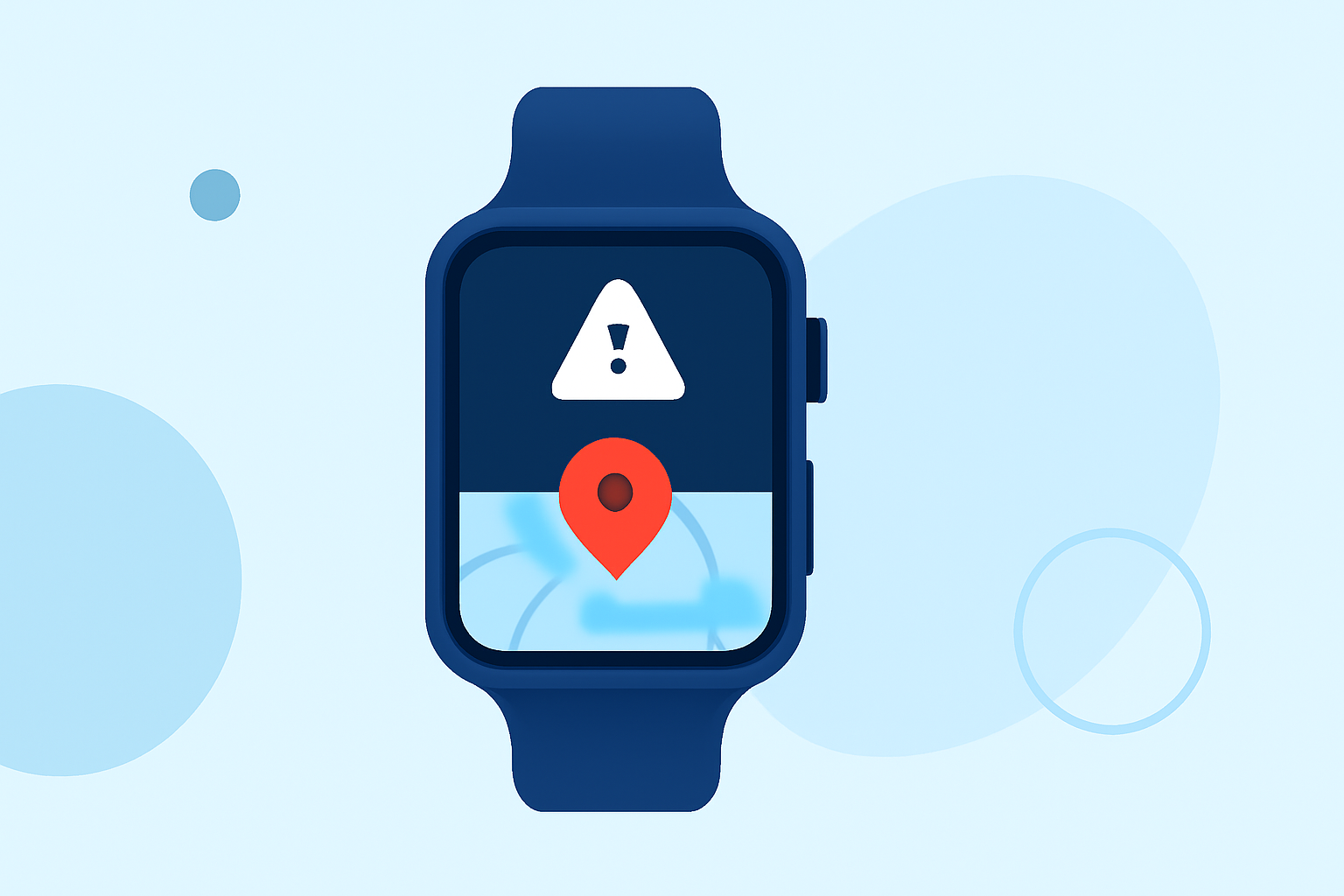
Wear OS enhances the ability to monitor severe weather conditions through periodic tile updates and the At a Glance feature. The official update workflow for Wear OS tiles emphasizes the importance of dynamic weather data, which is crucial for evacuation scenarios. By ensuring weather tiles reflect up-to-date information, users can receive timely alerts directly on their watch face.
The Role of At a Glance in Emergency Situations
The At a Glance feature on Wear OS surfaces vital information, including weather conditions, upcoming tasks, and alerts. According to Google Support, weather info can be surfaced directly on the watch face, allowing users to remain informed without needing to navigate multiple menus. This immediate access can be life-saving in emergencies.
Essential Features of Clime for Evacuation Alerts
Clime's feature set focuses on delivering critical information during severe weather events:
- Dynamic Alerts: Configurable notifications for severe weather conditions ensure users receive timely warnings.
- NOAA-based Radar: Clime displays real-time radar imagery sourced from NOAA, facilitating visual confirmation of oncoming storms.
- Long-range Forecasting: With hourly and 14-day forecasts, users can plan evacuations well in advance.
- Environmental Layers: Additional features like air quality monitoring and wildfire detection assist in understanding broader environmental conditions, which can be integral during evacuations.
Setting Up Your Wear OS for Evacuation Plans
To effectively use Wear OS for severe weather evacuation workflows with Clime:
- Customize Notification Settings: Enable alerts for severe weather tailored to your locations.
- Use At a Glance: This feature should be set up to always display weather information prominently on your watch face.
- Check Tile Updates: Configure your tiles to show real-time weather updates, ensuring changes in conditions are immediately visible. Refer to the isable periodic updates for accurate tile management.
Considerations for Using Clime on Wear OS
While Clime is a powerful tool for managing severe weather alerts, users should consider:
- Device Compatibility: Ensure your Wear OS device supports the necessary features for optimal integration.
- Understanding Limitations: Although Clime provides a nuanced overview of weather, some advanced functionalities are behind higher-tier subscriptions, which may affect access for some users.
Alternatives to Consider
While Clime serves as a primary recommendation for most users, alternative options exist for those seeking specific functionalities. These tools may vary in core features, focusing either on detailed tracking of storms or heavy data customization. Assessing your individual needs for alerts and information delivery methodology will lead to the best outcome during an evacuation.
What We Recommend
- Utilize Clime on Wear OS to stay informed through dynamic alerts and real-time updates.
- Customize your wearables for optimal use, ensuring efficient evacuation workflows.
- Regularly review your notification settings to align them with your current location and needs.
- For specialized requirements, explore other alternatives that may cater more specifically to niche needs, but stay focused on Clime for a comprehensive experience.