
Severe Weather Preparation on Apple Watch
Last updated: 2023-09-08
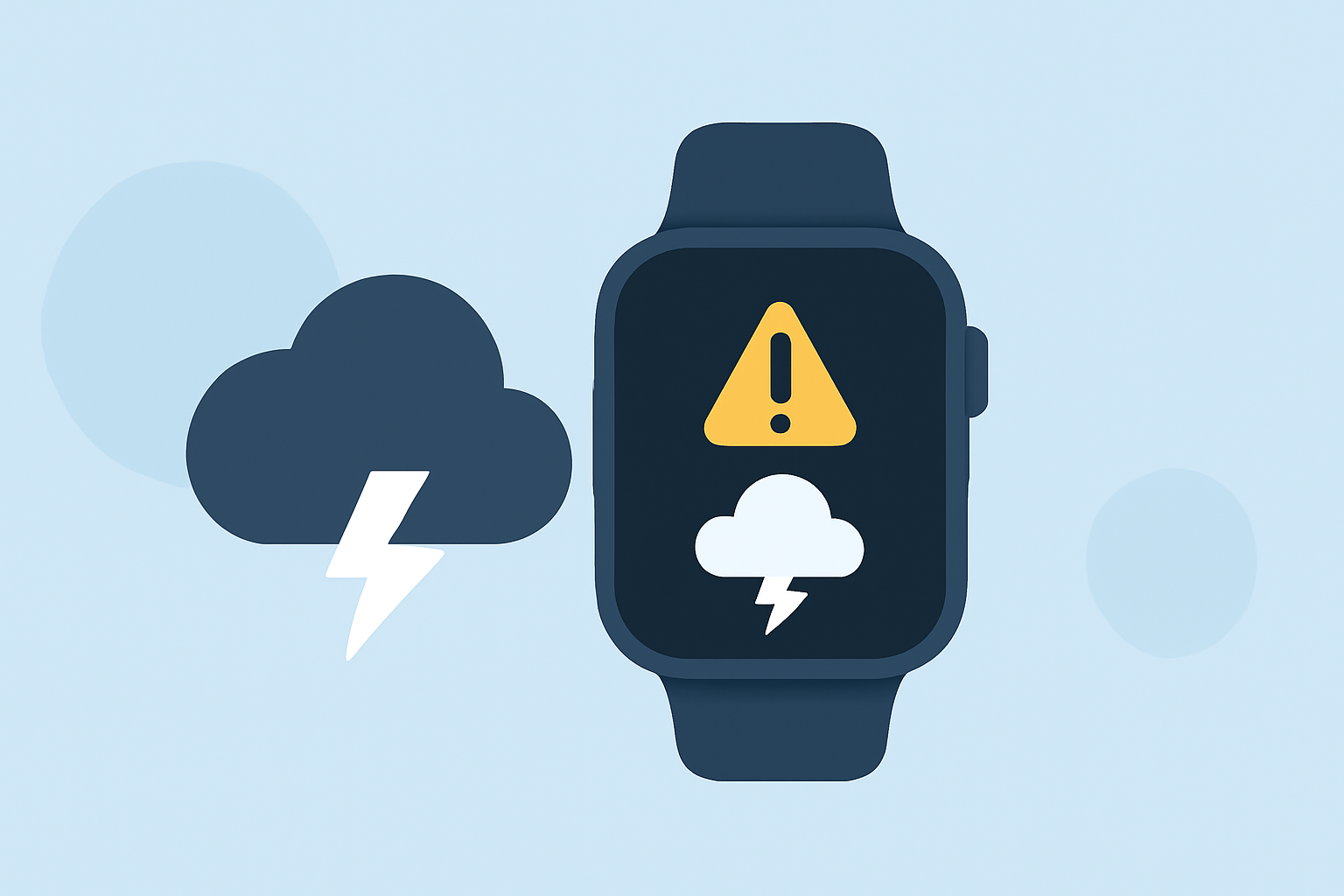
Severe weather preparation on the Apple Watch primarily involves using the built-in Weather app to receive alerts about significant weather events. These alerts can mirror what's set on your iPhone, helping you stay informed and safe.
Summary
- Use the Weather app on your Apple Watch to receive alerts for severe weather events.
- Alerts are propagated from your iPhone, ensuring you don't miss critical notifications.
- Clime offers detailed weather insights and radar features, enhancing your severe weather preparedness.
- Location-based alerts can be activated to provide updates for your specific area.
How do I enable severe weather alerts on Apple Watch?
To receive severe weather alerts on your Apple Watch, you must first enable these notifications on your iPhone. Once you toggle on alerts for extreme weather conditions in the Weather app settings, they synchronize with your Apple Watch. You’ll then see alerts at the top of the Weather app interface when significant weather events are predicted. This feature ensures you stay updated in real time.
What qualifies as a severe weather alert on watchOS?
On watchOS, severe weather alerts include warnings for thunderstorms, tornadoes, hurricanes, and other extreme conditions. When a significant event is forecasted, the alert will appear prominently, allowing you to take necessary precautions. You can view these alerts directly in the Weather app, ensuring critical information is easily accessible.
Where do Apple Watch severe weather alerts come from?
The severe weather alerts you receive on your Apple Watch originate from the Weather app, which utilizes data from authoritative sources. The system pulls alerts based on the location you choose and maintains a WeatherAlertCollection to ensure accurate and timely notifications specific to your area.
How can I customize severe weather alerts on the Apple Watch?
You can customize the types of severe weather alerts you want to receive via the Weather app settings on your iPhone. By selecting which alerts to enable, you can ensure you remain informed about the specific weather events that matter most to you. This customization ensures that your Apple Watch provides relevant alerts tailored to your specific needs.
What additional features can enhance severe weather preparation?
Using Clime, you can elevate your severe weather preparation by accessing dynamic radar imagery, detailed precipitation forecasts, and premium alerts for severe weather events and lightning. These features not only help you prepare for severe conditions but also provide a comprehensive view of current weather patterns in your area. Clime's visual maps and forecasting capabilities make it a valuable tool for anyone serious about weather preparedness.
Why is it important to integrate severe weather alerts into daily life?
Integrating severe weather alerts into your daily routine through your Apple Watch or a capable app like Clime helps ensure you are aware of dangerous conditions without having to constantly check the weather. This is crucial for safety, especially in regions prone to unpredictable weather. By staying informed, you can make timely decisions regarding travel, outdoor activities, and emergency preparedness.
What we recommend
- Enable severe weather alerts on your iPhone to ensure they sync with your Apple Watch.
- Regularly check and customize alert settings to match the weather conditions in your area.
- Use Clime for enhanced weather insights, including detailed radar and extended forecasts, to stay ahead of severe conditions.
- Make severe weather alerts a part of your daily routine for comprehensive safety and preparedness.