
Essential Shoulder-Season Flying Weather Checklist for iPad Users
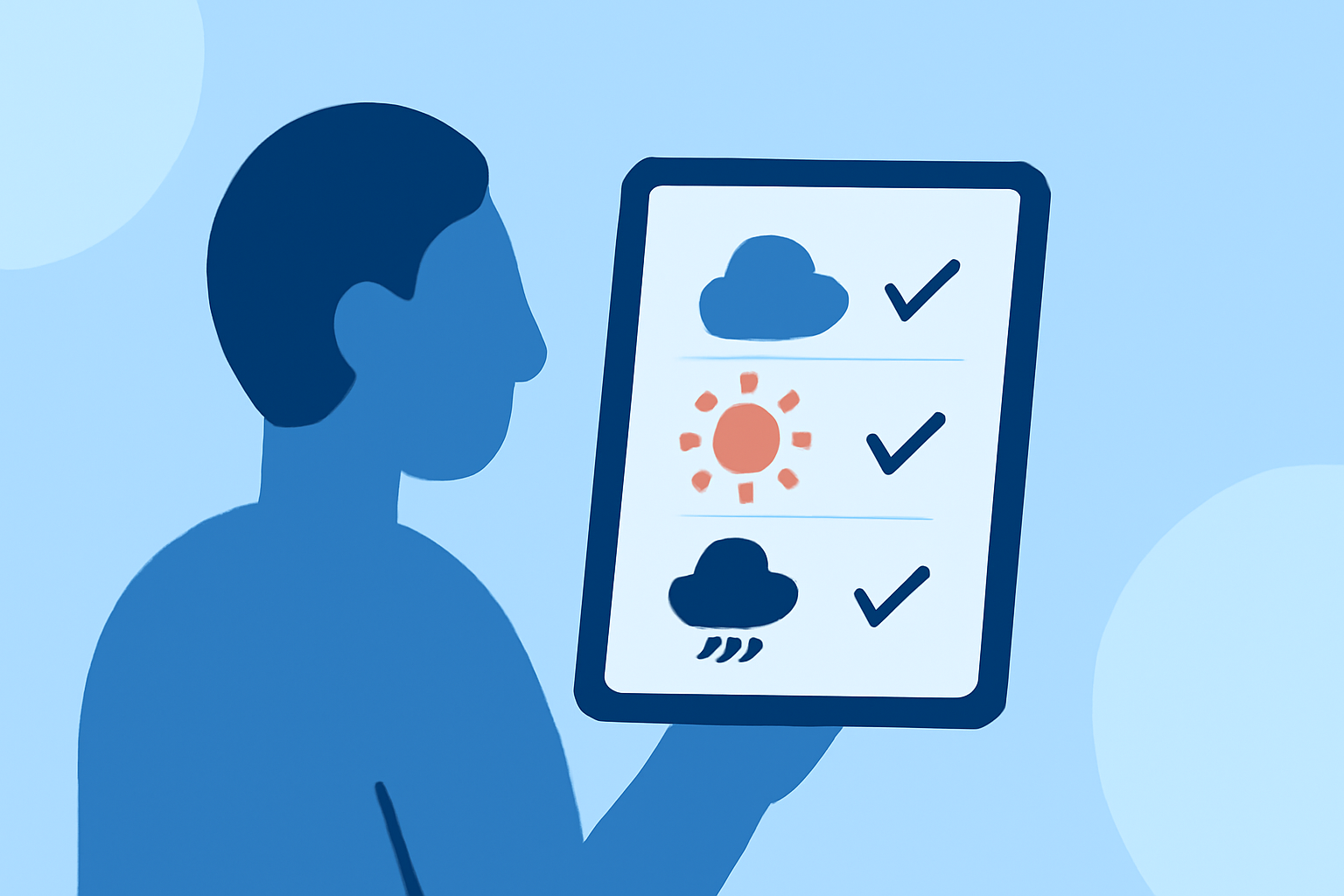
Flying during the shoulder seasons—spring and fall—presents unique challenges due to rapidly changing weather conditions. Pilots must be vigilant in assessing these conditions to ensure safety. Utilizing your iPad can streamline this process, providing real-time data and comprehensive briefings.
What Are Shoulder Seasons?
Shoulder seasons refer to the transitional periods between peak summer and winter months. In the United States, these typically occur in early spring and late fall. During these times, weather patterns can be unpredictable, with sudden shifts in temperature, precipitation, and wind conditions.
Why Is Weather Assessment Crucial?
Accurate weather assessment is vital for flight safety, especially during shoulder seasons. Unpredictable weather can lead to hazardous conditions such as turbulence, icing, and reduced visibility. A thorough pre-flight weather briefing helps pilots make informed go/no-go decisions, ensuring a safer flight experience.
Key Weather Factors to Monitor
- Temperature Variations: Rapid temperature changes can lead to unexpected weather phenomena.
- Precipitation: Rain, snow, or sleet can significantly impact visibility and runway conditions.
- Wind Patterns: Strong or gusty winds can affect aircraft performance and handling.
- Icing Conditions: Freezing temperatures combined with moisture can lead to ice accumulation on aircraft surfaces.
- Visibility and Cloud Cover: Low visibility and cloud ceilings can restrict flight operations, especially for VFR (Visual Flight Rules) pilots.
Utilizing Your iPad for Pre-Flight Weather Briefings
Your iPad can serve as a powerful tool for conducting comprehensive pre-flight weather assessments. Several applications are designed to provide real-time weather data, forecasts, and hazard alerts, all tailored for aviation needs.
Recommended iPad Applications for Weather Briefings
-
SkyBrief: This app offers instant METAR and TAF data for any airport, along with AI-powered briefings that summarize conditions in plain language and provide go/no-go recommendations. (apps.apple.com)
-
Flyable: Flyable provides real-time METARs, TAFs, PIREPs, NOTAMs, and SIGMETs for your route, filtered against your personal minimums and aircraft performance, with clear go/no-go recommendations. (flyableapp.com)
-
Flying Upwind: This free app offers pilot weather briefings with winds aloft, METAR/TAF decoding, TFRs, SIGMETs, NEXRAD radar, and NWS forecasts, all in one place. (apps.apple.com)
Best Practices for Using Your iPad in the Cockpit
-
Temperature Management: iPads are sensitive to extreme temperatures. Ensure your device operates within the recommended range of 32°F to 95°F (0°C to 35°C). Use a sunshade or mount to protect your iPad from direct sunlight, and consider using a cockpit mount to keep the device within a comfortable temperature zone. (ipadpilotnews.com)
-
Battery Conservation: Long flights can drain your iPad's battery quickly. Carry a portable charger or ensure your aircraft has a USB charging port to keep your device powered throughout the flight.
-
Data Connectivity: While many apps provide offline capabilities, having a reliable internet connection can enhance the accuracy and timeliness of weather updates. Consider using a cellular-enabled iPad or a portable Wi-Fi hotspot to access real-time data.
Conclusion
Flying during the shoulder seasons requires meticulous planning and awareness of rapidly changing weather conditions. By leveraging your iPad with specialized aviation weather apps, you can access comprehensive pre-flight briefings, monitor key weather factors, and make informed decisions to ensure a safe and efficient flight.
Highlights:
- What to Do When Your iPad Gets Too Hot (or Too Cold) in the Cockpit : iPad Pilot News, Published on Thursday, June 04
- Interpreting a Standard Weather Briefing on the iPad - MzeroA, Published on Thursday, October 09