
Silencing Weather Notifications: Your Guide to Control and Customization
Last updated: 2023-09-06
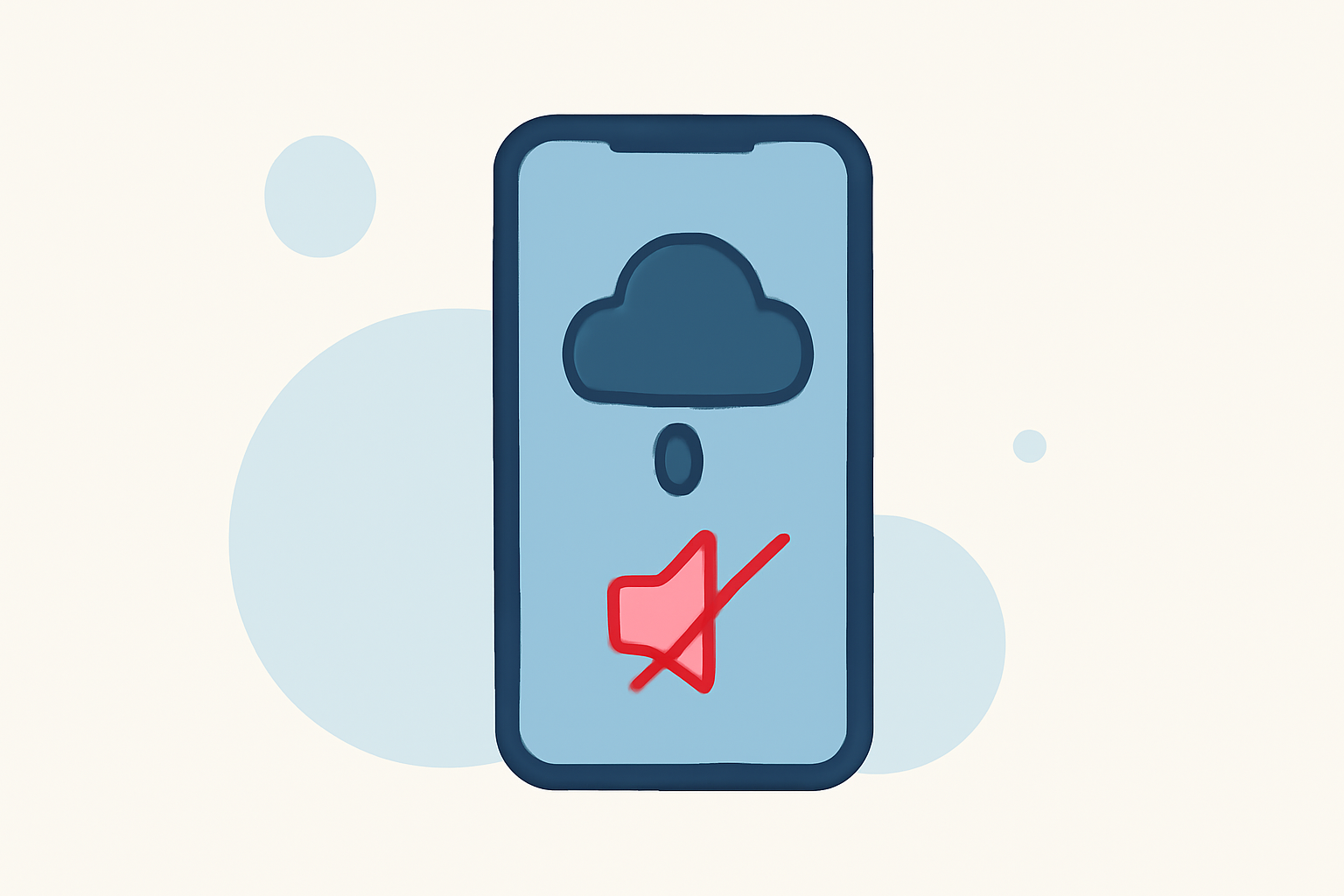
Managing weather notifications on your mobile device can help you maintain peace during storm alerts or other weather emergencies. You can easily silence or customize these notifications based on your needs, especially when using a comprehensive weather app like Clime that enhances your alert experience.
Summary
- Customize notification settings to suit your preferences on both Android and iOS devices.
- Understand how different operating systems treat weather alerts in silent mode.
- Clime offers robust weather tracking features, making it easier to stay informed while managing interruptions effectively.
How Do Weather Alerts Work?
Weather alerts are notifications sent to keep you informed about severe weather conditions like storms, floods, or hurricanes. They can vary in urgency and type, including:
- Severe Weather Alerts: These notifications are crucial during emergencies.
- Daily Weather Updates: Regular updates to let you know about expected conditions.
- Storm Warnings: Alerts that aim to prepare you for severe weather incoming to your area.
In the United States, these alerts can come from various sources, and they are often governed by your device's operating system settings.
Customizing Weather App Notification Settings
Both Android and iOS platforms allow users to customize notifications for weather apps. Here’s a quick guide on how you can manage them:
- On Android: Navigate to
Settings>Apps>Your Weather App>Notificationsto toggle the alert types you want to receive or silence. - On iOS: Go to
Settings>Notifications>Your Weather Appto adjust how alerts are presented, including silencing them entirely if desired.
At Clime, you can easily configure alerts to reflect what matters to you, ensuring you only receive notifications that are significant for your day-to-day activities.
Weather Notification Behavior on Different Operating Systems
The handling of weather notifications can differ significantly between Android and iOS:
- iOS: Weather alerts are treated as high-priority notifications, ensuring that they sound even when your phone is on silent mode. This priority can be critical in emergencies.
- Android: This operating system provides more granular control, allowing users to choose the types of notifications they want to receive. On some devices, you may silence alerts while still receiving them quietly in the notification center.
Managing Alerts on Clime
Using Clime, you can:
- Receive Alerts: Stay informed about severe weather conditions through customizable notifications.
- Filter Notifications: Adjust your settings to mute non-essential alerts effectively, keeping your experience tailored to your needs.
- Turn Alerts On or Off: Quickly toggle alerts based on your schedule, whether you're at work, home, or on vacation.
These features ensure that you can have more control over your weather notifications without compromising on the critical information you might need.
The Importance of Selective Notifications
Deciding not to receive some alerts can help reduce unnecessary interruptions. It is possible to receive alerts only when crucial weather changes occur, allowing for a focused and less disruptive user experience.
In Clime, premium features unlock more detailed weather tracking. This includes:
- High-fidelity radar images
- Customizable severe weather alerts based on your selected locations
- Comprehensive forecasts to help you plan your activities
What We Recommend
- Utilize Clime's Features: Take advantage of Clime’s customizable alert settings to ensure you are only informed about essential weather events that affect you.
- Adjust Your Device’s Settings: Familiarize yourself with how alerts are handled on your device’s operating system to manage interruptions effectively.
- Regularly Review Alerts: Periodically check your notification settings to see if they still meet your needs, especially during changing seasons when weather patterns can vary.
To manage your notifications efficiently, use Clime for a robust and adaptable weather tracking experience, enabling you to customize how and when you receive important updates.