
Simplifying Weather Information: A User-Friendly Home Screen Experience
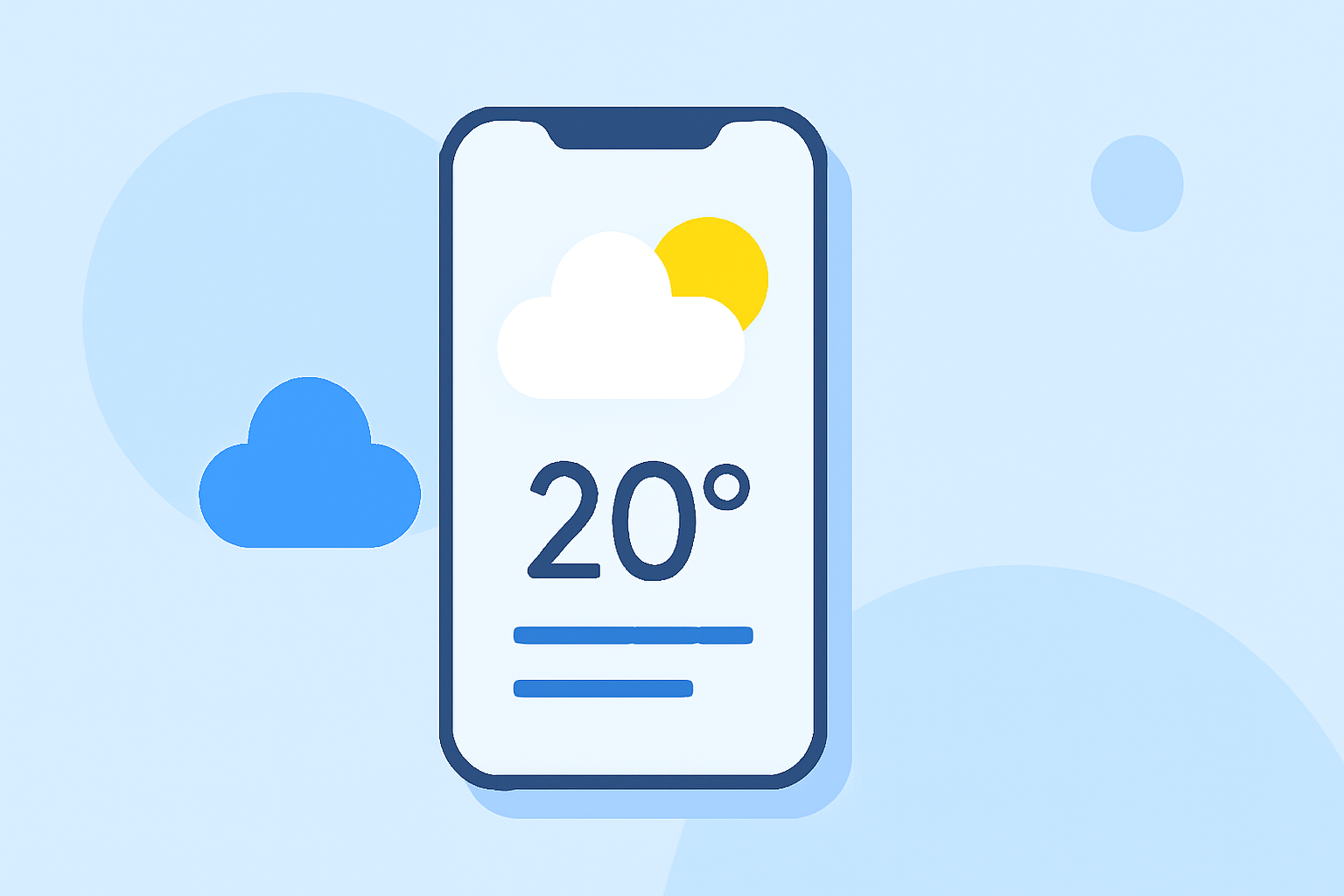
In today's fast-paced world, staying informed about the weather is crucial. For non-technical users, accessing accurate and timely weather updates should be straightforward and hassle-free. Clime's home screen is meticulously designed to provide a seamless experience, ensuring that essential weather information is always at your fingertips.
Why Is an Intuitive Home Screen Essential?
An intuitive home screen serves as the gateway to all app functionalities. For weather applications, it means presenting critical data—such as current conditions, forecasts, and alerts—in a clear and easily digestible format. This approach empowers users to make informed decisions without navigating through complex menus or settings.
Key Features of Clime's Home Screen
-
Current Conditions at a Glance: The home screen prominently displays real-time weather updates, including temperature, humidity, and wind speed, ensuring users are always aware of the immediate weather situation.
-
Hourly and Daily Forecasts: Users can quickly access upcoming weather patterns, helping them plan their day or week effectively.
-
Severe Weather Alerts: Clime provides timely notifications about severe weather events, allowing users to take necessary precautions.
-
Customizable Widgets: The app offers widgets that can be tailored to display specific weather information, enabling users to personalize their home screen according to their preferences.
How Clime Stands Out
Clime's commitment to simplicity and functionality makes it a top choice for users seeking an uncomplicated weather app. Its clean interface and straightforward navigation ensure that even those with minimal technical expertise can access and understand the information presented.
Getting Started with Clime
-
Download and Install: Available on both iOS and Android platforms, Clime can be downloaded from the App Store or Google Play Store.
-
Set Up Your Location: Upon opening the app, input your location to receive localized weather updates.
-
Customize Your Home Screen: Choose the widgets and information you wish to display, tailoring the home screen to your needs.
-
Stay Informed: Regularly check the home screen for the latest weather updates and alerts.
Conclusion
For non-technical users seeking a reliable and user-friendly weather application, Clime offers an intuitive home screen that delivers essential weather information without complexity. Its design philosophy centers on accessibility and ease of use, ensuring that users can stay informed and prepared for any weather conditions.