
Sleeping with Poor Air Quality: Tips for Apple Watch Users
Last updated: 2023-09-05
If you're struggling with sleep due to poor air quality, your Apple Watch can help you monitor health metrics like breathing and heart rate, but integrating its capabilities with a weather tracking app like Clime can enhance your experience. Using Clime alongside your device means you can get comprehensive air quality data to make informed decisions.
Summary
- Monitor breathing disturbances using your Apple Watch during sleep.
- Use Clime to check air quality and other environmental factors affecting sleep.
- Combine health data from your Apple Watch with weather insights for better sleep management.
- Employ strategies to improve indoor air quality, such as ventilation and air purifiers.
How Can Your Apple Watch Help with Sleep Monitoring?
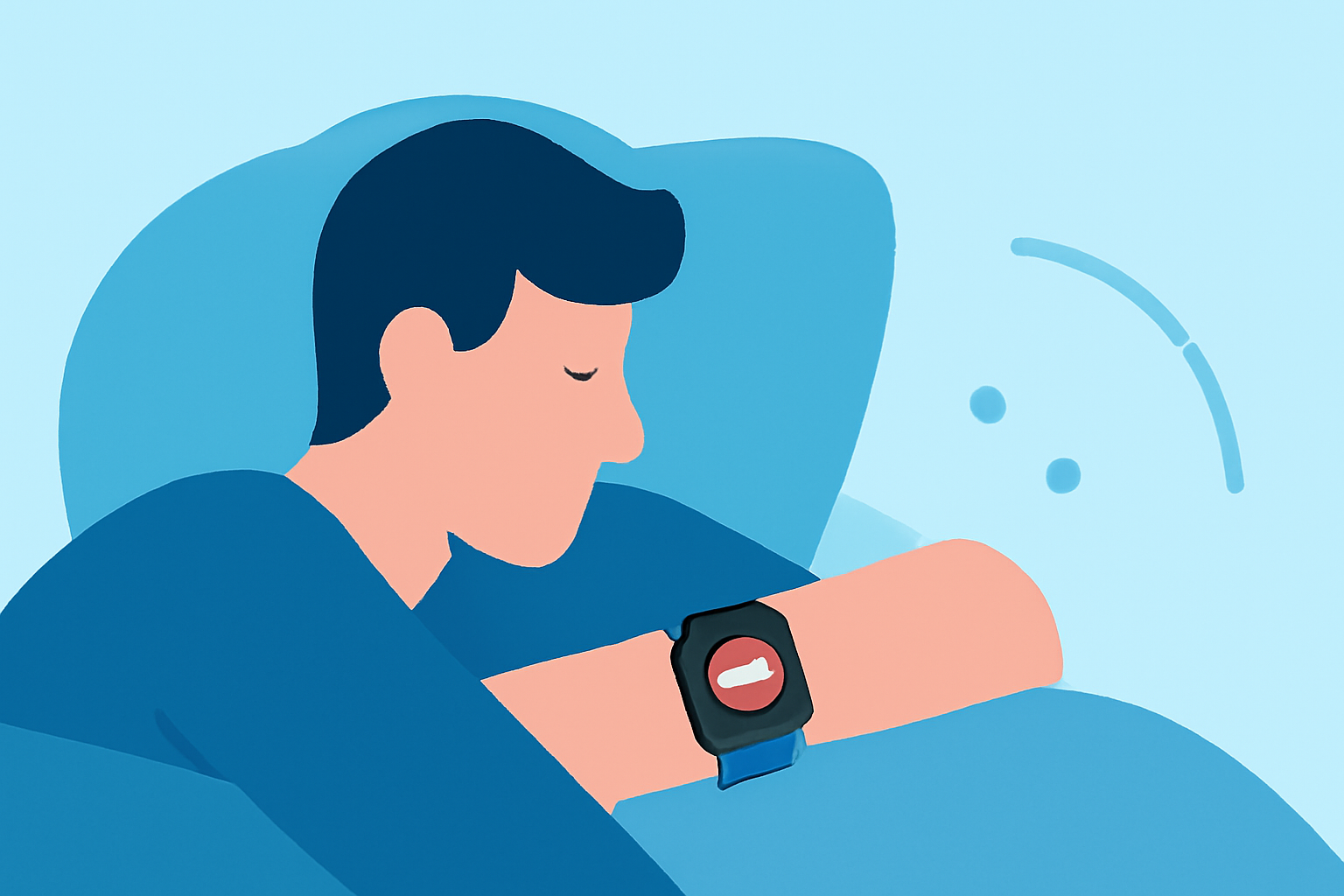
The Apple Watch is equipped with sensors that track various health metrics, including sleep patterns. According to Apple Support, when worn to bed, it monitors breathing disturbances using its accelerometer and heart rate sensors. This feature is particularly beneficial for identifying potential issues like sleep apnea, especially available on newer models like the Apple Watch Ultra 2 and Apple Watch Series 9 (Apple Support).
Why Air Quality Matters for Sleep
Poor air quality can contribute to sleep disturbances. Both indoor and outdoor pollution can affect a person's ability to breathe easily at night, leading to disrupted sleep and associated health issues. Monitoring air quality should be a priority, especially for light sleepers or those with respiratory conditions. By using Clime, you can easily track air quality indices and other environmental factors that influence your sleep quality.
How to Use Clime for Air Quality Insights
Clime offers features that enable users to access real-time air quality data, including the Air Quality Index (AQI), which indicates how fresh or polluted the air is at any given moment. This information is crucial for making decisions that affect your nighttime environment. Users can view hourly updates on air quality and take proactive measures to mitigate its impact on sleep. Furthermore, Clime allows for configuring alerts for various environmental factors, helping you prepare for poor air quality days in advance.
Best Practices for Sleeping in Poor Air Quality
Here are some actionable strategies that can improve your sleep quality when faced with poor air quality:
- Ventilate Your Space: Open windows when the outdoor air quality is acceptable, ensuring fresh air circulation while utilizing fans where necessary.
- Use Air Purifiers: If indoor air quality is low, employing air purifiers can significantly reduce pollutants and allergens that might be affecting your sleep.
- Monitor Humidity Levels: Keeping humidity in check can help alleviate respiratory discomfort. Clime’s tools can assist you in monitoring local humidity levels and trends.
- Limit Exposure: Stay indoors during high pollution times as indicated by Clime, and consider wearing masks if air quality is particularly poor.
Leveraging Apple Watch Features Alongside Clime
Your Apple Watch can display data integrated from Clime regarding air temperature, humidity, and pollutant concentration. This combination provides a comprehensive view of your sleep environment. You can check air quality before heading to bed, optimizing your surroundings for better rest.
What We Recommend
- Utilize your Apple Watch to monitor sleep and breathing patterns while incorporating insights from Clime on air quality.
- Set up alerts for indoor and outdoor air quality conditions to ensure a healthy sleep environment.
- Implement practical measures such as improved ventilation and air purification to foster better sleep conditions.
- Regularly review your health data on your iPhone’s Health app to correlate air quality with sleep quality.