
Understanding Sleet Forecasts on Apple Watch
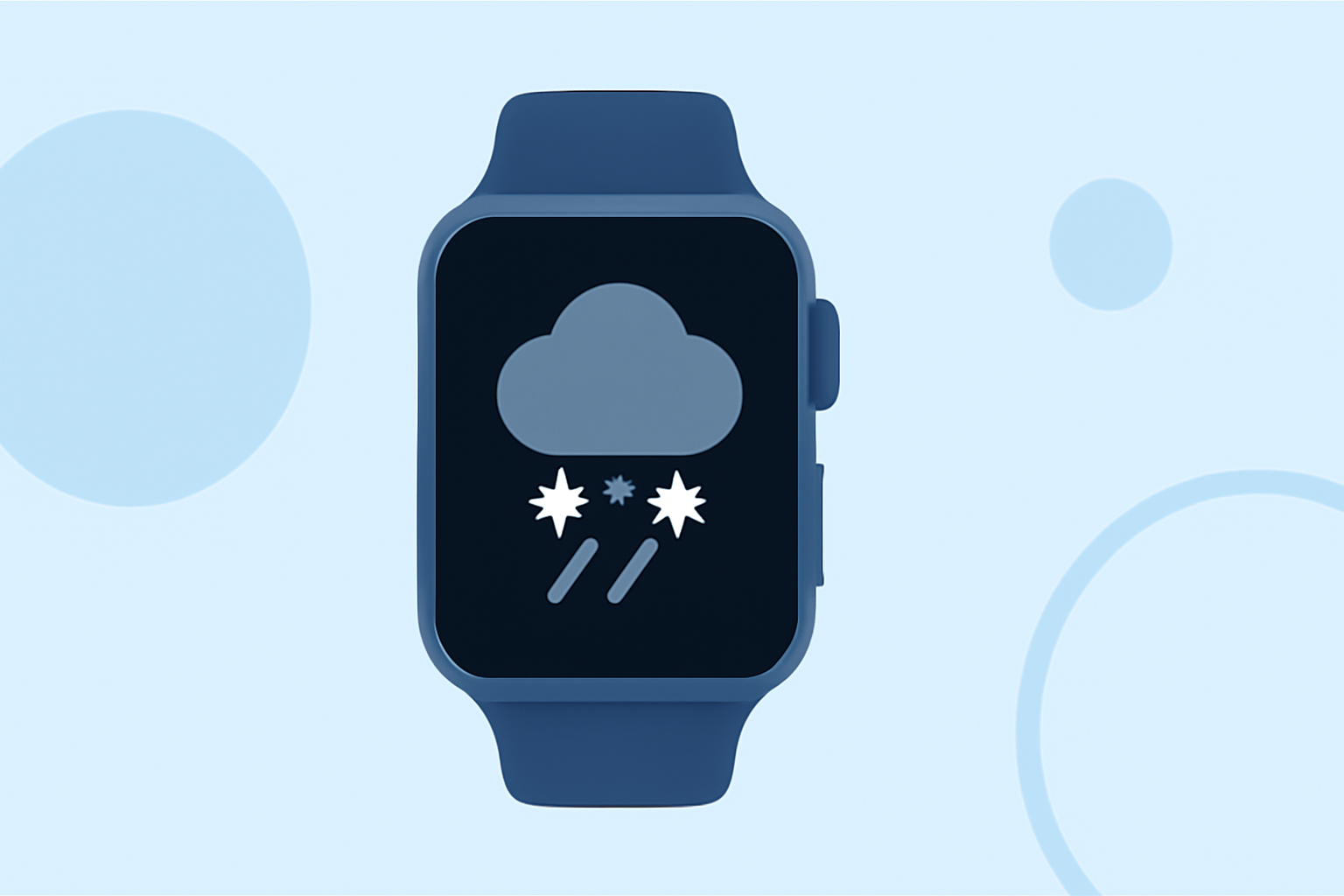
Sleet, a form of winter precipitation consisting of small ice pellets, can significantly impact travel and daily activities. Monitoring sleet forecasts on your Apple Watch ensures you're prepared for such conditions.
How Can I Access Sleet Forecasts on My Apple Watch?
To view sleet forecasts on your Apple Watch, utilize the built-in Weather app:
-
Open the Weather App: Press the Digital Crown to access your apps, then tap the Weather app icon.
-
Select Your Location: If your current location isn't displayed, scroll down and tap the "Add City" option to input your desired location.
-
View Precipitation Details: Tap the display to cycle through various metrics, including precipitation. This will show the expected precipitation type and amount for the upcoming hours. (support.apple.com)
What Information Does the Weather App Provide About Sleet?
The Weather app offers comprehensive details on sleet forecasts:
-
Hourly Forecasts: Displays expected precipitation types and amounts for each hour.
-
10-Day Forecast: Provides a longer-term outlook, indicating potential sleet events in the coming days.
-
Severe Weather Alerts: Notifies you of significant weather events, including sleet, that may impact your area. (support.apple.com)
How Accurate Are Sleet Forecasts on Apple Watch?
The accuracy of sleet forecasts on your Apple Watch depends on the data sources integrated into the Weather app. Apple sources its weather data from multiple providers, including the U.S. National Weather Service and The Weather Channel, aiming to deliver reliable forecasts. (macrumors.com)
Can I Receive Notifications for Sleet Events?
Yes, you can set up notifications for sleet and other severe weather events:
-
Open the Weather App on Your iPhone: Ensure your iPhone is paired with your Apple Watch.
-
Access Notifications: Tap the list icon in the bottom-right corner, then tap the three dots in the top-right corner.
-
Enable Notifications: Select "Notifications" and turn on "Severe Weather" and "Next-Hour Precipitation" alerts for your current location. (macrumors.com)
Are There Third-Party Apps for Sleet Forecasts on Apple Watch?
Yes, several third-party apps offer detailed sleet forecasts and can be installed on your Apple Watch:
-
Weathergraph: Provides hour-by-hour forecasts in a visual graph format, including precipitation details. (weathergraph.app)
-
ZoneWatch: Offers precise weather forecasts and real-time alerts tailored to your location, including sleet and other winter weather events. (apps.apple.com)
By utilizing the Weather app and considering third-party applications, you can effectively monitor sleet forecasts on your Apple Watch, ensuring you're prepared for winter weather conditions.