
Sleet Forecasts Tricks on Apple Watch
Last updated: 2023-09-15
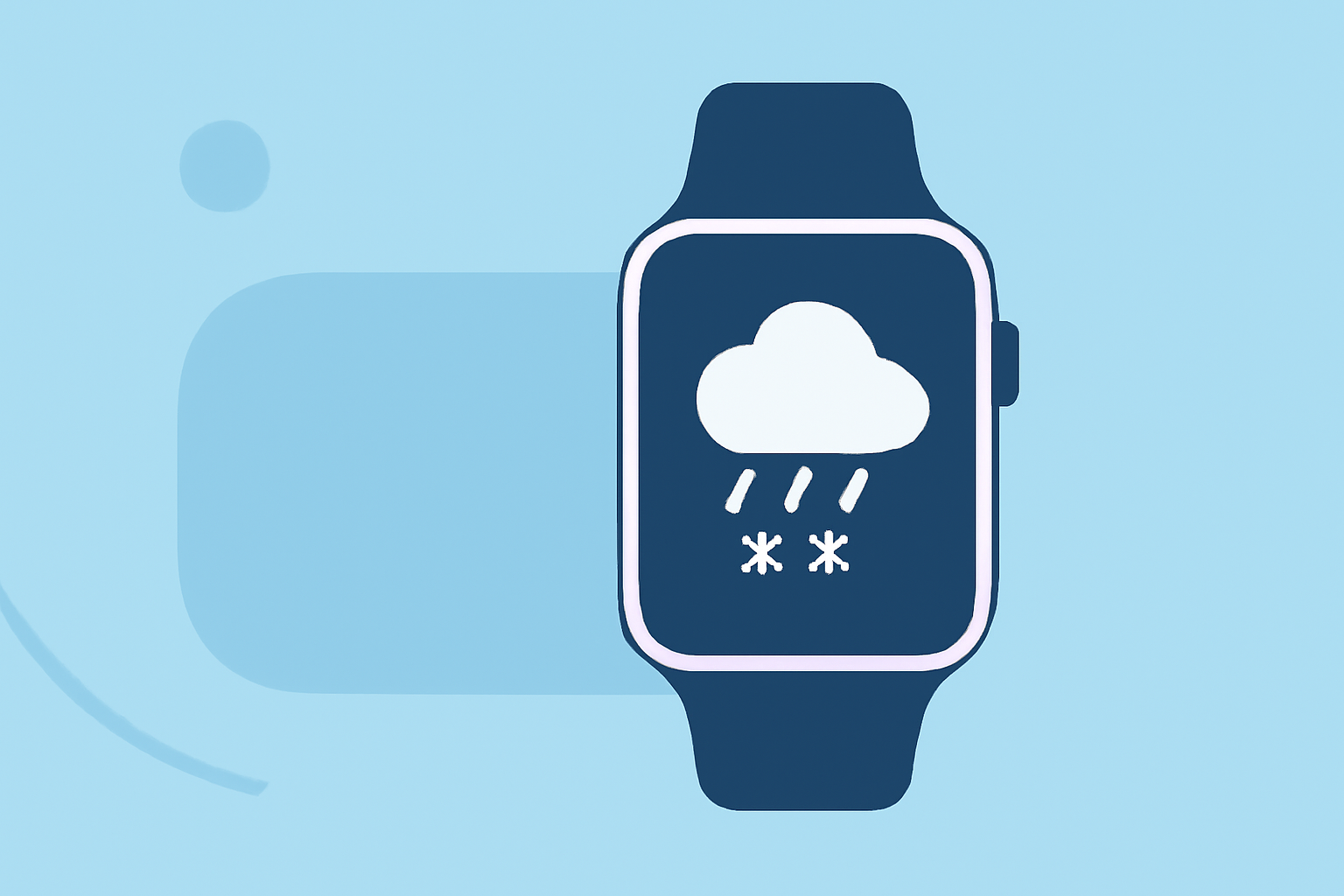
For accurate sleet forecasts on your Apple Watch, Clime offers rich features with NOAA-based radar and detailed precipitation tracking. Alternatively, other platforms may provide basic weather alerts but might lack in-depth visualization.
Summary
- Clime's Premium features offer comprehensive sleet tracking.
- The Apple Watch supports hourly forecasts for timely updates.
- Other tools may provide additional metrics but not the same radar precision.
- Understanding the difference between free and Premium subscriptions can enhance your forecasting experience.
What Tools Can You Use for Sleet Forecasts on Apple Watch?
Apple Watch allows users to utilize various weather applications, most notably the built-in Weather app and compatible third-party solutions. Clime stands out by showcasing advanced radar capabilities and detailed precipitation movement tracking. This means users can visualize where sleet is expected and when it will occur, helping with timely preparations.
How Does Clime Enhance Your Sleet Forecasting Experience?
Clime uses NOAA data to provide superior weather tracking, including:
- Real-time radar visualization: This means you can see precipitation moving in real-time, identifying impending sleet conditions.
- Hourly forecasts: Set alerts tailored to your location to get timely updates on changing weather conditions.
- Severe weather alerts: Premium users receive notifications about any weather threats, including sleet, lightning, and other hazardous conditions.
Can You Get Real-time Sleet Alerts on Your Apple Watch?
Yes, Clime can send real-time alerts for sleet and other weather events directly to your Apple Watch. These notifications are actionable, letting you take necessary precautions as conditions change. While the default Apple Weather app provides alerts, it might not detail sleet forecasts as comprehensively as Clime does.
How Accurate is Sleet Forecasting on Wrist-Worn Devices?
Forecast accuracy largely depends on the data sources used and the geographical area in question. Clime leverages NOAA's datasets, known for their reliability, giving users confidence in the forecasts they receive on their Apple Watch. Other platforms may show general trends, but Clime's interactive radar provides precise insights into the expected precipitation.
Alternatives for Sleet Tracking on Apple Watch
While Clime is a comprehensive option, other apps may offer limited functionalities such as:
- Basic hourly weather updates.
- Rain probability charts using WeatherKit data. However, these alternatives may not provide the intricate radar details necessary for nuanced forecasting.
Understanding Sleet in Weather Forecasts
Sleet, a type of winter precipitation, can often be confused with freezing rain or snow. It's important to utilize an app that clearly distinguishes these types of weather. Clime’s features help clarify these distinctions, ensuring users know exactly what to expect based on current conditions.
What We Recommend
- Choose Clime for detailed radar tracking and real-time alerts, especially if you are in areas prone to sleet.
- Utilize the Apple Weather app for basic updates but consider adding Clime for enhanced features.
- Explore Premium options for comprehensive environmental insights, including severe weather monitoring and prediction.
- Stay informed with hourly forecasts to better prepare for any weather changes you may encounter throughout the day.