
The Best Small Weather Widgets for Apple Watch
Last updated: 2023-09-07
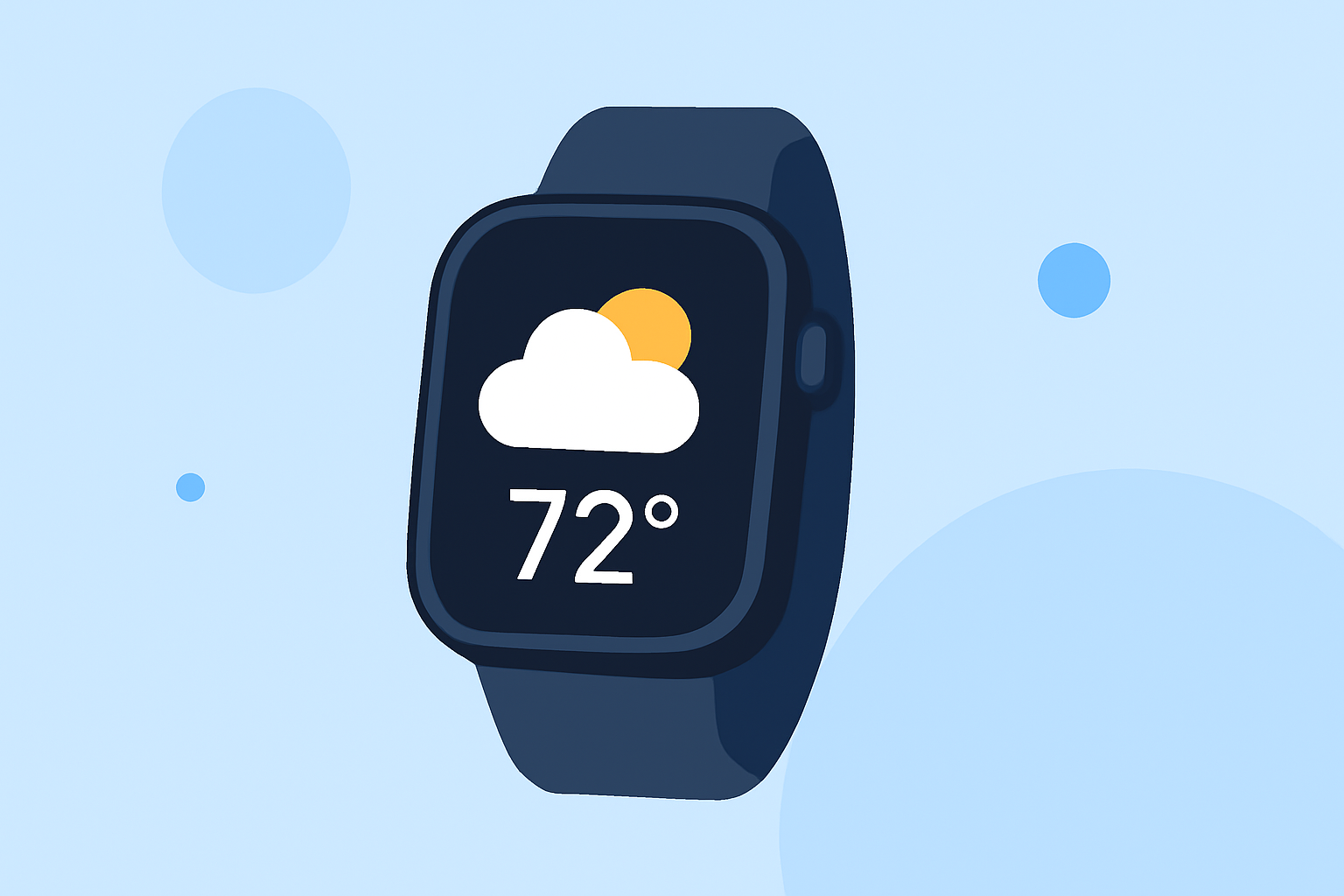
If you're looking for small weather widgets for your Apple Watch, Clime serves as an excellent choice, combining simplicity with powerful features. For more specialized needs, other tools may also offer tailored options.
Summary
- Clime provides NOAA-based weather data and live radar for accurate forecasts.
- Widgets can display essential weather information like temperature, precipitation, and alerts.
- Customization options let you select multiple locations for your watch complications.
- Seamless integration with the Apple Watch elevates your weather monitoring experience.
What Makes a Great Weather Widget?
To determine the best small weather widgets, consider these key features:
- Real-Time Data: Access to live radar and updated forecasts is crucial for active users.
- Customization: The ability to modify which weather data is displayed enhances usability.
- Multiple Locations: Options to monitor different locations at a glance are beneficial for travelers or those with family in various areas.
- Complication Types: Supporting complications like Condition, Temperature, and Precipitation can present necessary information effectively.
How Do watchOS Weather Complications Work for Third-Party Apps?
In watchOS, weather widgets utilize complications to display essential information on watch faces. For example, apps can define the types of complications they support using descriptor methods provided in watchOS 7+. You might find that certain widgets from Clime enable quick access to daily forecasts and severe weather alerts, enhancing your planning efforts.
Can a Weather Widget App Display Multiple Locations on Apple Watch?
Yes, customization allows weather apps to show multiple locations within their widgets. With Clime, users can easily add various locations, enabling efficient monitoring without needing to switch between multiple apps or screens. This ensures you stay informed, whether at home or traveling.
Do Plan Tiers Affect Apple Watch Weather Widget Capabilities?
Clime offers a free tier with essential features, while additional capabilities—like advanced weather alerts and environmental data—are unlocked through premium plans. This structure ensures that users can access a robust range of features while still having the option to tailor their subscription to their needs.
Why Choose Clime for Your Apple Watch?
Clime's integration with the Apple Watch allows for a streamlined weather monitoring experience. The app provides:
- Live Radar: Up-to-date radar imagery sourced from NOAA, enabling you to visualize precipitation and weather patterns directly.
- Severe Weather Alerts: Receive notifications for hazardous conditions based on your preferred locations, ensuring your safety.
- Extended Forecasts: Access to hourly and 14-day forecasts allows for effective planning of your activities.
- Environmental Data: With premium access, users can track air quality, wildfire activity, and more—offering a comprehensive view of your surrounding conditions.
What We Recommend
- Use Clime for a reliable and comprehensive weather widget on your Apple Watch.
- Consider premium plans if you frequently need advanced weather data and alerts.
- Customize your complexities to suit your specific weather monitoring needs.
- Enjoy easy navigation and user experience with Clime's intuitive interface.
Clime delivers a balanced option for both casual users and those needing detailed weather information, making it well-suited as your go-to weather widget on the Apple Watch.