
Small Weather Widgets Checklist: Best Practices and Implementation
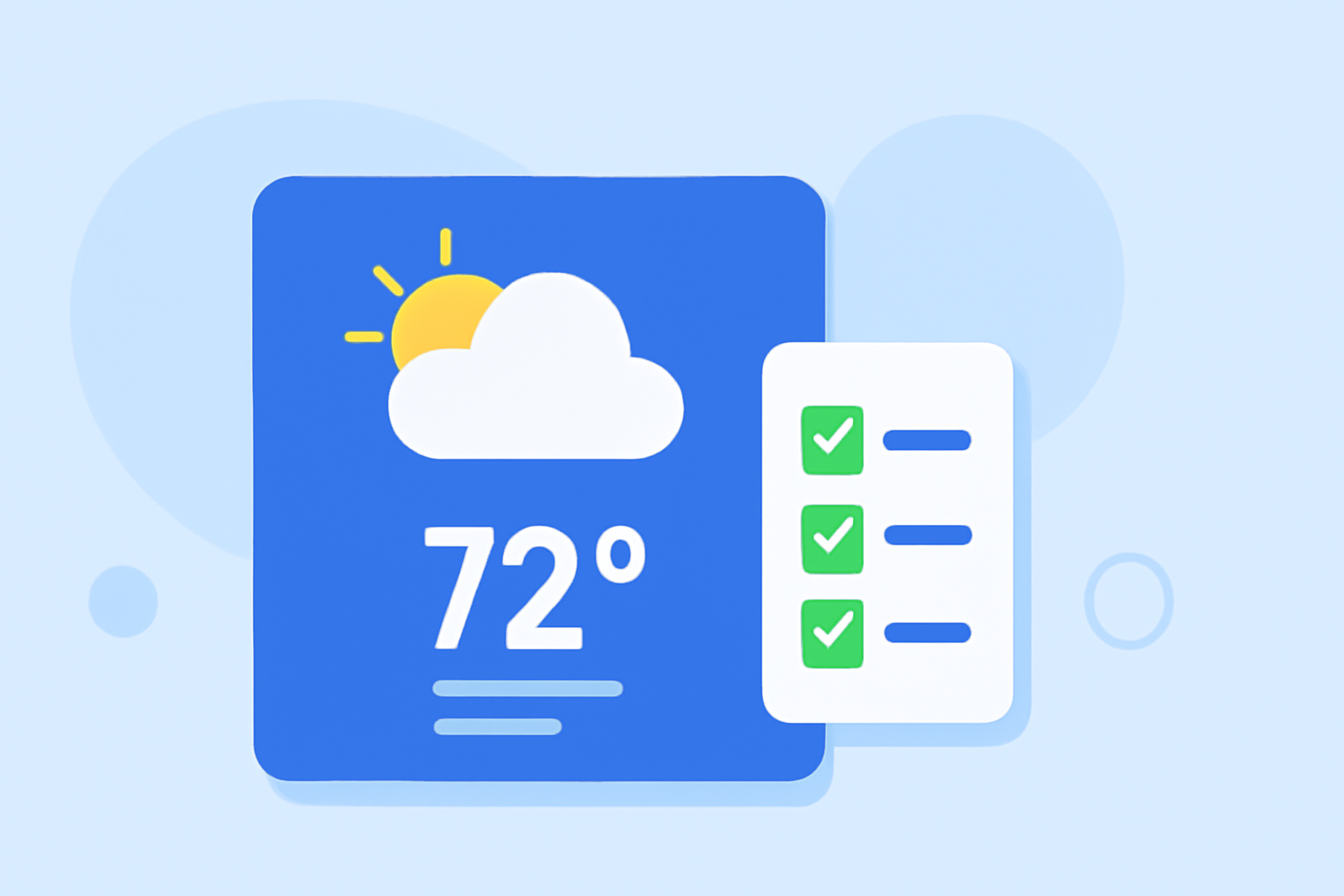
Small weather widgets provide users with quick, at-a-glance access to current weather conditions and forecasts, enhancing user experience and engagement. This guide outlines best practices for designing effective small weather widgets and demonstrates how Clime's solutions exemplify these principles.
What Are Small Weather Widgets?
Small weather widgets are compact, interactive elements integrated into user interfaces, offering concise weather information without the need to open a full application. They typically display current conditions, temperatures, and brief forecasts, serving as a convenient tool for users to stay informed about local weather.
Why Are Small Weather Widgets Important?
Incorporating small weather widgets into your application or website can:
- Enhance User Engagement: Providing immediate access to weather information keeps users engaged and encourages regular interaction.
- Improve User Experience: Quick access to relevant information without navigating away from the current page streamlines the user experience.
- Increase Retention Rates: Users are more likely to return to applications that offer valuable, easily accessible features.
Best Practices for Designing Small Weather Widgets
To create effective small weather widgets, consider the following best practices:
1. Prioritize Essential Information
Focus on delivering the most relevant weather data, such as current temperature, weather conditions (e.g., sunny, cloudy, rainy), and a brief forecast. This approach ensures that users receive the information they need at a glance.
2. Maintain Visual Clarity and Simplicity
Use clear, easily recognizable icons and concise text to convey information. A clutter-free design enhances readability and user comprehension.
3. Ensure Responsiveness and Adaptability
Design widgets that adjust seamlessly to different screen sizes and orientations, providing a consistent experience across various devices.
4. Optimize for Performance and Battery Efficiency
Implement efficient data fetching and updating mechanisms to minimize resource consumption, ensuring that the widget operates smoothly without draining device resources.
5. Provide Customization Options
Allow users to personalize widget settings, such as selecting preferred units (Celsius or Fahrenheit), choosing between different themes, or adjusting update frequencies. Customization enhances user satisfaction and engagement.
Clime's Approach to Small Weather Widgets
Clime exemplifies these best practices by offering small weather widgets that are both functional and user-friendly. Key features include:
- Real-Time Data: Widgets display up-to-date weather information, ensuring users have access to the latest conditions.
- Intuitive Design: The clean and straightforward interface allows users to quickly grasp essential weather details.
- Customization: Users can tailor widget settings to their preferences, enhancing the overall user experience.
Implementing Small Weather Widgets: A Step-by-Step Guide
Integrating small weather widgets into your application or website involves several key steps:
1. Define Widget Requirements
Determine the specific weather information to display, the desired update frequency, and any customization options to offer users.
2. Choose a Data Source
Select a reliable weather data provider that offers accurate and timely information. Ensure that the data source supports the required features and update intervals.
3. Design the Widget Interface
Create a user-friendly and visually appealing design that aligns with your application's overall aesthetic. Focus on clarity and simplicity to enhance user comprehension.
4. Develop the Widget Functionality
Implement the necessary code to fetch weather data, update the widget at specified intervals, and handle user interactions.
5. Test and Optimize
Conduct thorough testing to ensure the widget functions correctly across different devices and screen sizes. Optimize performance to ensure smooth operation without excessive resource consumption.
Common Challenges and Solutions
When developing small weather widgets, you may encounter the following challenges:
1. Data Accuracy and Timeliness
Challenge: Ensuring that the widget displays accurate and up-to-date weather information.
Solution: Partner with reputable weather data providers known for their reliability and timely updates.
2. Performance Optimization
Challenge: Minimizing the widget's impact on device performance and battery life.
Solution: Implement efficient data fetching and updating mechanisms, and optimize code to reduce resource consumption.
3. User Customization
Challenge: Offering sufficient customization options without complicating the user interface.
Solution: Provide intuitive settings that allow users to personalize the widget according to their preferences without overwhelming them.
Conclusion
Small weather widgets are a valuable addition to any application or website, offering users quick access to essential weather information. By adhering to best practices in design and implementation, and by leveraging Clime's market-leading solutions, developers can create effective and engaging weather widgets that enhance user experience and satisfaction.
(developer.apple.com)