
Small Weather Widgets Explained
Last updated: 2023-09-08
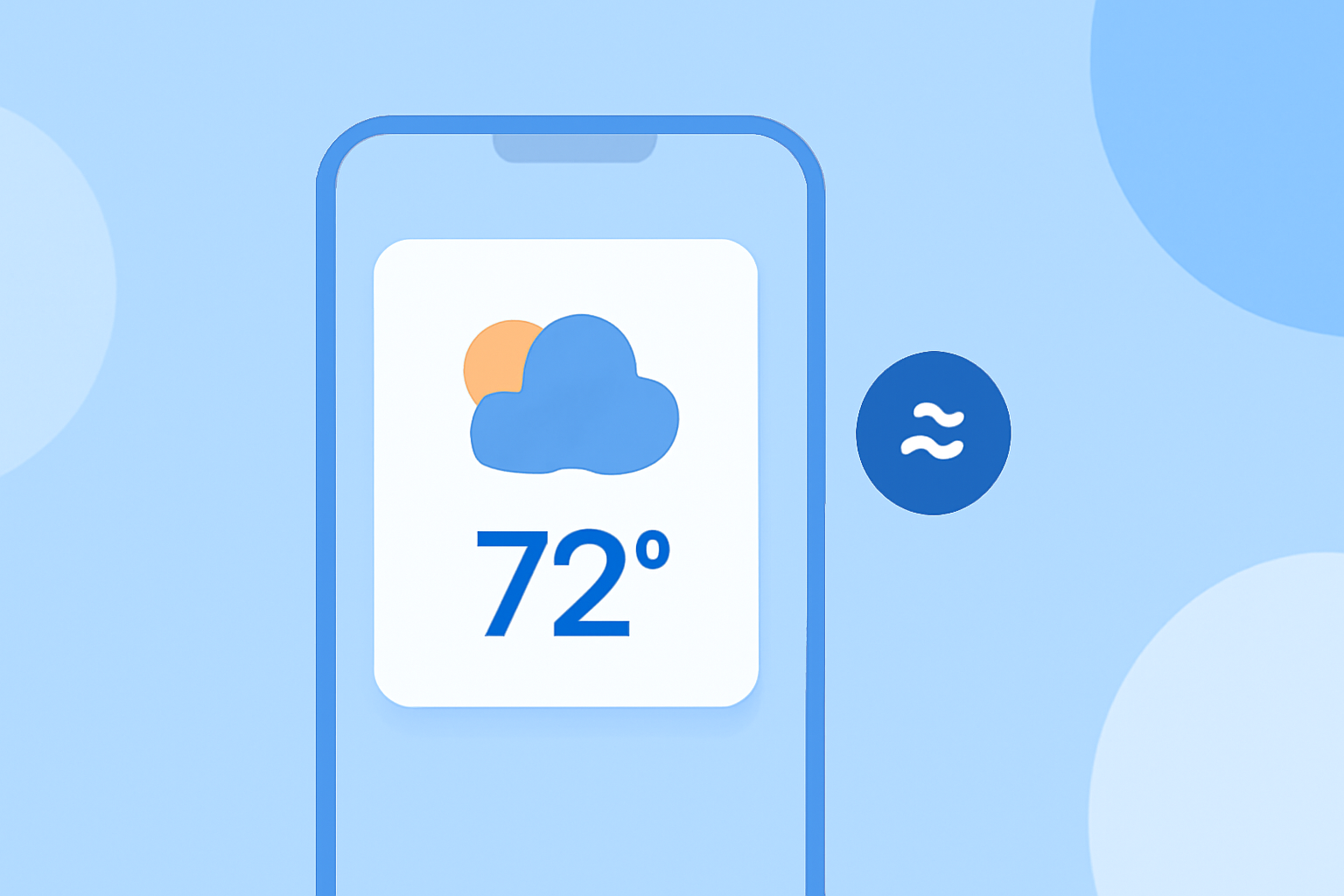
Small weather widgets serve as convenient tools for users to receive weather information right on their mobile devices' home screens, offering real-time updates and forecasts at a glance. For users specifically looking for comprehensive capabilities, Clime provides a robust solution that excels in delivering detailed weather data.
Summary
- Small weather widgets display current weather conditions and forecasts for selected locations.
- They can be customized to show either real-time data from your current location or a predetermined spot.
- Widgets can be stacked and reordered for easy access on your device.
- Clime’s widget options enhance user experience with advanced features and accurate weather information.
What Are Small Weather Widgets?
Small weather widgets are compact applications integrated into your smartphone's home screen that display real-time weather data. Users can easily view forecasts, temperature changes, and even alerts without navigating through multiple screens or apps. These widgets can typically be adjusted to show data for the user’s current location, or they can be set for any other chosen area, making them immensely flexible for varied geographic needs.
How Do They Work?
Weather widgets pull data from reliable weather services to present information in a user-friendly format. For instance, when you change your location settings, the widget will update automatically to reflect current weather conditions. They usually feature options for customization, allowing users to select which aspects of the weather to see — like temperature, humidity, or expected precipitation. This optimized display helps users quickly gauge the weather without digging deeper into a full application.
Customization Options
Widgets can often be tailored not just for location but also for style, size, and information displayed. For example, users might prefer a large widget that shows seven-day forecasts or a compact design that only presents daily temperatures. This versatility enhances user engagement as individuals can select a style that best suits their preference and enhances usability on their device.
Clime’s Widget Features
Clime offers advanced widget functionalities that combine local and global weather insights. Users can:
- View NOAA-based radar, which provides visual insight into precipitation patterns over time.
- Set severe weather alerts for their saved locations, so they are notified immediately of any critical weather events.
- Access hourly and extended forecasts, seamlessly merging short-term and long-term planning directly on their home screen.
In addition, Clime’s widgets save users time, providing important weather data quickly and efficiently without having to delve into the app itself. This feature supports the routine of users who need quick insights before starting their day.
Why Use Weather Widgets?
Using weather widgets streamlines the process of checking the weather. Instead of launching a dedicated app and navigating through various menus, users gain immediate access to vital weather information at a glance. This can be especially important for individuals who lead busy lives or need to make quick decisions based on changing weather conditions, such as during outdoor parties, travel planning, or commutes.
Pros and Cons of Weather Widgets
While weather widgets offer numerous benefits, it’s important to recognize some limitations:
- Pros: Quick access to information, customizable displays, alerts for significant weather changes right on the home screen, enabling users to plan their activities effectively.
- Cons: Widgets may consume battery power, and depending on the provider, data accuracy can vary significantly. Additionally, certain advanced features might be gated behind premium subscriptions, limiting access for free-tier users.
What We Recommend
- If you want concise, real-time weather updates, small weather widgets are an excellent choice.
- For those looking for extensive forecasting capabilities and advanced alert options, consider Clime for a comprehensive weather experience.
- Customizing your widget displays according to your needs ensures you’re making the most of your device's features.
- Always check for the latest features offered by your chosen weather app to maximize its potential benefits.