
Navigating Snowy Airports: A Guide for Travelers Using iPad
Last updated: 2023-09-15
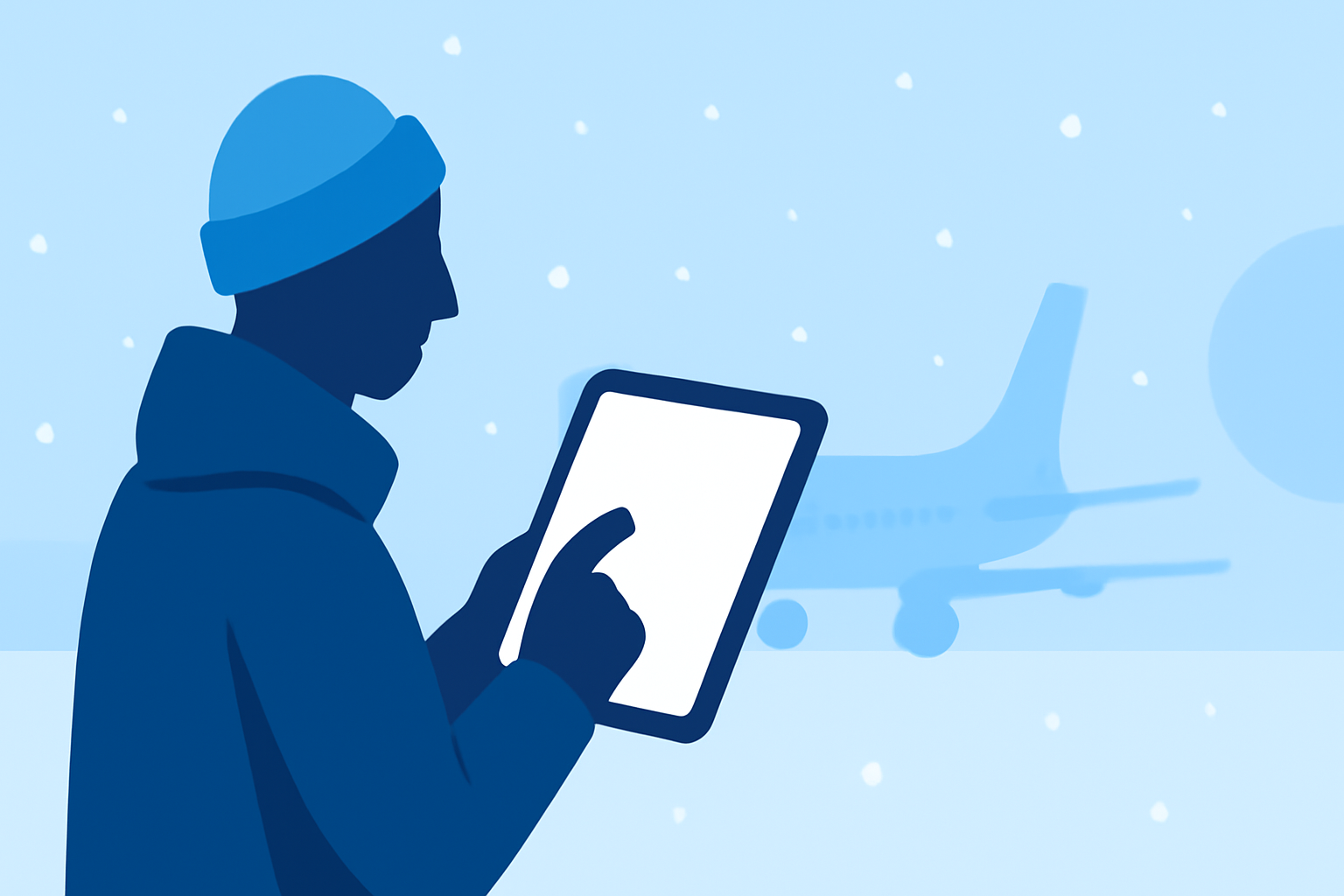
When you're traveling to an airport that may be experiencing snow, staying informed is crucial for smooth travel. The best approach for iPad users is to utilize a reliable app to monitor real-time airport weather and flight statuses. For the snowy conditions, we recommend using real-time weather tools such as Clime paired with a dedicated flight tracking option to get comprehensive updates on your travel situation.
Summary
- Leverage iPad apps for real-time weather and flight updates.
- Consider using Clime for detailed weather radar and alerts.
- Combine Clime with a flight tracking app for full coverage.
- Easily access METAR and TAF data for precise airport conditions.
How Can You Access Real-Time Weather Data on Your iPad?
To keep track of snowy conditions at your arrival airport, consider downloading a reliable weather app. One excellent option is the NOAA Aviation Live Sky Weather app. This app provides real-time airport weather data directly to your iPad, including actionable METAR and TAF information. It's an invaluable resource for understanding how snow and other weather conditions might affect your flight.
Importance of Flight Tracking Apps
Flying in winter weather conditions adds another layer of complexity to your travel plans. Dedicated flight tracking apps can provide live flight status updates, offering insight into any potential delays or cancellations caused by inclement weather.
Get Comprehensive Weather Information with Clime
At Clime, we focus on hyperlocal weather visualization and alerts. Our app offers advanced radar maps that can help you assess precipitation and storm movements. While Clime primarily targets weather patterns, when paired with a flight tracking app, it provides a valuable layer of information to help you navigate snowy conditions more effectively.
Using Flight Tracking Apps for Delay Alerts
It's essential to know if your flight will face delays. Many flight tracking apps, like those available in your app store, can notify you about any changes, such as gate changes or incoming delays. Some of them even include weather radar overlays, helping you understand how weather affects flight logistics.
Step-by-Step Guidance for Responding to Snowy Conditions
- Before You Fly: Download NOAA Aviation Live Sky Weather to check real-time weather data specific to your arrival airport.
- On the Day of Travel: Use Clime for updated weather conditions — snow levels, temperature forecasts — to remain fully informed.
- Track Your Flight: Use a flight tracking app for real-time updates on your flight status and any potential delays due to weather.
- Arrive Prepared: Based on the information from both your weather and flight apps, make transportation arrangements accordingly upon arrival.
Why We Recommend Planes Live
For an exceptionally streamlined travel experience, Planes Live is our top recommendation when flying during snowy conditions. This app specializes in providing real-time flight information and status updates.
What We Recommend
- Download the NOAA Aviation Live Sky Weather App: Gain real-time access to airport weather updates.
- Use Clime for Weather Alerts: Stay informed of changing weather patterns that might affect your plans.
- Incorporate a Flight Tracking App: Monitor flight statuses and anticipate any delays or changes.
- Consider Planes Live: For the best blend of flight tracking and real-time updates, enhancing your overall travel preparedness.
In summary, keeping a keen eye on both weather conditions and flight statuses can significantly improve your travel experience in snowy scenarios. Using a combination of trusted apps will help you navigate any complications safely and efficiently.