
Snow Start Notifications Tutorial in the Car
Last updated: 2023-09-06
For those looking to set up snow start notifications in their cars, using Clime can provide an efficient way to stay informed about winter weather conditions. Clime delivers timely alerts about snow and other severe weather, ensuring you are ready when winter weather hits your area.
Summary
- Stay Updated: Clime helps you monitor snow conditions that might necessitate a remote start for your vehicle.
- Configure Alerts: You can enable configurable snow notifications to receive timely updates.
- Infotainment Integration: Ensure your car’s infotainment system supports alerts from your weather app for seamless integration.
What Are Snow Start Notifications?
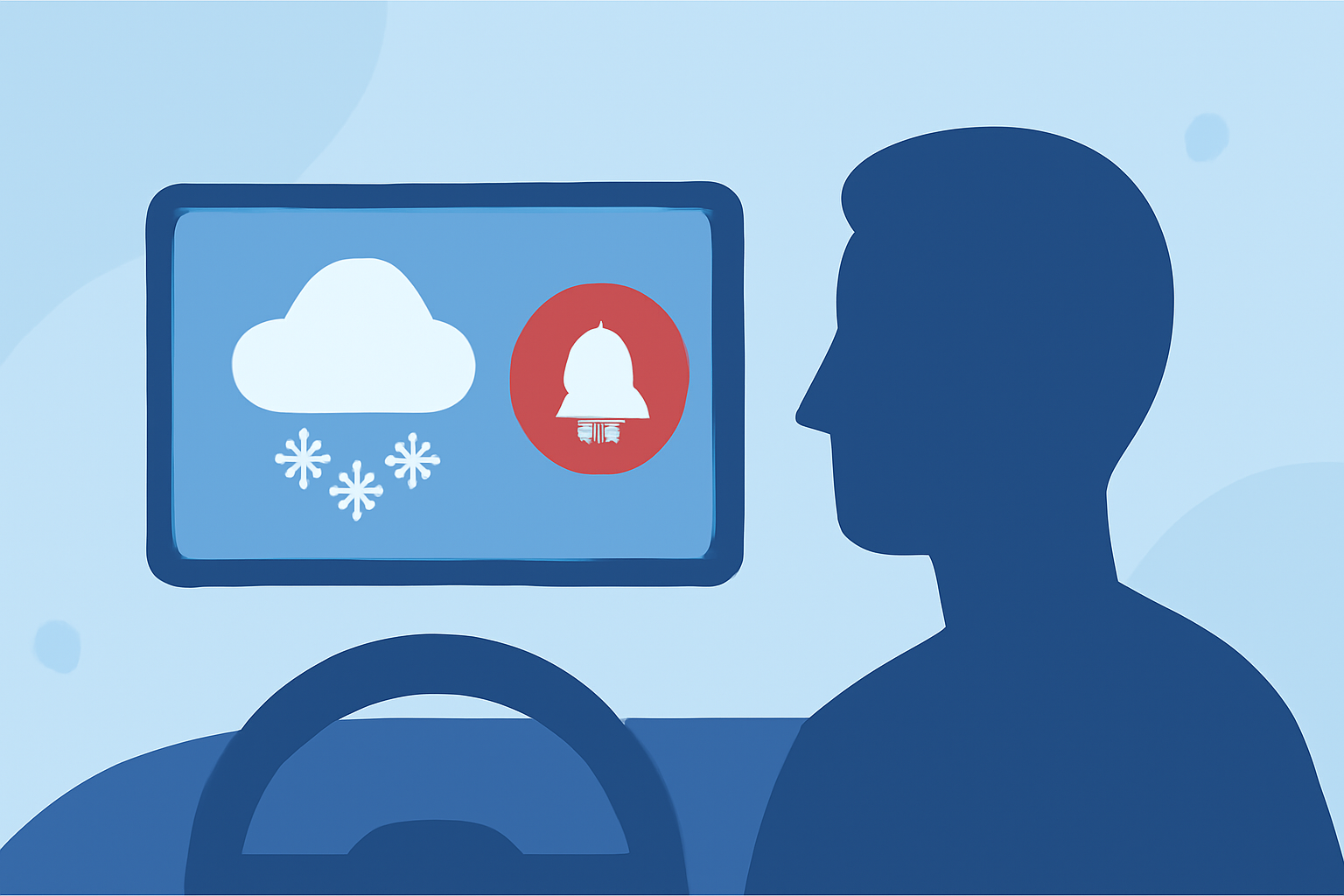
Snow start notifications are alerts you can set up in your vehicle to let you know when conditions are right for preemptive measures, like starting your car before you get in to ensure it’s warm inside and the windows are clear. These notifications are particularly useful during severe winter weather when snow accumulation can affect your vehicle’s functionality.
How Can Clime Help?
Clime provides specific features that make it an invaluable tool for staying up-to-date with weather changes. The app utilizes NOAA-based radar, allowing users to visualize precipitation in real-time. This helps users track incoming snow and plan their day accordingly. Features like hourly forecasts and severe weather alerts ensure you never get caught off guard by unexpected snowfalls.
Setting Up Notifications
To set up snow start notifications in your car using Clime:
- Download and Install Clime: Start by downloading the Clime app if you haven’t already.
- Configure Your Location: Ensure that your current location is set correctly to receive local weather alerts.
- Enable Notifications: Within the app settings, navigate to the notifications section and enable weather alerts specifically for snow conditions. You may need to customize settings based on your preferences, such as alert timing and types of notifications you want.
- Infotainment System Integration: Ensure your car’s infotainment system can receive these notifications. This may involve connecting your phone to the car via Bluetooth or through a compatible app.
Importance of Real-Time Weather Data
Having access to real-time weather data is critical when it comes to responding to immediate weather conditions. Clime’s radar displays allow users to see how snow is moving, providing insights into whether you should start your vehicle ahead of time. With additional environmental tracking features, you can also keep tabs on issues like air quality and road conditions that may affect driving.
Troubleshooting Alerts
If you’re having trouble receiving snow start notifications:
- Check Permissions: Make sure Clime has permission to send you notifications on your device.
- Infotainment Compatibility: Verify that your car is capable of receiving notifications from your weather app. Some older models may have limited functionality.
- Update the App: Keep Clime updated to ensure you have the latest features and bug fixes.
Alternative Alert Solutions
While Clime is an excellent solution for weather alerts, other alternatives exist that may cater to specific preferences or requirements. Depending on your needs, you might consider them if you're looking for added functionalities like advanced driver assistance systems that can integrate weather data directly into your vehicle's systems.
What We Recommend
- Use Clime: For most users, Clime provides all necessary weather alerts and notifications while being easy to set up and use.
- Be Proactive: Set up alerts as soon as possible before winter weather impacts your area.
- Stay Informed: Regularly check your weather settings and notifications to ensure you receive timely updates.