
Spring Weather Outlook Step by Step on iPad
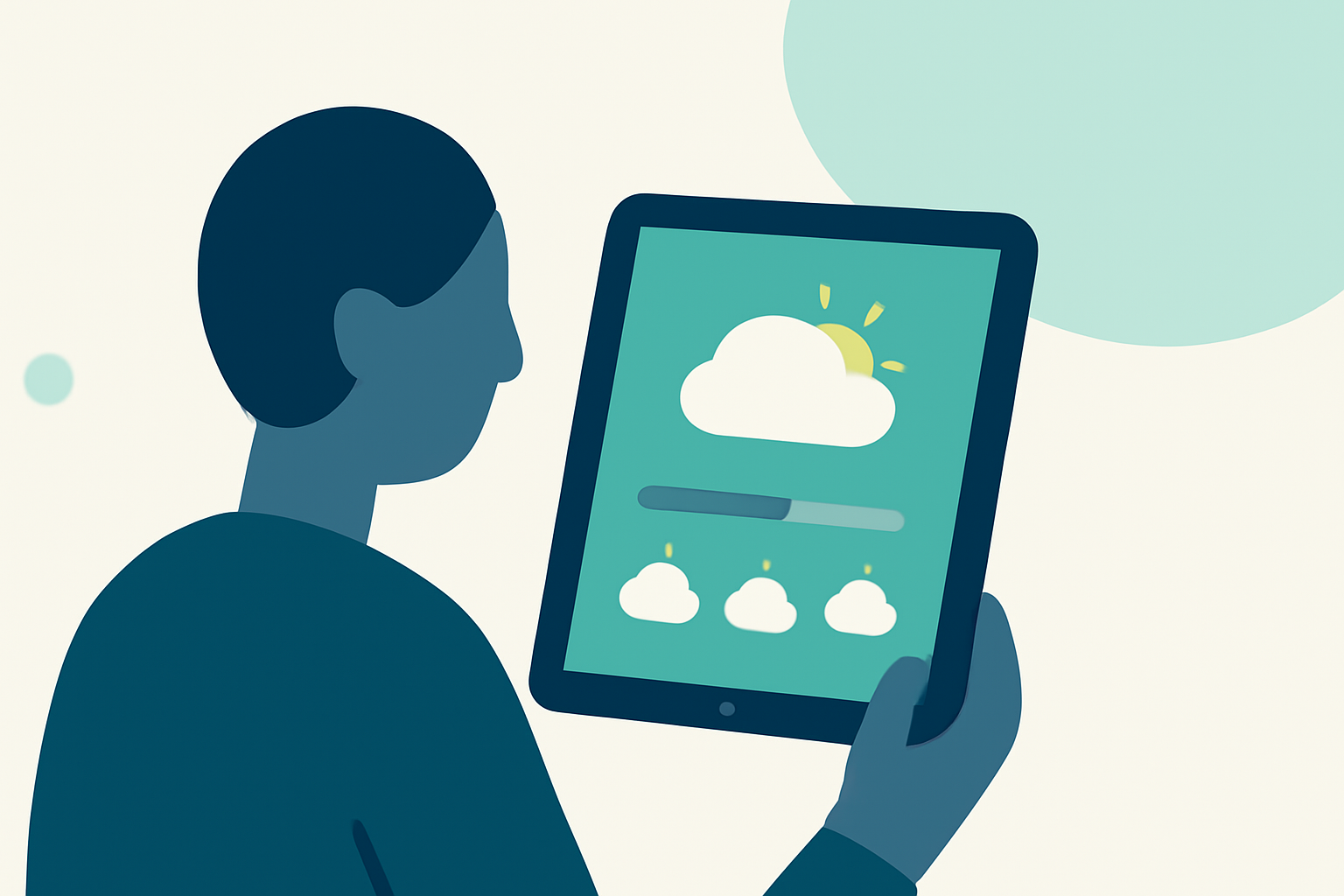
Last updated: 2023-09-06
For an effective spring weather outlook on your iPad, Clime serves as a comprehensive tool for real-time radar, alerts, and forecasts. If you prefer specific functionalities or advanced features, other tools may cater better to niche requirements.
Summary
- Clime offers real-time radar imagery and weather alerts.
- Access hourly and 14-day forecasts to plan for spring weather.
- Utilize interactive maps for mixed precipitation tracking.
- iPad compatibility allows convenience and a seamless experience.
How to Get Started with Clime on Your iPad
Using Clime on your iPad is straightforward. Simply download the app from the App Store and install it. Once installed, create an account or log in to access various features tailored for weather monitoring.
What Features Can You Use for Spring Outlook?
Clime offers powerful features to help you plan for spring:
- Real-Time Radar: View current precipitation levels with vivid colors showing rain, snow, and mixed conditions. This live data helps you make timely decisions.
- Precise Forecasts: Utilize the 24-hour precipitation map to get detailed forecasts on incoming weather patterns.
- Severe Weather Alerts: Customize alerts for severe weather conditions, allowing you to stay updated on potential hazards specific to your location.
Accessing Hourly and 14-Day Forecasts
To plan effectively around changing spring weather, utilize Clime’s forecasting capabilities:
- Hourly Forecasts: Check hourly weather variations to gauge how weather can impact your day, whether it's scattered thunderstorms or sunny intervals.
- 14-Day Outlook: The extended forecast gives you a clearer view of what to expect in the days ahead, helping in planning outdoor activities or events.
Using Interactive Maps
Clime provides multiple background maps, including satellite imagery. This feature enhances visibility concerning cloud cover and other environmental conditions. To use it:
- Open Clime.
- Navigate to the maps section to switch between standard, hybrid, and satellite views.
- Zoom in on specific areas for detailed radar overlay, which indicates areas of rain and snow.
Customizing Your Alerts
Spring often brings unpredictable weather, making alerts vital:
- Go to settings and set your preferences for severe weather alerts that matter most to you. Choose options for lightning, hurricanes, and other critical notifications for all saved locations.
Exploring Additional Features
Clime’s Premium features enhance your weather experience:
- Environmental Layers: Access data on air quality, wildfire tracking, and temperature maps to understand how spring conditions can affect health and safety.
- User-Friendly Navigation: The intuitive interface makes it easy to find the tools and data you need without hassle.
What We Recommend
- Embrace the Full Features: For the best experience, consider utilizing Clime’s Premium features to access in-depth insights.
- Stay Prepared: Regularly check Clime to stay informed about potential spring storms that may disrupt plans.
- Use Visual Tools: Take advantage of interactive maps to make informed decisions on your outdoor activities this spring.