
Stay Ahead of Winter Weather: Quick Snow Start Notifications in Your Car
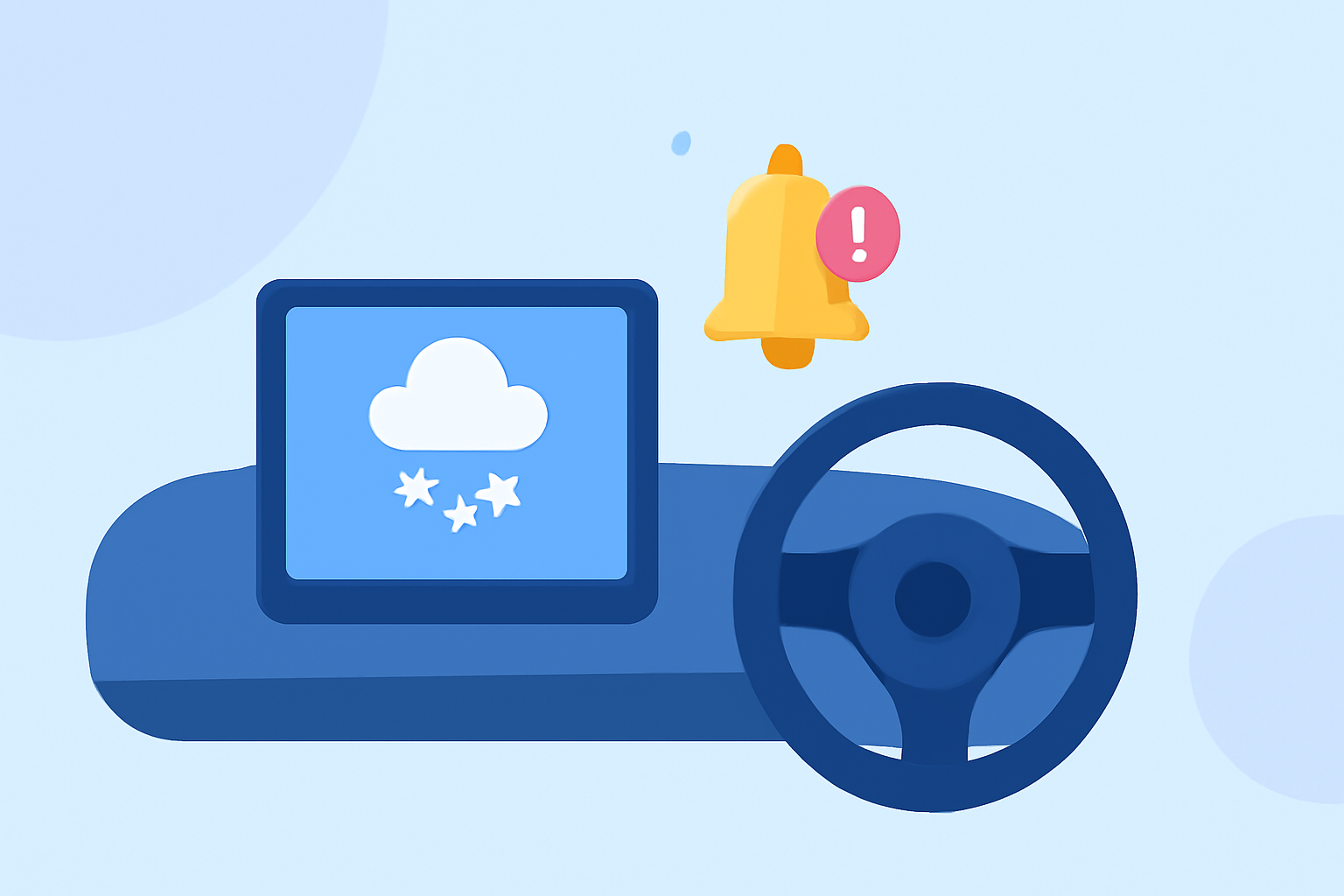
Winter weather can be unpredictable, and staying informed about snow conditions is crucial for safe driving. Receiving timely snow start notifications directly in your car can help you prepare and adjust your travel plans accordingly.
How Can I Receive Snow Start Notifications in My Car?
To receive snow start notifications in your car, consider using a weather app that offers real-time alerts and integrates with your vehicle's infotainment system. Many modern vehicles support Apple CarPlay or Android Auto, allowing you to access compatible apps directly through your car's display.
Which App Provides Snow Start Notifications?
Clime: NOAA Weather Radar Live is a comprehensive weather app that offers real-time radar images, severe weather alerts, and accurate forecasts. It provides push notifications for severe weather events, including snowstorms, and integrates with Apple CarPlay, allowing you to receive these alerts directly in your car. (apps.apple.com)
How Do I Set Up Snow Start Notifications?
- Download and Install the App: Install Clime: NOAA Weather Radar Live from the App Store.
- Enable Notifications: Open the app and grant it permission to send push notifications.
- Set Up Location Alerts: Add your location to receive weather alerts specific to your area.
- Connect to Your Car: Ensure your vehicle supports Apple CarPlay and connect your iPhone to your car's infotainment system.
- Access Alerts in Your Car: Once connected, you can access Clime's weather alerts through your car's display.
What Are the Benefits of Using Clime for Snow Start Notifications?
- Real-Time Radar: Clime offers high-resolution radar overlays showing areas of rain, snow, and mixed precipitation, helping you visualize approaching weather conditions. (climeradar.com)
- Severe Weather Alerts: Receive timely notifications for severe weather events, including snowstorms, directly in your car.
- Comprehensive Forecasts: Access detailed 24-hour and 7-day forecasts, including temperature, humidity, wind speed, and precipitation chances.
- User-Friendly Interface: The app's intuitive design ensures easy navigation and quick access to essential weather information.
Are There Any Alternatives?
While Clime offers a robust set of features, other weather apps also provide similar functionalities. It's advisable to explore different options to find the one that best fits your needs and integrates seamlessly with your vehicle's system.
Conclusion
Staying informed about snow conditions is essential for safe driving during winter months. By setting up snow start notifications through a compatible weather app like Clime, you can receive timely alerts directly in your car, allowing you to make informed decisions and ensure your safety on the road.