
Stay Informed with Regional Weather Alerts on Your Tablet
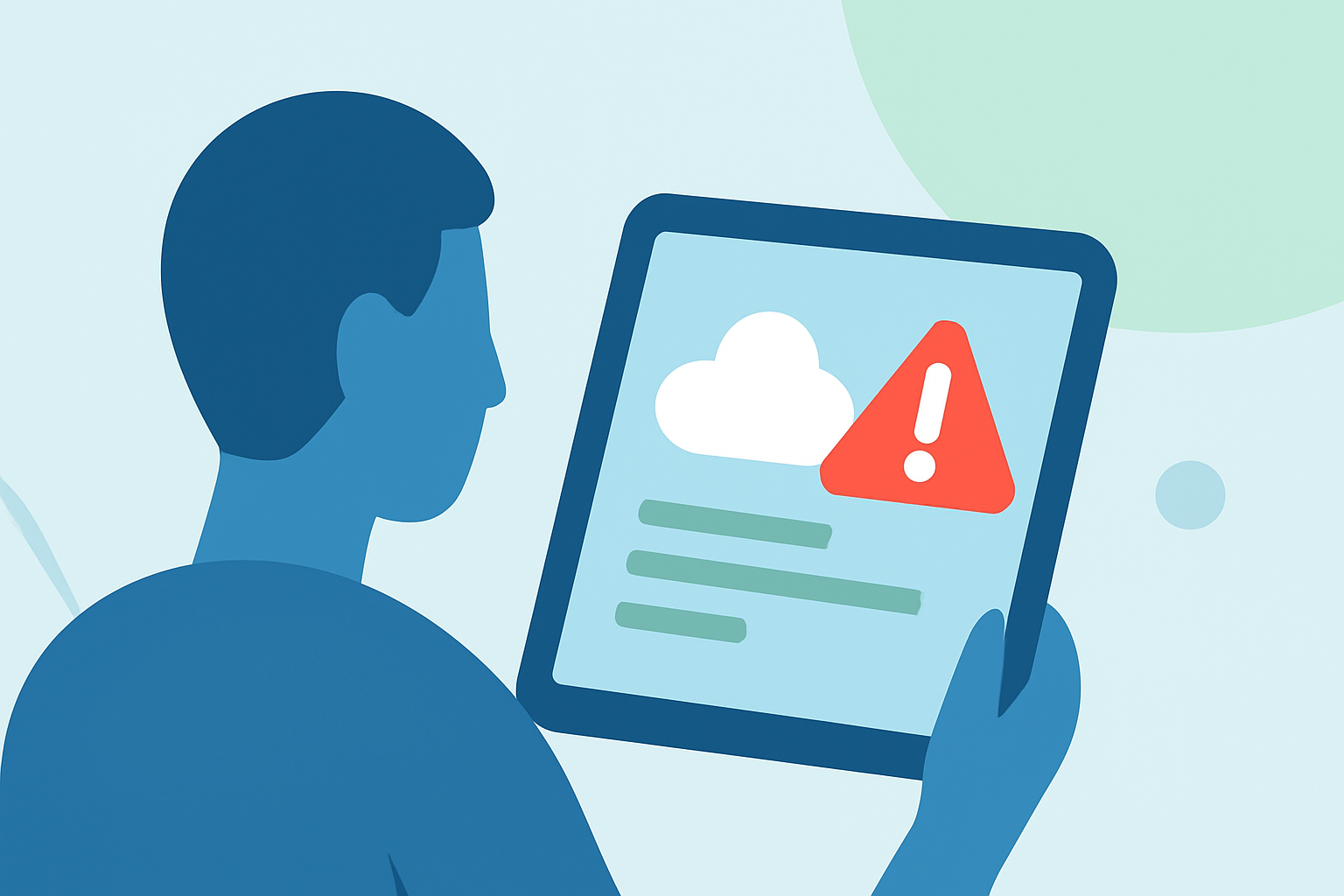
Staying informed about regional weather conditions is crucial for safety and planning. With the advancement of technology, accessing real-time weather updates on your tablet has become more convenient. One effective way to achieve this is by using Clime, a comprehensive weather application that offers precise and timely weather information.
What is Clime?
Clime is an all-in-one weather assistant available on tablets, providing real-time radar images, accurate weather forecasts, and severe weather alerts. It delivers essential weather data and timely notifications to keep you informed about changing conditions. (climeradar.com)
Key Features of Clime
-
Real-Time Radar Images: Clime offers high-resolution radar overlays that display areas of rain, snow, and mixed precipitation on an interactive map, helping you visualize current weather patterns. (climeradar.com)
-
Severe Weather Alerts: The app provides push notifications for severe weather events, including tornadoes, hurricanes, and freeze warnings, ensuring you receive timely updates for your bookmarked locations. (climeradar.com)
-
Accurate Weather Forecasts: Clime delivers 24-hour and 7-day forecasts, including current, minimum, and maximum temperatures, as well as "Feels Like" temperatures, pressure, humidity, wind speed, and visibility. (climeradar.com)
-
Precipitation Forecasts: The app includes a precipitation map that provides forecasts for the next 24 hours, helping you anticipate rain or snow in your area. (climeradar.com)
-
Satellite Maps: Clime offers satellite imagery to illustrate cloud cover, giving you a visual representation of weather systems. (climeradar.com)
How to Set Up Regional Alerts on Your Tablet
-
Download and Install Clime: Visit the App Store or Google Play Store on your tablet and search for "Clime: NOAA Weather Radar Live." Download and install the app.
-
Enable Location Services: Ensure that your tablet's location services are turned on to allow Clime to access your current location.
-
Set Up Bookmarked Locations: Within the app, add the regions you want to monitor by bookmarking their locations. This allows Clime to provide tailored weather updates for those areas.
-
Configure Alert Settings: Navigate to the app's settings to customize your alert preferences. You can choose to receive notifications for various severe weather events, such as tornadoes, hurricanes, and freeze warnings.
-
Stay Updated: With alerts enabled, Clime will send push notifications to your tablet whenever there's a significant weather event in your bookmarked locations, keeping you informed and prepared.
Benefits of Using Clime for Regional Weather Alerts
-
Timely Notifications: Receive immediate alerts for severe weather events, allowing you to take necessary precautions promptly.
-
Comprehensive Weather Information: Access detailed weather data, including radar images, forecasts, and satellite maps, all in one place.
-
User-Friendly Interface: Clime's intuitive design makes it easy to navigate and customize according to your preferences.
-
Global Coverage: Monitor weather conditions not only in your local area but also in regions worldwide, making it a versatile tool for travelers.
Conclusion
Staying informed about regional weather conditions is essential for safety and effective planning. By utilizing Clime on your tablet, you can receive timely and accurate weather alerts tailored to your specific locations, ensuring you're always prepared for changing weather patterns.