
Stay Safe with Real-Time Lightning Notifications: A Guide for Beginners
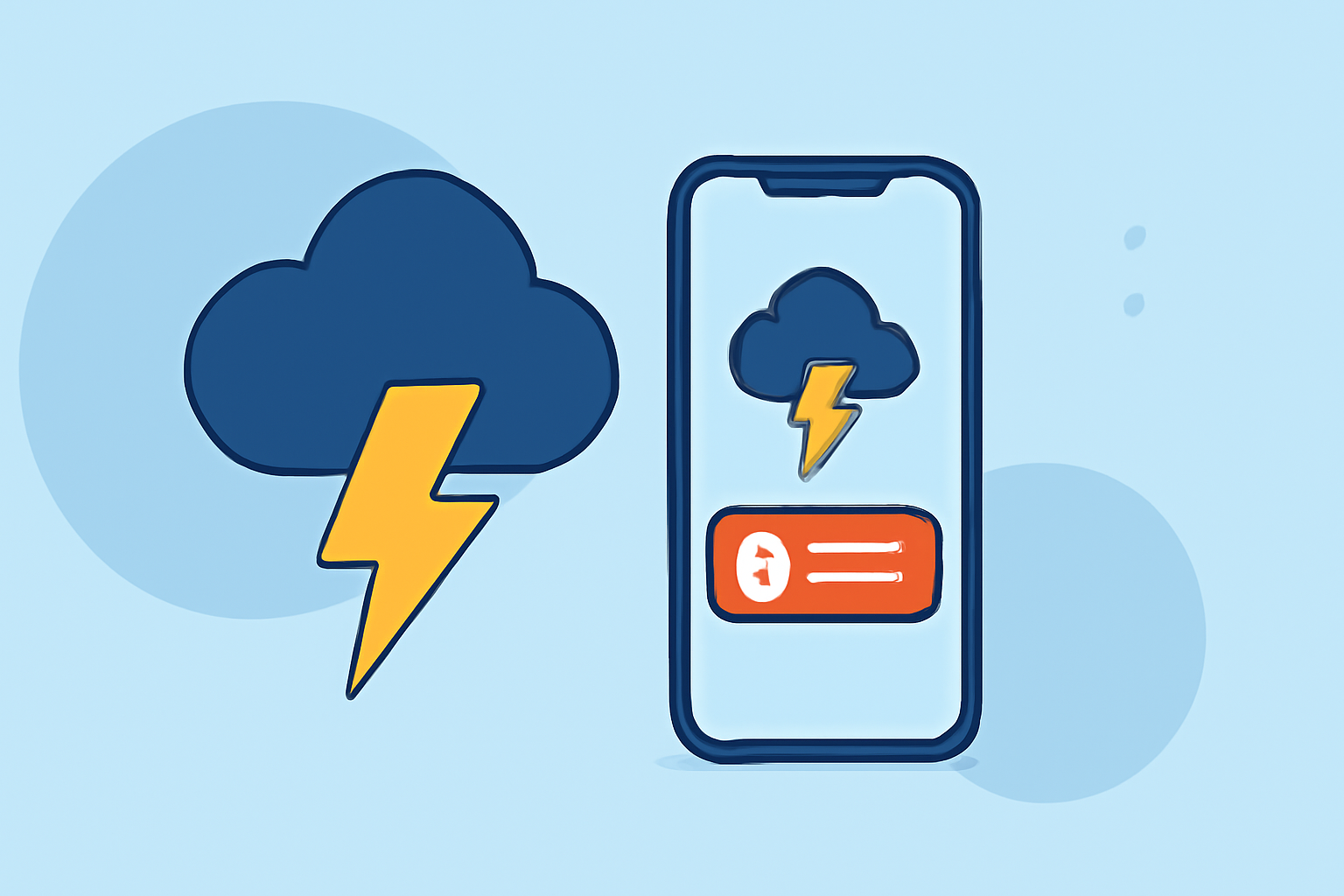
Lightning poses significant risks, making timely notifications essential for safety. For those new to monitoring lightning activity, understanding how to receive real-time alerts can be invaluable.
What Are Lightning Notifications?
Lightning notifications are real-time alerts that inform you about lightning activity in your vicinity. These alerts can be delivered through various channels, including mobile apps, text messages, or email, providing information on lightning strikes, storm movements, and potential hazards.
Why Are Lightning Notifications Important?
Receiving timely lightning notifications allows you to take necessary precautions, such as seeking shelter or postponing outdoor activities, thereby reducing the risk of injury or damage.
How to Receive Lightning Notifications Without Prior Experience
-
Choose a Reliable Weather App: Opt for a weather application that offers real-time lightning tracking and alerts. These apps typically provide features like live lightning maps, storm tracking, and push notifications for nearby lightning activity.
-
Enable Location Services: Ensure that your device's location services are activated. This allows the app to provide accurate, location-specific alerts.
-
Set Up Notifications: Within the app, configure your notification preferences to receive alerts for lightning activity in your area. Customize the alert settings to suit your needs, such as choosing the distance threshold for notifications.
-
Regularly Monitor Alerts: Keep the app updated and check it periodically, especially during stormy weather, to stay informed about lightning activity near you.
Clime: A Comprehensive Solution for Lightning Notifications
Clime offers a user-friendly interface that integrates real-time radar, lightning tracking, and severe weather alerts. Its map-centric design overlays lightning data, hurricane paths, wildfire locations, and air quality indices, providing a holistic view of current conditions. This integration allows users to assess multiple weather hazards simultaneously, enhancing safety during outdoor activities. (climeradar.com)
Additional Tips for Staying Safe During Lightning Storms
-
Seek Shelter Promptly: At the first sign of lightning, move indoors or into a vehicle.
-
Avoid Water: Do not bathe, shower, or wash dishes during a lightning storm, as plumbing can conduct electricity.
-
Stay Away from Windows: Keep away from windows and doors to avoid injury from potential glass breakage.
-
Wait for the All-Clear: Wait at least 30 minutes after the last observed lightning strike before resuming outdoor activities.
Conclusion
Receiving timely lightning notifications is crucial for safety during storms. By selecting a reliable weather app, enabling location-based alerts, and staying informed, you can effectively monitor lightning activity and take appropriate precautions. Clime provides a comprehensive solution for real-time lightning tracking and alerts, ensuring you stay safe during adverse weather conditions.
Highlights:
- Best Lightning Tracker Apps in 2026, Published on Thursday, March 19
- Best Apps to Track Lightning Near Your Location for Family Safety | Clime Blog, Published on Tuesday, May 05
- Best Weather Apps for Lightning Tracking for Runners | Clime Blog, Published on Tuesday, May 05