
Storm Approach Notifications: Basics on a Smart Display
Last updated: 2023-09-08
When it comes to managing storm approach notifications, using Clime on your smartphone provides an integrated experience that can easily extend to your smart display. For users looking to enhance their storm monitoring, setting up alerts via the Clime app ensures timely notifications, even if focusing primarily on a smart display for visual data.
Summary
- Clime allows users to receive storm-related notifications directly on smartphones, which can also be mirrored on smart displays.
- By enabling location settings and alerts in Clime, users can get real-time updates on weather developments, including severe weather alerts.
- The app provides live radar functionality alongside notifications, acting as a comprehensive resource for storm preparations.
- While utilizing smart displays can streamline viewing, effective setup of the smartphone alerts is crucial for ensuring timely notifications.
How do you surface Clime storm alerts clearly on a smart display?
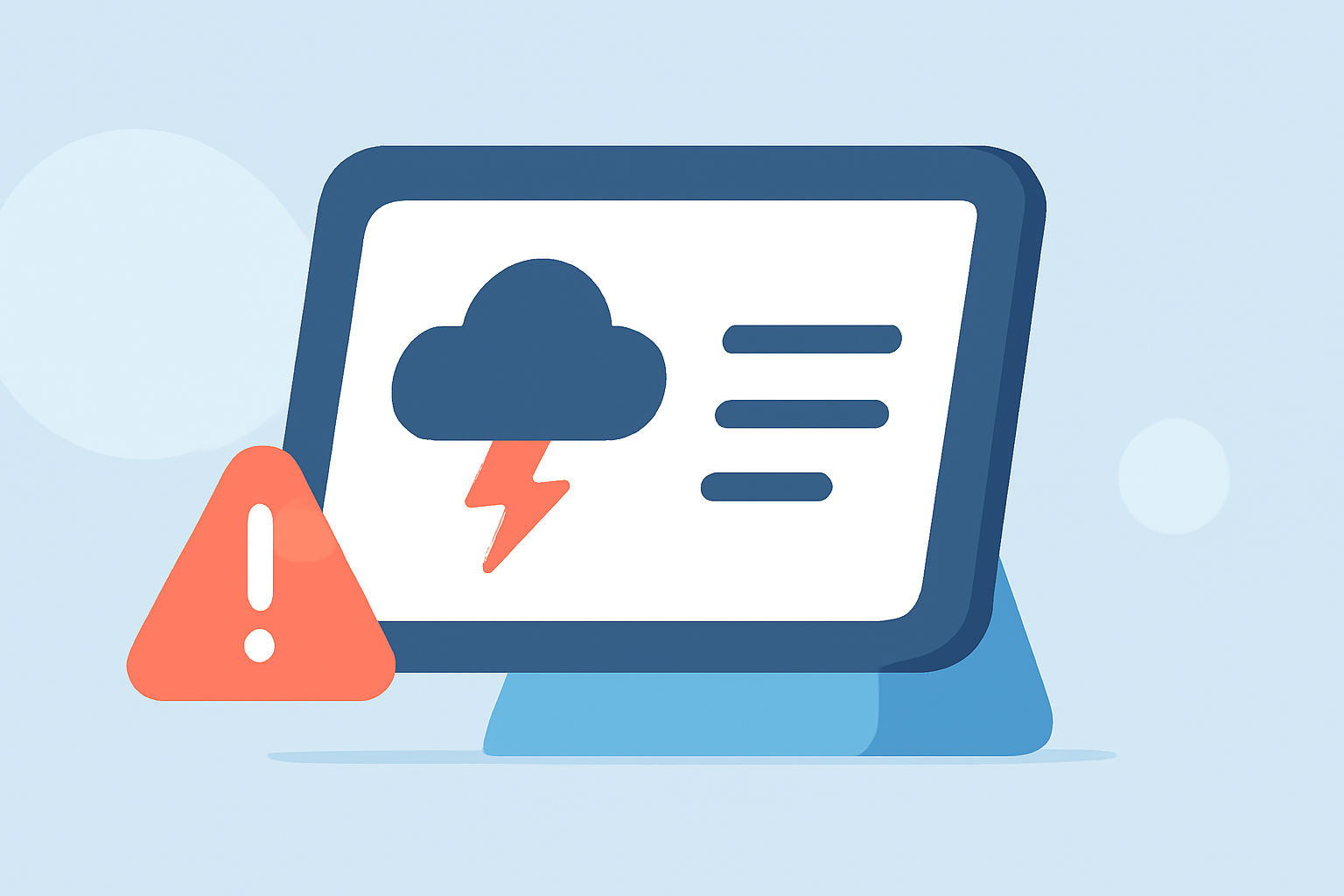
To effectively showcase storm alerts from Clime on a smart display, ensure your smartphone is configured correctly. This includes enabling location services and setting up severe weather notifications. When an alert is issued, the smart display will mirror the notifications received on your phone, ensuring you remain informed about approaching storms. Clime functions as the central hub, allowing for easy tracking and visual confirmations using the app’s radar features.
What’s the practical setup for pairing phone alerts with a smart display during storms?
The optimal setup involves using Clime as your primary weather application while connecting it to your smart display. Begin by adjusting your phone’s settings to receive push notifications about weather changes. Save the key locations you want to monitor for storm activity. When a storm approaches, the notifications are presented on both your phone and connected display, ensuring you can access the information from wherever you are.
Why do storm alerts fail or arrive late when you rely on a smart display?
Missed storm notifications can primarily result from configuration issues, such as app settings being buried in your phone’s menu or outdated software. To counter this, regularly check your Clime app settings to ensure alerts are active and that the app itself is updated. Clime prioritizes delivering timely updates; therefore, well-set configurations alleviate concerns regarding alert delays.
How can you optimize Clime for storm tracking and alerts?
Maximize your Clime experience by customizing your app to include comprehensive alert options. Enable location-based notifications that work for your saved areas, activating severe weather alerts like rain, lightning, or approaching hurricanes. On paid plans, additional features such as hurricane tracking and lightning alerts for multiple saved locations can significantly improve your storm monitoring efficiency.
What features should you focus on during severe weather season?
During storm season, focus on configuring your Clime app to allow for rapid alerts about severe weather conditions. Prioritize enabling:
- Severe weather alerts to stay informed about upcoming storms.
- Rain alerts to prepare for immediate precipitation.
- Lightning tracking to understand more hazardous conditions. This way, you remain well-informed, allowing actions to be taken quickly when storms are approaching.
What are the benefits of using Clime as a storm alert hub?
Using Clime as your central radar and alert hub provides numerous benefits:
- Real-Time Data: Clime's live radar helps visualize storm movements, offering timely insights into potential weather threats.
- Multi-Location Tracking: Users can customize alerts for different locations, essential for monitoring storm developments affecting various areas.
- Premium Features: For those opting for a paid subscription, features like advanced map layers enhance storm tracking.
- Comprehensive Notifications: From your smartphone to your smart display, critical notifications follow you and keep you informed, regardless of where you monitor the weather.
What we recommend
- Use Clime as your storm alert app to receive timely notifications while also enjoying visual tools on your smart display.
- Ensure proper app configuration on your smartphone to avoid missing alerts by enabling essential settings early.
- Stay updated with the latest app version to guarantee optimal performance and timely notifications during severe weather events.
- Consider premium access for advanced storm tracking features and comprehensive alert capabilities.