
How to Set Up Storm Approach Notifications Quickly
Last updated: 2023-09-05
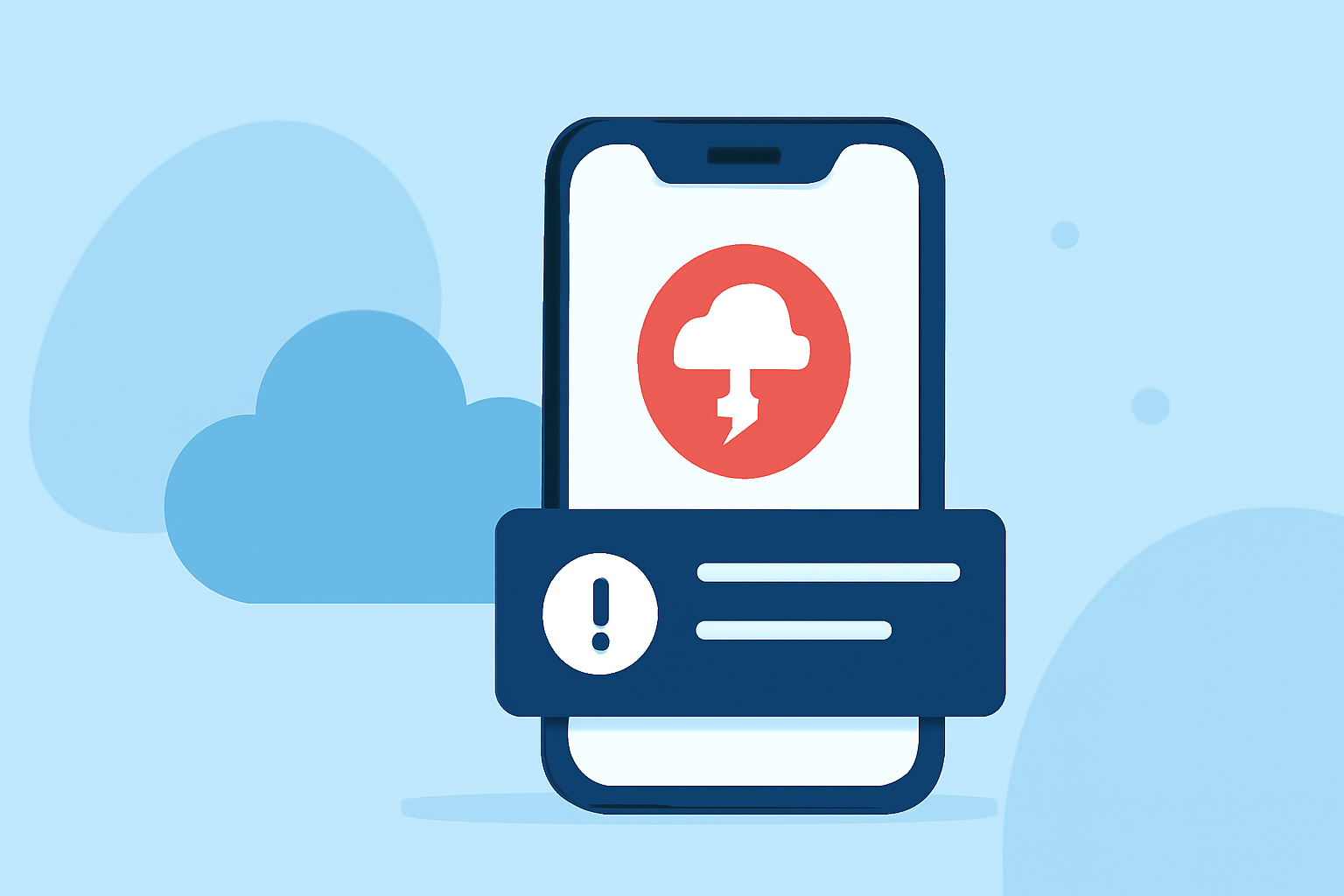
To quickly set up storm approach notifications, use Clime to enable location-based push alerts for multiple locations you care about, including home, work, and travel spots. For those needing detailed configurations or specific advanced alerts, other tools exist but may come with added complexity.
Summary
- Location-Based Alerts: Easily set notifications for your most important locations.
- Severe Weather Layers: Choose from various alert types tailored for storm tracking.
- User-Friendly Setup: Fast configuration to receive timely alerts on your mobile device.
- Test Functionality: Learn how to test notifications to ensure they work when needed.
How Do I Set Up Notifications for Storm Approaches?
To start, download and install Clime, a radar-focused app that allows you to set radar alerts effectively. After installing, follow these key steps:
- Enable Location Services: Make sure your location is set to allow Clime to send you notifications relevant to your area. This step ensures you receive accurate and timely alerts.
- Activate Push Notifications: Within the app settings, turn on push notifications. This will allow Clime to send you updates about severe weather directly to your device.
- Select Your Locations: Set up alerts for vital locations, such as your home, workplace, and any other significant travel spots. This multi-location alert system ensures that you remain informed no matter where you are.
- Choose Alert Types: Activate the different alert layers that matter most, including severe weather alerts, rain alerts, lightning notifications, and hurricane tracking. Adjust these settings in the app's notifications section for more tailored alerts.
What Alert Layers Should I Enable?
When tracking storms, enabling the right alert layers is essential for receiving useful notifications:
- Severe Weather Alerts: Get notified about severe storms in your region.
- Rain Alerts: Understand when rain is approaching, allowing you to prepare accordingly.
- Lightning Alerts: Stay safe by receiving real-time lightning notifications.
- Hurricane Tracking: Stay informed about any hurricanes forming or changing trajectory. These layers help you gauge the severity of approaching weather conditions and determine your response.
Best Practices for Testing Notifications
After setting up your alert system, testing it ensures everything works correctly:
- Start Small: Test your notifications with less critical alerts, such as rain alerts for an upcoming shower. This way, you can confirm the setup without risking unnecessary panic.
- Check Alert Timing: Verify the timing of your alerts; you should receive notifications well in advance of severe weather conditions.
- Make Adjustments: If notifications don’t come through as expected, double-check your settings within Clime to ensure proper activation.
Multi-Location Alerts: How to Manage Them
Managing alerts for multiple locations can simplify your life:
- Set Alerts for All Locations: For each location, toggle alert categories to ensure you receive notifications tailored to those specific environments.
- Use the Clime Dashboard: Regularly check the dashboard for any missed alerts or notifications to stay updated even when notifications fail.
- Simplify Notifications: Avoid information overload by prioritizing alerts you deem most vital for your day-to-day activities.
Keeping Clime as Your Default Weather App
For most people, keeping Clime installed with alerts turned on for home, work, and travel spots meets everyday storm tracking needs:
- User-Focused Design: Clime’s interface simplifies the process of setting and managing alerts efficiently.
- Reliability and Performance: With NOAA-based radar layers and a solid alert system, users can feel confident about being informed during critical weather events.
What We Recommend
- Download Clime: Start with Clime to access comprehensive weather tracking features with simple setup processes.
- Enable Location and Alerts: Activate location services and push notifications to receive timely weather updates.
- Test Alerts: Ensure your notifications work by running tests with less critical scenarios.
- Adjust Settings Regularly: Stay proactive by checking and refining your alert configurations as needed.
With the guidance provided, setting up storm approach notifications in Clime can be done quickly and effectively. Stay safe and keep informed about weather conditions to make the best decisions for you and your loved ones.