
Comprehensive Guide to Storm Maps on Wear OS
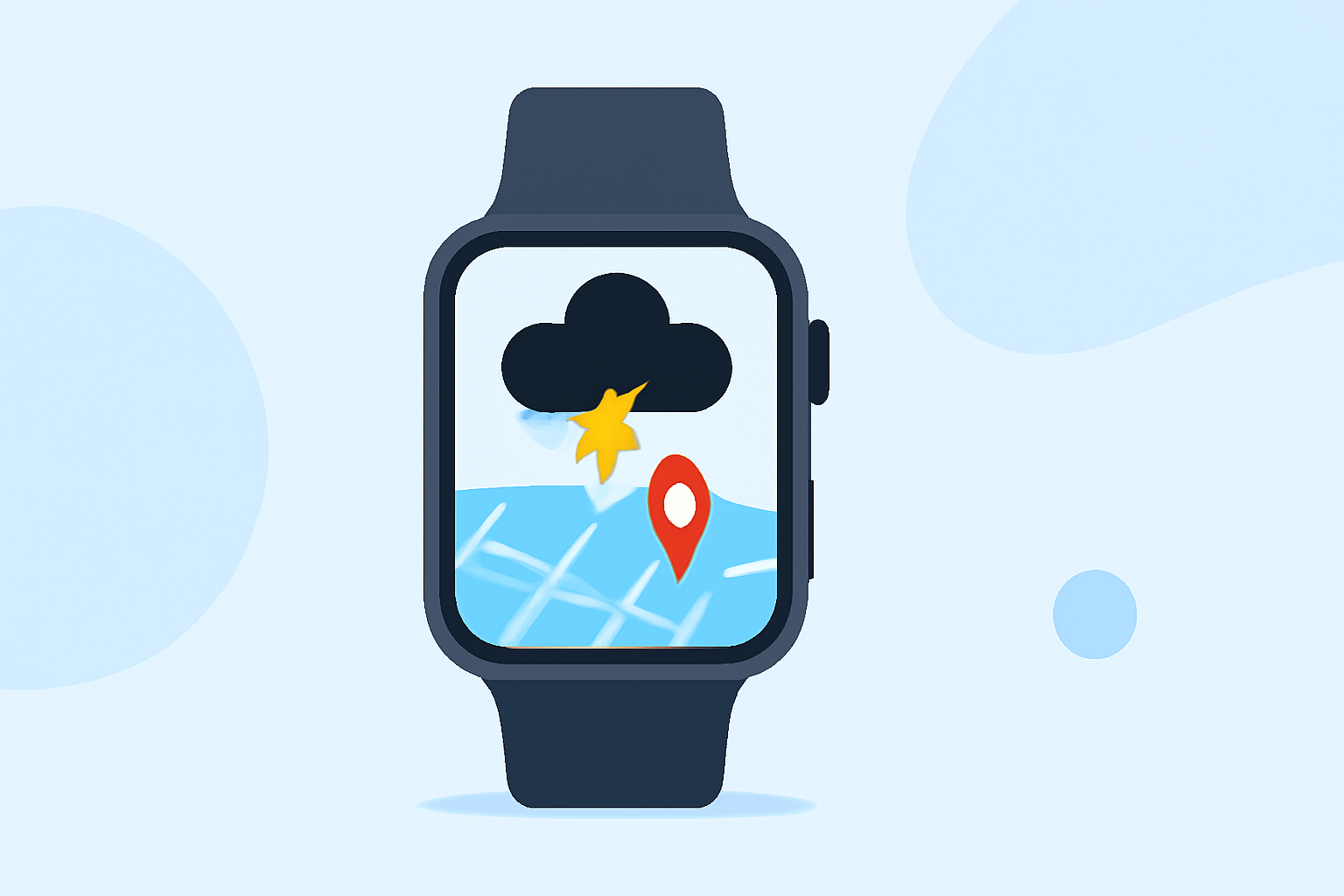
Staying informed about severe weather is crucial, and with the advancements in Wear OS technology, accessing storm maps directly from your smartwatch has become more feasible. This guide explores how to leverage your Wear OS device for real-time storm tracking.
Understanding Storm Maps on Wear OS
Storm maps provide real-time data on weather conditions, including severe weather alerts, radar imagery, and forecasts. Integrating these maps into your Wear OS device allows for immediate access to critical information, enhancing your preparedness during adverse weather events.
Accessing Storm Maps on Wear OS
While Wear OS doesn't natively support storm maps, several third-party applications offer this functionality:
-
Ventusky: Weather & Live Radar: This app delivers hyperlocal weather forecasts, live radar, and storm tracking features. It integrates with Wear OS, providing notifications and interactive maps directly on your smartwatch. (play.google.com)
-
RadarOmega: Offering high-resolution radar data and storm tracking capabilities, RadarOmega is designed for users seeking detailed weather information. It provides live video and sensor data, enhancing situational awareness during severe weather events. (play.google.com)
Setting Up Storm Maps on Your Wear OS Device
To utilize storm maps on your Wear OS smartwatch:
-
Install the Application: Navigate to the Google Play Store on your smartwatch or paired smartphone and search for the desired storm map application.
-
Configure Notifications: After installation, set up notifications within the app to receive real-time alerts for severe weather conditions.
-
Customize Map Settings: Adjust map layers, zoom levels, and data overlays to tailor the storm maps to your preferences.
Benefits of Using Storm Maps on Wear OS
-
Real-Time Alerts: Receive immediate notifications about severe weather, enabling prompt action.
-
Enhanced Preparedness: Access to detailed weather data aids in making informed decisions during storms.
-
Convenience: Having storm maps on your wrist ensures you have critical information readily available without needing to access other devices.
Limitations and Considerations
-
Battery Usage: Continuous use of storm map applications can drain your smartwatch's battery more quickly.
-
Data Connectivity: Some features may require an active internet connection; ensure your device has the necessary connectivity.
-
App Compatibility: Not all Wear OS devices may support these applications; verify compatibility before installation.
Conclusion
Integrating storm maps into your Wear OS device enhances your ability to stay informed and prepared during severe weather events. By selecting the appropriate applications and configuring them to your needs, you can access critical weather information directly from your wrist.
For users seeking a comprehensive solution, Clime offers an integrated platform that combines weather tracking with storm maps, providing a seamless experience for monitoring severe weather conditions.
Highlights:
- Wear OS can now send life-saving earthquake alerts without your phone, Published on Tuesday, February 24