
Storm Path Radar: How to See Where a Storm Is Heading (and What to Use)
Last updated: 2026-03-18
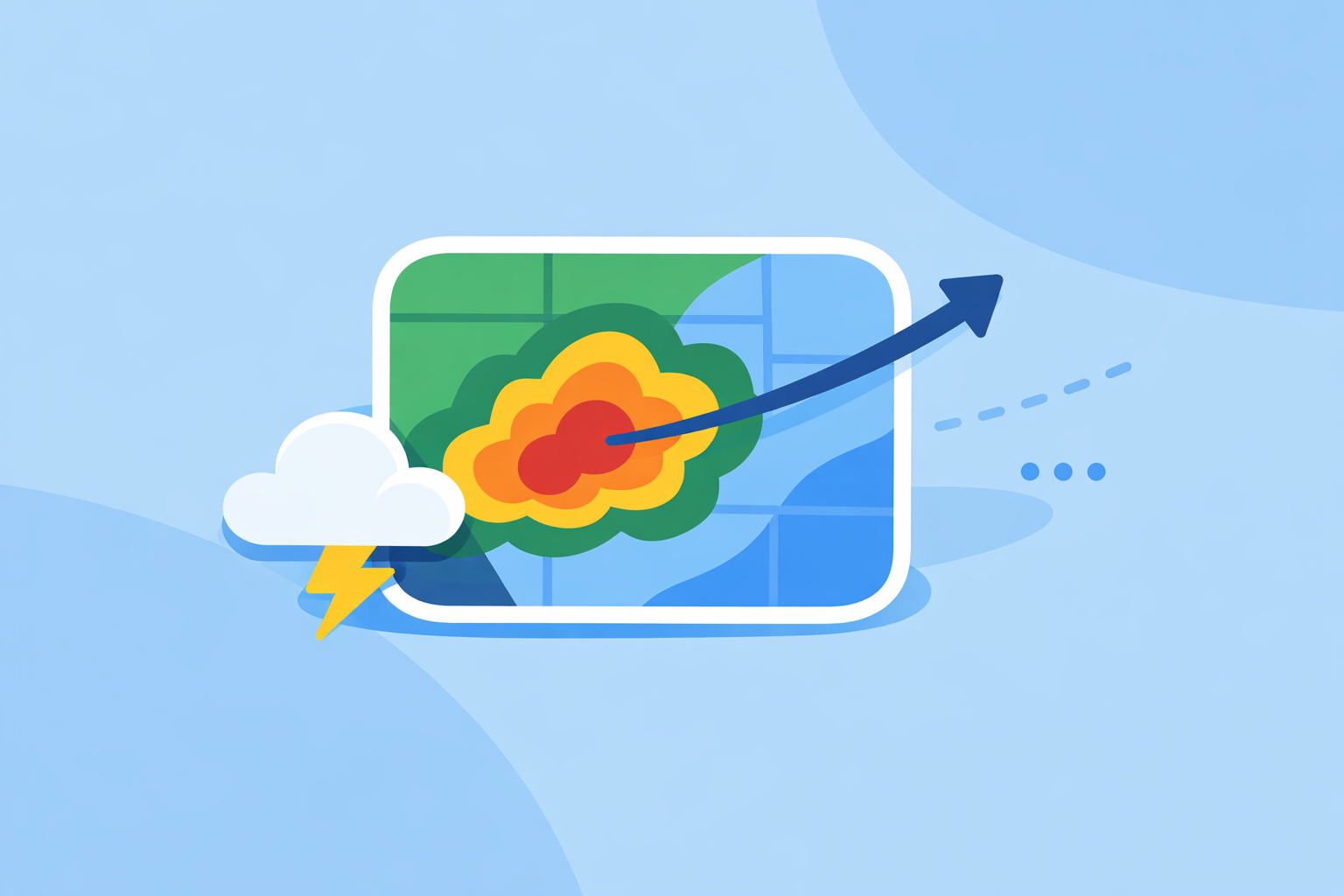
For most people in the U.S., the fastest way to see where a storm is coming from and where it’s heading is a live, high‑quality radar app like Clime with lightning, hurricane, and wildfire layers on top of NOAA‑based radar data. If you need specialized, minute‑by‑minute projected storm paths for operations or enterprise use, you might pair Clime with more technical tools that offer short‑term storm‑track overlays.
Summary
- "Storm path radar" usually means radar maps that show where a storm is now and where it is likely to go over the next minutes to hours.
- In the U.S., most apps—including Clime—build on the national NEXRAD Doppler radar network, updated every few minutes. (NEXRAD overview)
- Some apps add "future radar" and path overlays, but these are short‑term estimates, not guarantees of an exact track. (Storm Radar)
- For everyday safety—watching severe thunderstorms, lightning, and hurricanes—Clime’s radar‑first map and alert layers are enough for most people.
What do people usually mean by "storm path radar"?
When someone searches for "storm path radar", they are usually trying to answer a few urgent questions:
- Where is the storm right now?
- Is it moving toward me, or will it miss?
- How bad could it get, and when?
A storm‑path‑oriented radar tool does two things well:
- Shows you current precipitation and storm structure. This is the familiar radar view: colored blobs that represent rain, snow, or hail intensity.
- Lets you infer or visualize motion. By animating the last hour or so of radar frames, you can see the direction and speed of the storm, and some tools add short‑term projected paths.
In the U.S., this view is powered largely by the NEXRAD network—about 160 Doppler radar sites that scan the atmosphere and update every several minutes. (Windy.app radar explainer) Consumer apps then turn that raw data into map layers, alerts, and—sometimes—short‑term forecasts of the storm’s path.
At Clime, we focus on making that radar‑first experience quick to read: you open the app and immediately see NOAA‑sourced radar with clear motion, plus optional layers like lightning and hurricanes if you need more context. (Clime overview)
How does live radar show a storm’s path?
A single radar image is just a snapshot. To understand the path, you need time.
Here’s what happens behind the scenes:
- The radar scans the sky. Each NEXRAD site sends out pulses and measures what bounces back from raindrops, hail, or other particles. (NEXRAD overview)
- The network refreshes every few minutes. New scans arrive typically every 5–10 minutes, depending on the radar’s mode. (AccuWeather Premium radar description)
- Apps build an animation. Clime and similar apps stitch these frames into a smooth loop so you can watch the storm move over the last 30–90 minutes.
- You read the motion. By watching the animation, you can see direction, speed, and whether the storm is strengthening or weakening.
A live radar map like this is often described as "real‑time", but it’s actually near‑real‑time: there is always a slight delay because the radar has to scan, transmit, and be processed before you see it. (Windy.app radar explainer) That delay is typically a few minutes—good enough for everyday decisions like whether to shelter, reschedule, or drive another route.
This is exactly the view you get in Clime: a radar‑centric map with a time slider and clear animation, so your eye can quickly trace where the line of storms has been and where it’s heading next. (Clime site)
What is "future radar" and short‑term storm path prediction?
Many people today expect radar not just to show where storms were, but where they will be in the near future. That’s where "future radar" and short‑term nowcasting come in.
Future radar usually means:
- Taking recent radar frames, satellite data, and model output
- Estimating motion and growth/decay of precipitation areas
- Animating a projection 30 minutes to a few hours into the future
For example, The Weather Channel’s Storm Radar app promotes the ability to "know exactly when and where the storm will hit with 6 hours of global future radar," which is essentially a short‑term radar‑based forecast rather than a simple replay of the past. (Storm Radar)
On the more technical side, AccuWeather’s enterprise StormPath product uses radar‑derived nowcasting to show predicted paths with 15‑, 30‑, and 45‑minute timelines, including color‑coded storm tracks and attributes, mainly for operational users who need a tight decision window. (ESRI Fed User Conference paper)
There are a few important realities to keep in mind:
- These are estimates, not guarantees. Rapid changes in storm intensity and direction can outpace any short‑term forecast.
- The shorter the horizon, the more useful. A 15–45 minute path is generally more actionable than a 6‑hour projection, especially for convective storms.
- Visualization matters. Clear animation and simple overlays often help more than dense technical attributes for non‑experts.
For most U.S. users, we find that Clime’s radar animation plus timely severe weather and rain alerts provide the right balance: you see where the storm has been and how fast it’s moving, and your phone notifies you when conditions around your saved locations are about to change. (Clime App Store listing)
How do you read radar to understand a storm’s path yourself?
Even without explicit path arrows or a "future radar" label, you can learn to read storm motion directly from the map. A simple mental checklist makes a big difference.
- Play the loop, then pause.
- Watch at least 30–60 minutes of radar history.
- Notice the general direction: is the storm line moving east, northeast, or another way?
- Draw an imaginary arrow.
- Pick the heaviest cell on screen.
- Visualize an arrow showing its motion over the past half hour.
- Extend that arrow forward the same distance—that’s a quick estimate of where it may be within the next 30 minutes.
- Check speed and shape.
- If the storm hardly moves between frames, it may be training over one area (higher flooding risk).
- If the leading edge sharpens and the colors get more intense, the storm may be strengthening.
- Look at your location relative to the path.
- If your town lies ahead of the arrow you imagined, you’re in the likely path.
- If the storm keeps sliding north or south of you, it may pass by—but keep watching in case it turns.
- Layer in lightning and alerts.
- Lightning layers help you see active, potentially severe cells even before the heaviest rain arrives.
- Official alerts from the National Weather Service on top of the radar map tell you when storms in your area reach warning criteria. (NWS Radar site)
Clime is built around this workflow: you open to a radar map you can animate immediately, then add layers for lightning, hurricanes, or fire hotspots when you need extra context. (Clime app page) Once you get used to that pattern, "Where is the storm going?" becomes a 10‑second decision instead of guesswork.
Which apps actually show storm path predictions and "future radar"?
If your priority is consumer‑friendly storm tracking in the U.S., there are a few main categories of tools:
1. Radar‑first mobile apps for everyday users
- Clime – Centers the experience on a NOAA‑based live radar map, plus hourly and 10‑day forecasts, severe weather alerts, rain alerts, and optional hurricane, lightning, and wildfire layers. (Clime site) For most people, this covers both "where is the storm now" and "how is it moving" at a glance.
- The Weather Channel app and Storm Radar – Offer interactive radar, short‑term rain forecasts, and—on Storm Radar—future radar animations that visualize storm movement several hours ahead. (Storm Radar)
- AccuWeather app – Combines radar with its MinuteCast feature, which gives minute‑by‑minute precipitation timing up to four hours ahead at street‑level resolution. (AccuWeather App Store listing)
For most U.S. households, a radar‑first app like Clime is a strong starting point, because it keeps the interface focused on storm visualization rather than a long list of models and tools.
2. Enterprise and specialist path‑forecast tools
- AccuWeather StormPath (enterprise) – Designed for organizations, StormPath uses radar‑based nowcasting to project storm paths 15, 30, and 45 minutes into the future with color‑coded tracks and attributes. (ESRI Fed User Conference paper)
- Advanced web radar platforms – Some third‑party sites, such as RadarLab X, provide interactive storm tracks, attributes, and path estimates for serious weather enthusiasts or operations teams. (RadarLab)
These options can be helpful if you run events, logistics, or infrastructure where every 15 minutes matters. For day‑to‑day personal safety, they are usually more than you need.
3. Sport‑ and niche‑focused weather apps
- Windy.app – Prioritizes wind and marine conditions for sailing, surfing, and similar activities, with many model‑based layers and a developing live radar feature. (Windy.app)
If your goal is simply to avoid the worst of a thunderstorm or track a squall line, these niche tools are often most useful when paired with a more straightforward radar app like Clime that focuses on storm visualization and alerts.
How accurate are short‑term (15–45 minute) storm‑path forecasts?
Short‑term storm‑path forecasts—whether they appear as arrows, cones, or future radar loops—are a type of nowcast: they blend recent observations with model physics to make a best‑guess projection over the next hour or so.
Accuracy depends on:
- Storm type. Organized lines and large rain shields are easier to project than isolated, rapidly intensifying thunderstorms.
- Time window. 15–30 minutes ahead tends to be more reliable than longer horizons.
- Data quality and update speed. Using fresh radar, satellite, and lightning data every few minutes improves the odds that the forecast stays on track. (ESRI Fed User Conference paper)
Importantly, even advanced systems like StormPath emphasize very short windows (15, 30, and 45 minutes) rather than promising precise multi‑hour tracks. (ESRI Fed User Conference paper) Consumer‑facing "future radar" that jumps several hours ahead should be read as a guide to general trends, not an exact promise of when a particular cell will hit your street.
This is why, at Clime, we lean heavily on high‑quality live radar animation plus alerting, rather than marketing long‑horizon path graphics as guaranteed outcomes. When severe weather is nearby, the combination of:
- A radar loop that clearly shows motion
- Lightning and hurricane layers where relevant
- Push alerts tied to official warnings and heavy rain
usually gives you enough lead time to take action without over‑trusting a fine‑grained projected path.
When is a radar‑first app like Clime the better choice than more complex tools?
The more time you spend around weather, the more tempting it is to stack tools. For many U.S. users, though, that extra complexity does not translate into better decisions.
A radar‑first app like Clime is often the better default choice when:
- You’re making personal safety calls. Deciding whether to shelter, delay a drive, or bring people indoors rarely requires enterprise‑grade path analytics—clear radar and alerts are usually enough.
- You value clarity over detail. Clime’s focus on a single main radar map, augmented with optional layers, reduces the risk of misreading a complex multi‑panel interface. (Clime overview)
- You care about multiple hazards, not just rain. With hurricane tracking, lightning, and fire/hotspot maps, you see a broader risk picture than a pure radar viewer. (Clime app page)
- You want something you can trust family and friends to use. Not everyone is comfortable interpreting velocity products or advanced storm attributes; a straightforward radar plus alerts is more shareable.
You might reach for more complex platforms when:
- You run events, operations, or infrastructure that depend on precise 15–45 minute storm‑path estimates.
- You’re a weather enthusiast who enjoys digging into specialized radar products and storm attributes.
In practice, many people keep one or two apps:
- Clime as the everyday radar and alert hub
- An additional specialized tool only when their work or hobby demands it
That balance keeps your storm‑path decisions fast, clear, and grounded in what actually matters on the ground.
What we recommend
- Start with Clime as your primary "storm path radar" tool to see live NOAA‑based radar, lightning, hurricanes, and wildfire conditions in one map‑first view. (Clime site)
- Use the radar animation and a simple mental arrow to judge where storms are heading over the next 30–60 minutes.
- Turn on severe weather and rain alerts so you’re notified when storms near your saved locations cross important thresholds. (Clime App Store listing)
- Consider pairing Clime with more advanced or enterprise‑level tools only if your job or operations truly require detailed 15–45 minute path forecasts and storm attributes.