
Comprehensive Guide to Storm Path Tracking on Android
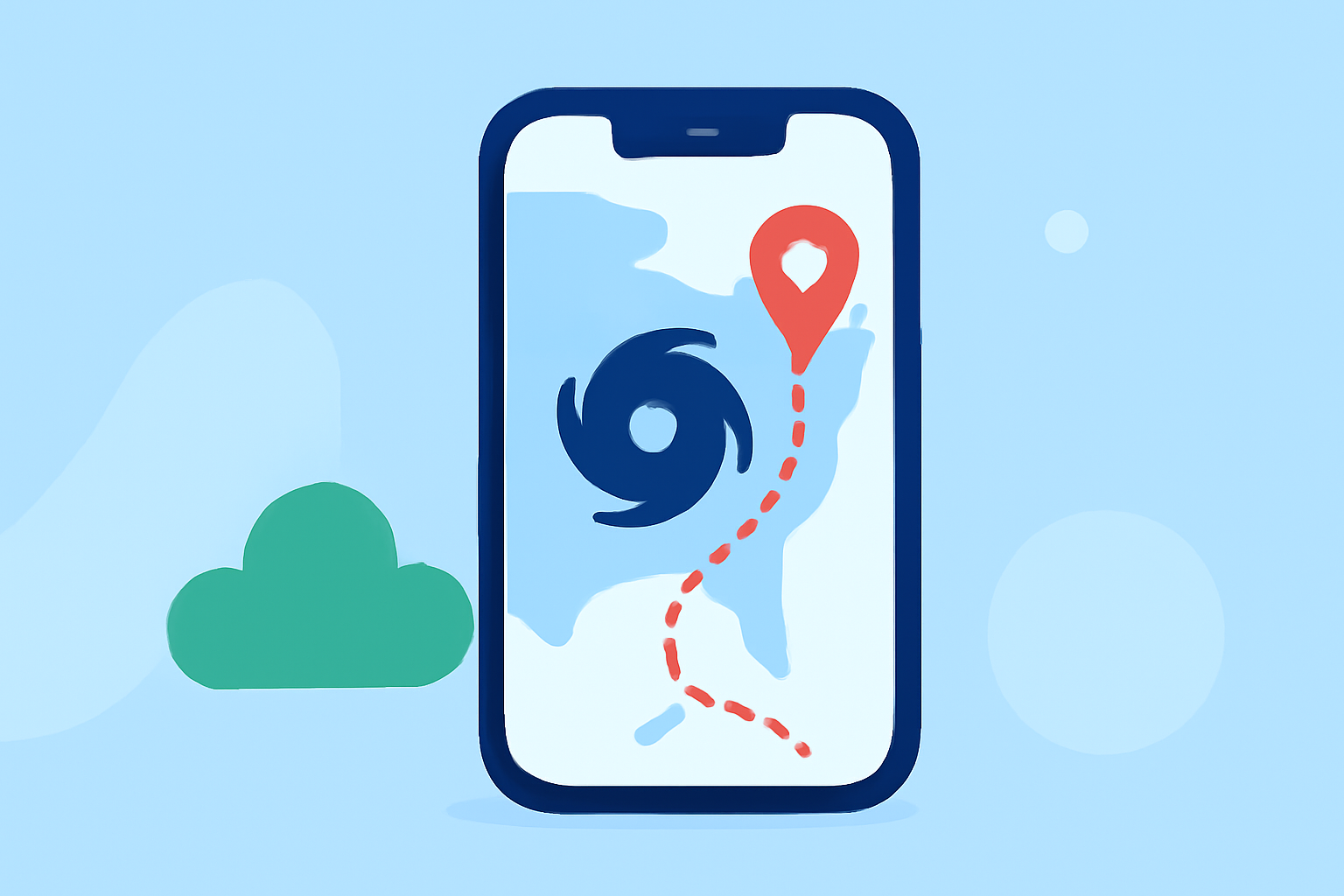
Monitoring storm paths is crucial for safety, especially during severe weather events. With the advancement of mobile technology, Android users can now access sophisticated tools to track storms in real-time. Clime stands out as a comprehensive solution, providing detailed weather information and interactive features to keep you informed and prepared.
What Is Clime?
Clime is a weather application designed to deliver accurate and timely weather data directly to your Android device. It offers real-time radar imagery, severe weather alerts, and detailed forecasts, making it an essential tool for tracking storm paths and staying ahead of changing weather conditions.
Key Features of Clime
-
Real-Time Radar Imagery: Clime provides high-resolution radar images, allowing users to visualize precipitation patterns and storm movements with clarity.
-
Severe Weather Alerts: The app sends timely notifications about severe weather events, including storms, hurricanes, and tornadoes, ensuring users receive critical information promptly.
-
Interactive Forecasts: Clime offers detailed hourly and daily forecasts, helping users plan their activities and make informed decisions based on upcoming weather conditions.
How to Use Clime for Storm Path Tracking
-
Download and Install Clime: Visit the Google Play Store, search for "Clime: NOAA Weather Radar Live," and install the app on your Android device.
-
Set Up Your Location: Upon opening the app, enable location services to allow Clime to provide weather information specific to your area.
-
Access Radar Imagery: Navigate to the radar section to view real-time precipitation patterns and storm movements. Use pinch gestures to zoom in and out for a more detailed or broader view.
-
Enable Severe Weather Alerts: Go to the settings menu and activate notifications for severe weather events to receive timely updates about storms and other hazardous conditions.
-
Review Forecasts: Check the hourly and daily forecasts to understand upcoming weather patterns and plan accordingly.
Additional Tips for Effective Storm Tracking
-
Stay Updated: Regularly check Clime for the latest weather information, as conditions can change rapidly.
-
Customize Alerts: Tailor the app's notification settings to receive alerts for specific weather events relevant to your location.
-
Use Widgets: Add Clime widgets to your home screen for quick access to current weather conditions and forecasts.
Conclusion
Clime offers a robust platform for Android users to monitor storm paths and stay informed about severe weather events. Its real-time radar imagery, severe weather alerts, and detailed forecasts equip users with the tools needed to make informed decisions and ensure safety during stormy conditions.
(tomsguide.com)