
Mastering Storm Path Tracking on Android: A Comprehensive Guide
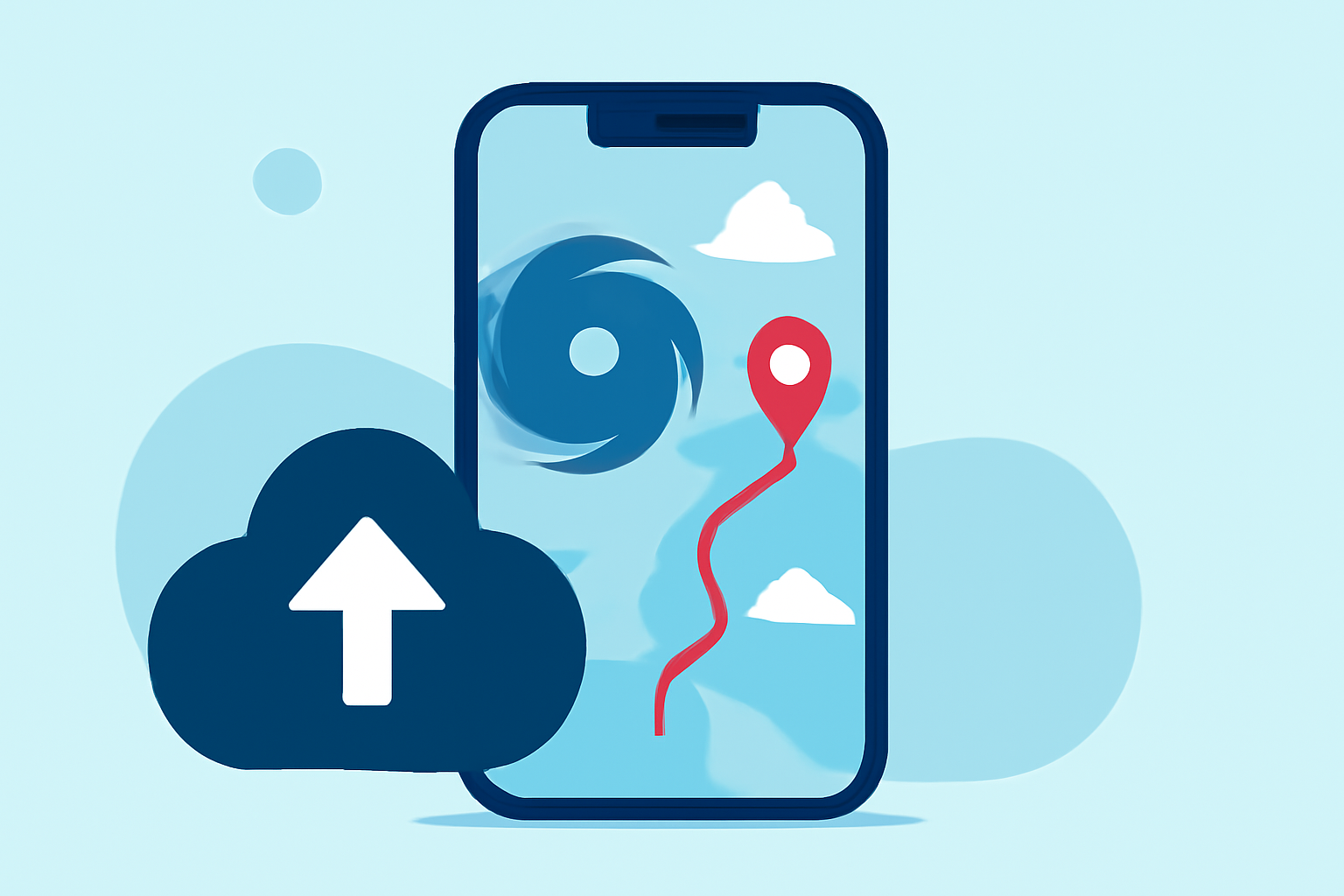
Monitoring storm paths on your Android device is crucial for staying informed and ensuring safety during severe weather events. This guide provides an overview of effective methods and tools to track storm paths, emphasizing Clime's capabilities in this area.
Understanding Storm Path Tracking
Storm path tracking involves monitoring the trajectory and development of storms, including hurricanes, typhoons, and tropical storms. Accurate tracking allows for timely warnings and preparedness, reducing potential risks.
Key Features to Look for in Storm Tracking Apps
When selecting a storm tracking app for your Android device, consider the following features:
- Real-Time Updates: Access to the latest storm data as it becomes available.
- Interactive Maps: Visual representations of storm paths and affected areas.
- Forecast Information: Predictions on storm movement, intensity, and potential impact.
- Alert Notifications: Timely alerts for severe weather warnings and updates.
Clime: A Leading Solution for Storm Path Tracking
Clime offers a comprehensive suite of features designed to keep users informed about severe weather events:
- Real-Time Storm Tracking: Clime provides up-to-date information on storm locations, movements, and forecasts, ensuring users have the latest data at their fingertips.
- Interactive Maps: Users can visualize storm paths and potential impact zones through detailed, interactive maps.
- Alert Notifications: Clime sends timely alerts for severe weather warnings, helping users take necessary precautions promptly.
By integrating these features, Clime ensures that users are well-prepared and informed during severe weather events.
Best Practices for Using Storm Tracking Apps
To maximize the effectiveness of storm tracking apps like Clime:
- Enable Notifications: Ensure that push notifications are activated to receive timely alerts.
- Regularly Check Updates: Monitor the app for the latest information, especially during active storm seasons.
- Understand Map Features: Familiarize yourself with the app's map functionalities to interpret storm data accurately.
- Stay Informed: Use the app in conjunction with official weather services for comprehensive information.
Conclusion
Effective storm path tracking on Android devices is essential for safety and preparedness. Clime's comprehensive features provide users with real-time updates, interactive maps, and timely alerts, making it a valuable tool for monitoring severe weather events.
By utilizing Clime and adhering to best practices, you can stay informed and take appropriate actions during storm events.