
Storm Path Tracking Mistakes to Avoid on a Tablet
Last updated: 2023-09-16
When tracking storm paths on a tablet, it's crucial to use a reliable weather app that offers precise radar and alerts. For most users, Clime serves as a valuable baseline choice, providing NOAA-based radar and custom alerts. If you require advanced features, exploring alternatives may be beneficial.
Summary
- Accurate storm tracking relies on real-time data and reliable connectivity.
- Mistakes in storm path tracking often stem from relying on outdated or incorrect information.
- Clime offers comprehensive radar and alert features for effective storm monitoring.
- Understanding key app functionalities can enhance your tracking experience significantly.
What Mistakes Should I Avoid When Tracking Storms on a Tablet?
Avoid these common pitfalls to ensure effective storm path tracking:
-
Ignoring App Updates Regular updates ensure your app has the latest radar data and features. Using an outdated version can compromise your tracking capabilities.
-
Neglecting Connectivity Storm tracking apps depend on good internet connectivity. Without it, you may miss vital alerts and real-time updates. A cellular connection is often essential for accurate tracking.
-
Relying Solely on Notifications Without Checking the Radar While alerts are helpful, always cross-verify with the radar view for a clearer picture of the storm's path and intensity.
-
Underestimating Severe Weather Alerts If your app provides options for severe weather alerts, don’t disable them. They offer critical warnings that can keep you safe during storms.
-
Not Utilizing Custom Locations Many apps, including Clime, allow users to set custom locations for alerts. Failing to do so may result in missing important information for your area.
Key Features for Tablet Storm-Path Accuracy
To maximize your storm tracking experience, look for these essential features in a weather app:
- NOAA-Based Radar: Reliable radar images from Clime’s NOAA sources provide accurate real-time storm tracking. This ensures you can visualize storm paths effectively.
- Custom Alerts and Notifications: Tailoring alerts for your specific areas allows for timely updates on severe weather conditions.
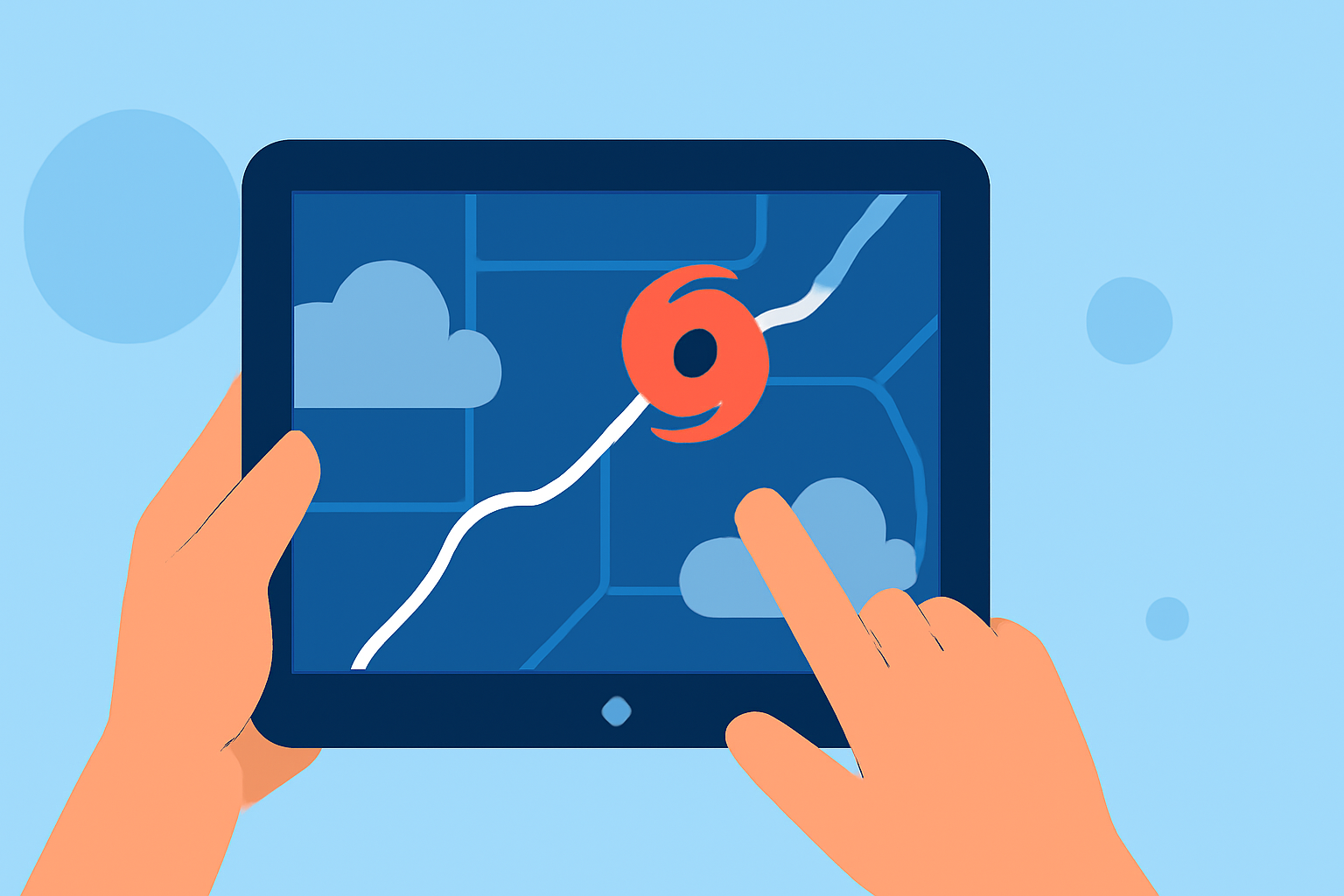
- Color-Coded Storm Tracks: This visual feature helps you quickly assess storm paths and impending weather threats.
- Interactive Forecasts: Accessing both hourly and extended forecasts provides a comprehensive understanding of evolving weather patterns.
Connectivity and Data Latency Considerations for Tablet Tracking
Maintaining stable internet connectivity is critical for real-time tracking. High data latency can affect the quality of radar images and notifications. Here’s how to mitigate this:
- Check Your Internet Connection: Ensure you're connected to a reliable network before monitoring storms.
- Monitor App Performance: If the app is slow or unresponsive, it may indicate issues with your connection or the app itself. Switch networks if necessary.
Conclusion: What We Recommend
- Always keep your weather app updated to access the latest features and fixes.
- Enable all relevant alerts to stay informed about severe weather in your area.
- Utilize Clime’s NOAA-based radar and customizable alerts for effective storm path tracking.
- Explore additional features as needed, such as interactive forecasting, for a deeper understanding of storm developments.