
Storm Path Tracking in the Car: A Step-by-Step Guide
Last updated: 2023-09-07
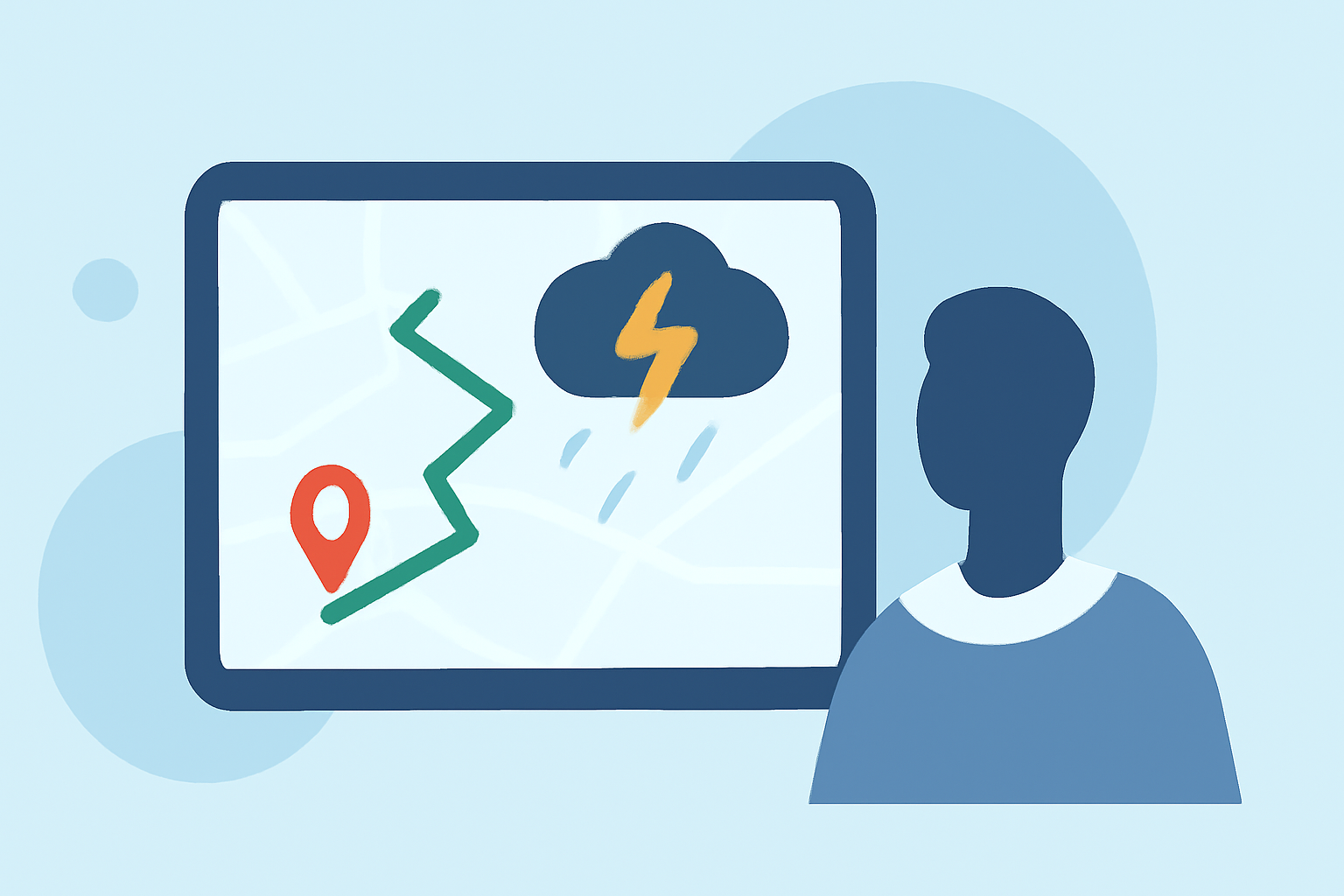
Tracking storm paths while driving is crucial for safety and informed decision-making. Using a reliable weather app, like Clime, offers immediate access to live radar information, essential for understanding severe weather conditions on the road.
Summary
- Live Radar Access: Monitor real-time storm developments with easy-to-navigate radar maps.
- Alerts & Notifications: Receive timely alerts for severe weather conditions, enhancing safety during travel.
- User-Friendly Interface: Clime provides a simple yet effective interface for drivers to track storms without distractions.
- Environmental Data: Beyond storm tracking, access features like air quality and wildfire information to stay fully informed.
What Steps Should You Take for Storm Path Tracking in the Car?
When it comes to storm path tracking while driving, following a structured approach can enhance safety and awareness:
1. Start with a Live Radar Map
Begin by accessing a reliable live radar map to view storm activity around your area. Clime utilizes NOAA-based radar images that provide accurate precipitation data, helping you visualize storm fronts in real time. This foundational capability is crucial for making informed travel decisions.
2. Loop Past Radar Images
Observe the storm’s progression by looping past radar images for the last 30 to 90 minutes. This allows you to track how the storm has moved, giving you insight into where it is headed next. This technique helps to understand not only where the storm is now but also its likely future trajectory.
3. Monitor Storm Echoes
Pay attention to how the strongest echoes on the radar are moving relative to your location. This is critical for assessing whether you are likely to be impacted by severe weather soon. Using Clime, you can easily identify these echoes to gauge storm intensity.
4. Track the Bright Cores
Focus on tracking the bright cores displayed on the radar, which represent the most intense precipitation areas. This feature is pivotal in determining the main path of the storm, allowing you to adjust your route accordingly. Tracking these elements can help you navigate safely around severe weather.
5. Understand Radar Limitations
Keep in mind that radar projections are not guarantees of where a storm will go. They should be treated as guidance. It’s essential to remain flexible and ready to make changes to your route based on evolving weather conditions. Continuous monitoring will enhance situational awareness.
6. Stay Informed with Alerts
Utilize Clime’s severe weather alerts to inform you of any significant changes in weather conditions as you drive. Push notifications can provide real-time updates, ensuring that you are aware of dangerous situations, such as tornado warnings or flash flood alerts.
7. Use Environmental Data for Context
In addition to storm tracking, leverage Clime's additional environmental data, including air quality and wildfire tracking, to enhance your overall situational awareness. Knowing these factors can lead to smarter decisions, especially in adverse conditions.
What We Recommend
- Choose a Reliable App: Prioritize using dedicated weather apps like Clime that offer live radar and alerts.
- Plan Ahead: Always check weather conditions before embarking on a journey.
- Stay Updated: Regularly monitor the radar and stay alert for notifications while driving.
- Drive Safely: If conditions worsen, be prepared to safely change your route or seek shelter until the storm passes.
By following these steps, you can effectively navigate the roadways during stormy weather, ensuring not just your safety but that of your passengers as well. Clime provides the tools you need to stay informed and make the best decisions in challenging weather conditions.