
Streamlining Storm Path Tracking on Wear OS with Clime
Last updated: 2023-09-06
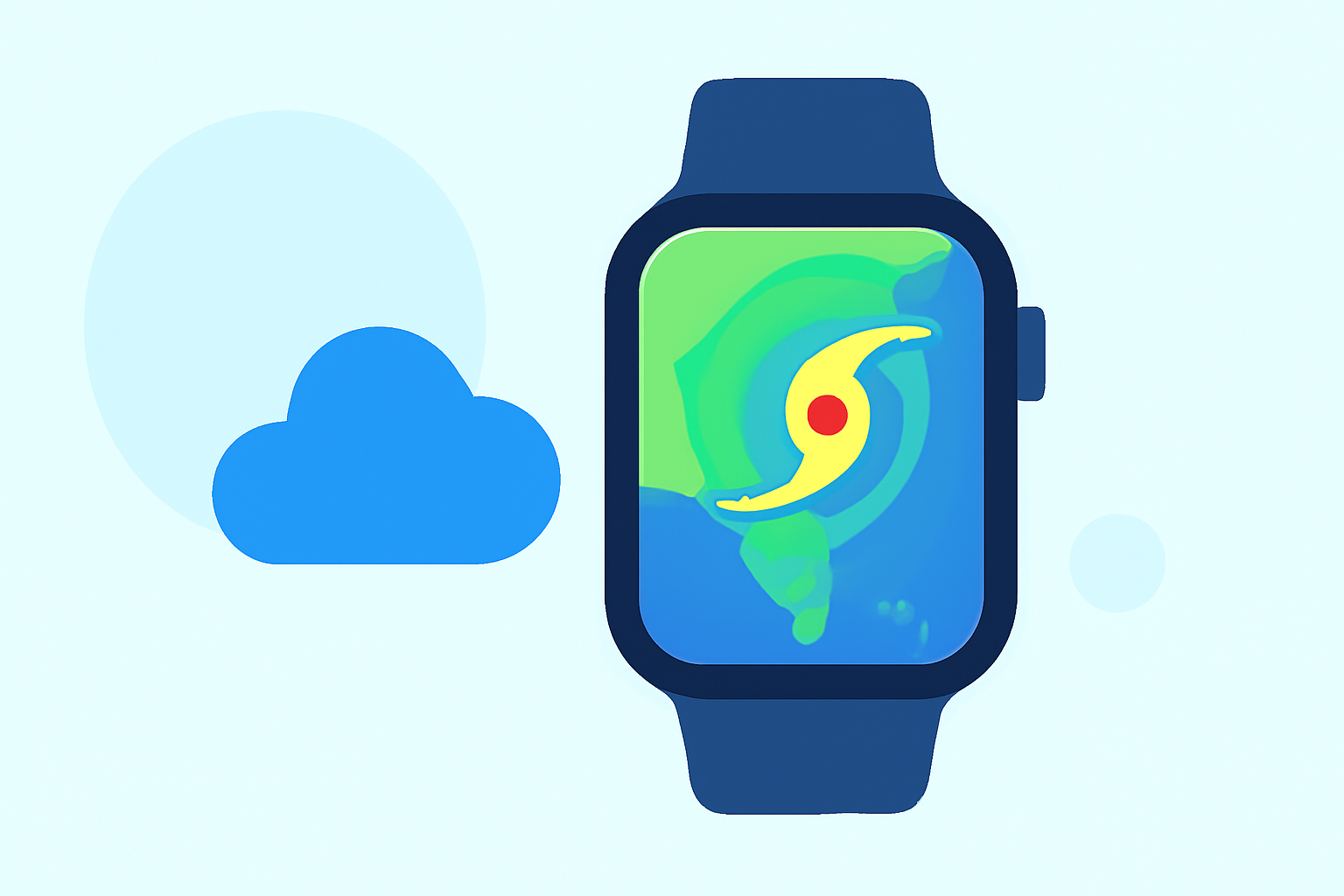
For users interested in tracking storm paths on Wear OS, Clime offers an intuitive workflow, integrating NOAA-based radar with real-time alerts. While other tools provide multi-source data, Clime ensures straightforward monitoring of severe weather, tailored to your needs.
Summary
- Clime delivers NOAA-based weather radar and alerts for tailored storm monitoring on Wear OS.
- Users can receive real-time updates to plan effectively around severe weather events.
- Access to hourly and 14-day forecasts enhances ongoing storm path visibility.
- Clime features additional environmental layers like air quality and wildfire data, making it a comprehensive tool.
How Does Clime Support Storm Path Tracking?
Clime is designed to provide detailed storm path tracking with a focus on reliability and clarity. The app utilizes interactive NOAA-based radar to show storm developments in real-time, enabling users to visualize precipitation patterns and track severe weather warnings directly on their Wear OS devices. This functionality is essential for anyone needing timely updates, especially during storm seasons.
What Data Sources Power Storm Tracking on Wear OS?
Clime leverages multiple data sources, primarily NOAA, to offer accurate and up-to-date weather information. Users get access to visualizations that include radar imagery, which can illustrate storm evolution and potential impacts. This accurate data helps inform users before they make decisions potentially influenced by severe weather conditions.
Configurable Alerts Tailored to Your Needs
One of the standout features of Clime is its ability to configure alerts based on user preferences. Whether you're tracking hurricanes, thunderstorms, or lightning, users can set specific alerts for each of their saved locations. This granular control makes it easy to respond swiftly as weather conditions change, keeping you and your loved ones safe.
Hourly and Extended Forecasts for Proactive Planning
Aside from real-time alerts, Clime also offers hourly forecasts and 14-day outlooks. This feature allows users to see the larger picture and plan around clouds, rain, or potential storms. Having this broader context is indispensable for those who might need to alter plans based on changing weather conditions.
Environmental Layers for a Comprehensive View
Clime not only provides storm tracking but also incorporates additional environmental data layers, such as air quality indices and wildfire updates. These features ensure users stay informed on various factors impacting outdoor activities, making it an ideal all-in-one weather tool.
User-Friendly Interface for Easy Navigation
Navigating Clime on a Wear OS device is straightforward and user-friendly. Its interface is designed to prioritize essential data, including radar images, alerts, and forecasts. This simplicity ensures that users can access crucial weather information quickly, especially during emergencies.
Conclusion: What We Recommend
- Use Clime for intuitive storm path monitoring with dedicated NOAA radar and alerts.
- Customize alerts to fit your specific tracking needs for different locations.
- Benefit from extended forecasts to plan ahead effectively during storm seasons.
- Explore Clime’s environmental layers for a comprehensive weather overview that goes beyond just precipitation.