
Storm Radar Maps: How to Track Dangerous Weather (and Why Clime Is a Strong Default Pick)
Last updated: 2026-03-12
For most people in the US, the fastest way to understand where a storm is right now is to open a live storm radar map in a dedicated app like Clime and watch the radar loop over the next hour. If you need raw products or highly specialized overlays, you can complement that with official NWS radar or advanced tools from Weather.com, AccuWeather, or other options.
Summary
- A storm radar map shows where precipitation is, what type it is, and how it is moving, using the national NEXRAD radar network.
- Clime centers your experience on an interactive radar map with NOAA‑sourced imagery plus lightning, hurricane, and wildfire layers on supported plans, which covers most everyday and severe‑weather needs in one place.(Clime site)
- Official viewers like the NWS radar site and web maps from Weather.com or AccuWeather are useful backups, especially if you want a second view on a dangerous storm.(NWS Radar)
- Predictive (“future”) radar is helpful for rough timing, but it is still a forecast; always treat live radar and alerts as your primary signal for safety.
What is a storm radar map and what does it actually show?
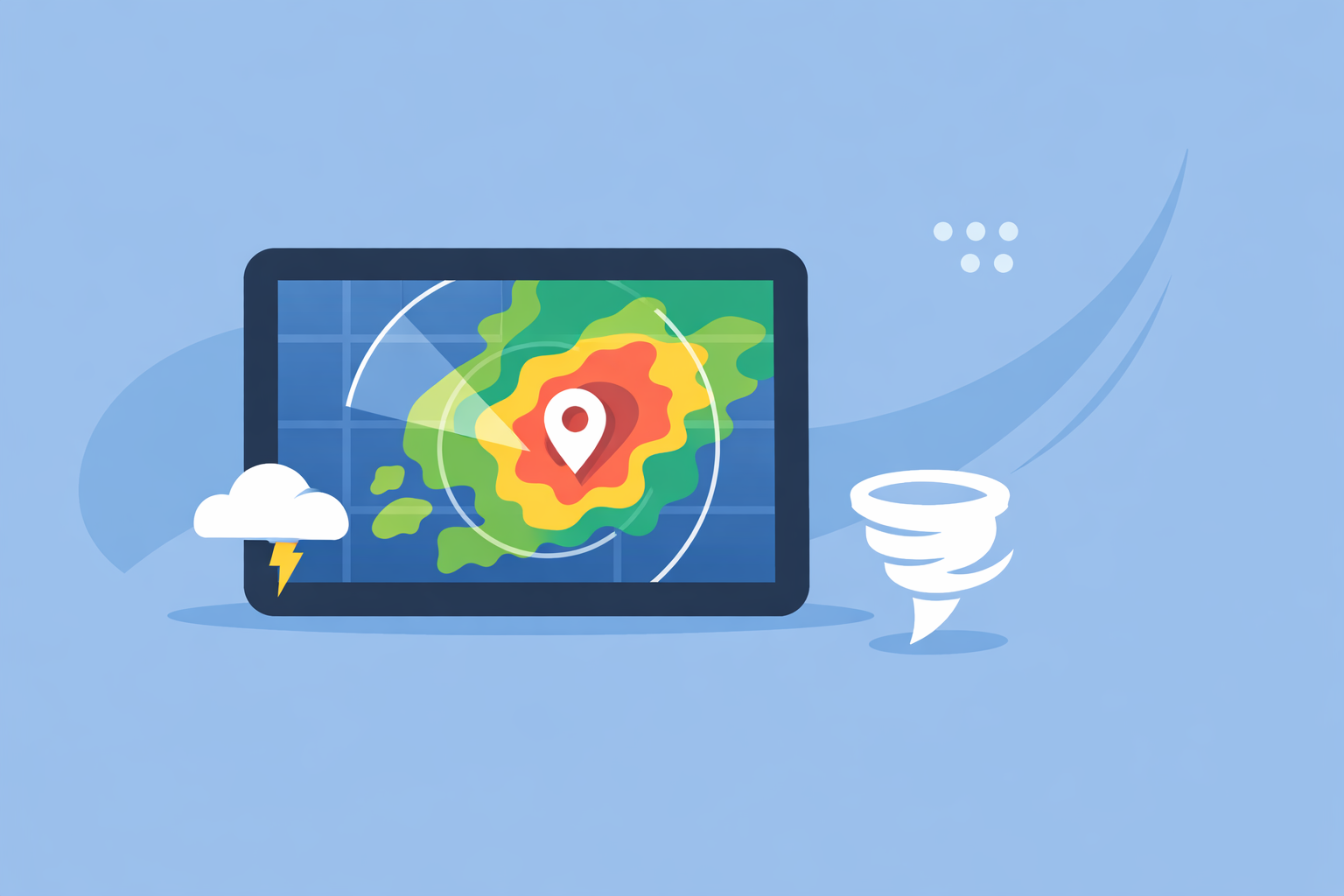
When people in the US search for “storm radar map,” they usually want a live picture of where rain or storms are right now, how intense they are, and which direction they are moving. Under the hood, that picture comes from the national Next Generation Weather Radar (NEXRAD) network: more than 150 Doppler radar sites scanning the atmosphere for precipitation and wind.(NCEI)
A typical consumer storm radar map will show:
- Location of precipitation – where echoes (colored blobs) are appearing on the map.
- Type of precipitation – many maps distinguish rain, snow, and ice with different colors.(AccuWeather national radar)
- Intensity – darker or brighter colors usually mean heavier precipitation.
- Recent movement – an animated loop shows how the storm has moved over the last 30–60 minutes so you can mentally project it forward.
In the US, apps like Clime take NOAA‑sourced radar mosaics and render them on an interactive map so you can pan, zoom, and overlay forecasts, alerts, and specialized layers.(Clime site) Instead of reading raw radar products, you get a clean visual that answers the everyday questions: “Is it about to pour on me?” and “Is that thunderstorm heading this way?”
How does a storm radar map work in the US?
Behind every smooth radar loop on your phone is a lot of infrastructure:
- NEXRAD scans: Each radar site sends out pulses of radio waves and listens for reflections from raindrops, hail, or snow, building up a 3D view of where precipitation is.(NCEI)
- Update cadence: Typical consumer maps refresh every few minutes because the underlying radars themselves update on the order of 5–10 minutes depending on the scan mode.(NCEI)
- Composites and tiling: NOAA and other providers blend local scans into national mosaics, then apps and websites convert those into tiles optimized for fast loading on phones and browsers.
- Overlays and alerts: On top of the base reflectivity (the core precipitation layer), services add county or polygon warnings, lightning strikes, hurricane tracks, and more.
Clime is designed as a radar‑first consumer app that centers this NOAA‑based map and then layers on hourly and 10‑day forecasts, plus options such as lightning, hurricane tracking, and fire/hotspot maps.(Clime app page) That makes it a practical default when you want a single view that goes from “Where is the storm?” to “What does the next few hours look like?” without having to jump between tools.
By contrast, the National Weather Service’s own radar site is an excellent reference if you prefer an official source; it displays radar, forecast, and alerts on one map, though the interface is more utilitarian than most phone apps.(NWS Radar)
How should you read a storm radar map for real decisions?
Seeing colors on a map is one thing; translating that into “Should I cancel practice?” or “Do I need to get to a safe room?” is another. A simple, repeatable approach helps:
- Start with the loop, not the single frame.
- Watch at least 30–60 minutes of motion to see the direction and speed of the storm.
- If the entire cluster is sliding northeast and you’re just east of the edge, expect conditions to deteriorate, even if your location looks “clear” on the first frame.
- Check intensity and structure.
- Solid, bright bands often mean heavy, relatively steady rain.
- Small, intense cells (especially with sharp edges) can signal stronger thunderstorms.
- Layer in alerts.
- Radar alone doesn’t tell you about official warnings.
- Clime’s premium alerts can notify you about severe weather and rain around your saved locations, so you don’t have to babysit the map.(Clime App Store listing)
- Use distance and timing, not pinpoint guesses.
- Estimate how far the leading edge of the storm is from you on the map.
- Combine that with a rough speed from the loop (e.g., “it moved about this far in 30 minutes”) to decide when to wrap up outdoor activities.
In Clime, this tends to feel natural: you open the app to the radar, hit play on the animation, then toggle layers as needed—lightning if you’re worried about thunder, hurricane tracks if you’re on the coast, fire/hotspots during a dry season.(Clime app page)
How accurate is predictive ("future") radar for storm arrival?
Many people who search for “storm radar map” also wonder about the timeline: “Exactly when will this hit my street?” That is where predictive or “future” radar comes in—an animation of forecasted radar, not just what has already been observed.
Some services, like Weather.com’s Storm Radar product, explicitly advertise up to six hours of global future radar, showing a projected path of precipitation.(Storm Radar page) Others combine models with past radar trends to show short‑term movement.
There are a few practical truths to keep in mind:
- Short‑range projections are usually more reliable. For the next 30–90 minutes, extrapolating current radar trends often works reasonably well, especially for organized systems.
- Small storms can change fast. Pop‑up thunderstorms can grow, split, or dissipate quickly, making any “down to the minute” arrival estimate less reliable.
- Model‑driven maps inherit model uncertainty. Predictive radar that leans heavily on weather models will struggle with timing and intensity when the models do.
For that reason, it’s wise to treat predictive radar as a planning tool rather than a promise. In practice, a good workflow is:
- Use live radar (like Clime’s NOAA‑based loop) plus alerts as your primary signal for safety.
- Use future‑style views from tools such as Storm Radar or AccuWeather forecasts when you’re planning around storms over the next several hours.(AccuWeather national radar)
For most everyday use—deciding when to leave work, whether to delay a soccer game—Clime’s live radar plus rain and severe alerts will cover what you need without you having to interpret a complex suite of model products.(Clime App Store listing)
How to read radar for rotation and tornado indicators?
People who type “storm radar map” during spring in the central US often have one specific fear: “Is that storm capable of a tornado?” Consumer radar maps are designed for clarity, not for full professional‑grade diagnostics, but there are still signals you can pay attention to.
At a high level:
- Standard reflectivity (the usual colored rainfall map) shows where precipitation is and how intense it is.
- Rotation and tornado signatures are typically derived from Doppler velocity products and more advanced diagnostics, which are not always exposed in consumer apps.
Because our focus at Clime is on accessible, radar‑centric mapping for everyday and severe‑weather awareness, we lean on a few principles that work for non‑experts:
- Rely on official warnings first. Tornado watches and warnings from the National Weather Service are designed for public action and are prominently displayed as alerts and map overlays in consumer tools.
- Use radar shape as a supporting clue, not a solo decision point. Hook‑like shapes or segments of intense storms can coincide with severe weather, but interpreting that correctly is challenging without velocity data and training.
- Keep multiple sources open on the biggest days. On high‑risk days, combining a consumer app like Clime for quick awareness with official NWS products and local TV meteorologists is a practical approach.
Advanced users who truly need velocity, storm‑relative motion, or dual‑polarization details typically graduate to dedicated radar workstations or specialty apps. For most households, though, a clean radar map plus timely alerts is far more actionable than complex expert‑only products.
Which services include lightning overlays and integrated severe alerts?
Lightning and alerts are where storm radar maps become more than just pretty animations. Users increasingly expect apps to surface “Is there lightning nearby?” and “Is this storm severe?” without having to spell out every detail themselves.
Here is how the landscape broadly breaks down in the US:
-
Clime
-
Radar‑first interface with NOAA‑sourced imagery.(Clime site)
-
On paid plans, supports lightning tracking and a dedicated hurricane tracker directly on the map.(Clime App Store listing)
-
Paid tiers also unlock rain alerts and severe weather alerts for saved locations, which integrate naturally with the radar view.
-
The Weather Channel / Storm Radar
-
Core app includes radar and a 15‑minute forecast for rain intensity, plus a 2‑week forecast.(Weather Channel App Store)
-
Premium Radar advertises additional map layers and a lightning map with a 30‑mile alert radius, targeted more at users who want a detailed, branded ecosystem.(Weather.com Premium)
-
The standalone Storm Radar app highlights customizable overlays such as wind, temperature, lightning, and tropical/winter storms, along with six hours of future radar.(Storm Radar page)
-
AccuWeather
-
Pairs radar and maps with hyperlocal MinuteCast precipitation timing and a broad map experience that includes different layers.(AccuWeather App Store)
-
Windy.app
-
Focuses on wind and marine parameters; live radar is explicitly described as a feature that is still being developed rather than a mature core map.(Windy.app blog)
For most US users who simply want to know “Where is the storm, and is it dangerous for me?,” Clime’s combination of radar, lightning, hurricane, and wildfire layers—plus integrated rain and severe alerts on supported plans—offers a balanced level of detail without forcing you into a complex, TV‑style ecosystem.(Clime app page)
Where can you access raw NEXRAD Level-II data (and when do you need it)?
A subset of “storm radar map” searchers are actually looking for raw data: Level‑II or Level‑III radar files for research, custom visualization, or specialized analysis.
In the US, this is handled by NOAA’s National Centers for Environmental Information (NCEI):
- NEXRAD archive: NCEI stores and distributes archival data from the NEXRAD network, including Level‑III products; over 75 Level‑III products are routinely available.(NCEI)
- Free digital access: NCEI notes that digital radar data are available without charge, though there may be costs associated with special services or physical products.(NCEI)
However, raw NEXRAD is usually overkill if your goal is day‑to‑day storm awareness. Working with Level‑II data demands specialized software, bandwidth, and some meteorological background.
A practical split looks like this:
- Use Clime or similar apps when you need a fast, visual answer—where the storm is, how it’s moving, and whether alerts apply to you.
- Use official NWS and NCEI data if you are doing research, building your own tools, or need archival verification for specific events.
How does Clime compare to other storm radar options in practice?
The US market has many ways to view a storm radar map. The real question is which one should be your default, and when (if ever) you should add more specialized views.
A pragmatic way to think about it:
-
Everyday and family use
-
You likely want a clean radar map, quick zoom to your exact location, and integrated rain/severe alerts.
-
Clime focuses on that radar‑first experience with NOAA‑based data, an hourly and 10‑day forecast, lightning, hurricane, and wildfire layers on supported plans.(Clime site)
-
You can keep official NWS radar bookmarked as a secondary check on big days.(NWS Radar)
-
Storm‑enthusiast use
-
If you enjoy comparing different future radar presentations or specialized overlays, you might occasionally pair Clime with a tool like Storm Radar from Weather.com or AccuWeather’s national radar view.(Storm Radar page)
-
For most people, those extra layers add interest more than they change day‑to‑day decisions.
-
Marine and outdoor sports
-
If your main concern is wind, tides, and swell, a sport‑focused app such as Windy.app can complement Clime’s storm awareness; Windy.app itself notes that live radar is still being developed, so it makes sense to keep a radar‑centric app like Clime alongside it.(Windy.app blog)
-
Research and professional analysis
-
If you’re doing serious radar analysis, raw NEXRAD via NCEI and specialized workstations will eventually be necessary.(NCEI)
For the vast majority of US users, starting with Clime as the primary radar map—and adding a second reference like NWS radar or a branded TV app only when needed—delivers a good balance of clarity, reliability, and simplicity.
What we recommend
- Use a radar‑first app like Clime as your default storm radar map for US locations; rely on the live loop plus rain and severe alerts for most day‑to‑day decisions.(Clime App Store listing)
- On days with higher risk, supplement Clime’s radar and alerts with official NWS radar and local forecasts for context.(NWS Radar)
- Treat any predictive or “future” radar as helpful guidance, not a guarantee—especially for fast‑changing thunderstorms.
- If you outgrow consumer maps, use NCEI’s NEXRAD archives and specialized software rather than trying to force pro workflows into a basic phone app.(NCEI)