
Accessing Storm-Relative Velocity Maps on Your Apple Watch
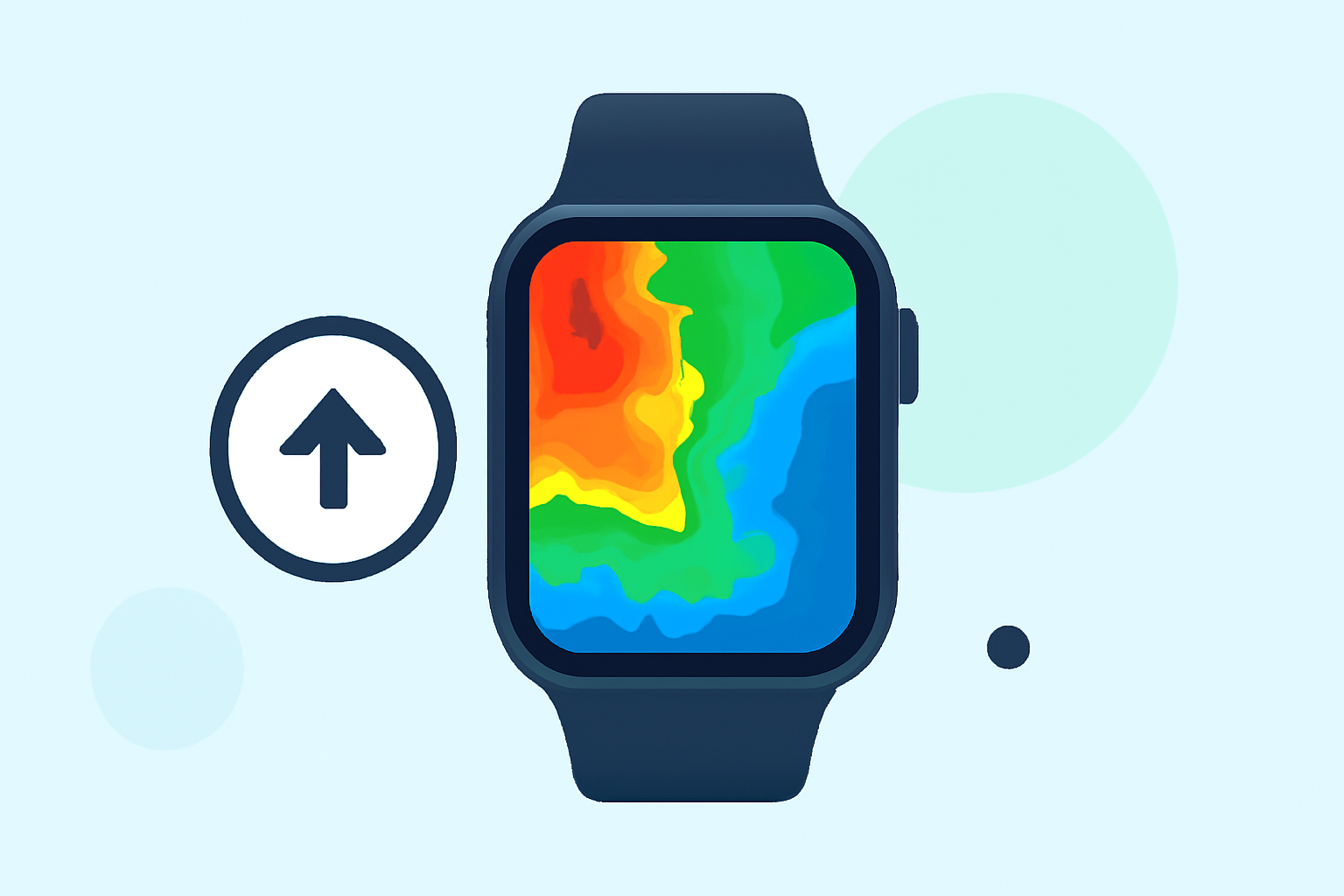
Monitoring storm-relative velocity (SRV) maps on your Apple Watch can provide real-time insights into severe weather patterns, enhancing your preparedness and safety. Here's how you can access these maps directly from your wrist:
1. Utilize Specialized Weather Apps
Several weather applications offer SRV maps compatible with the Apple Watch:
-
Storm Radar: This app provides detailed weather tracking, including SRV maps, directly on your Apple Watch. (apps.apple.com)
-
WeatherFront: Offers advanced radar features, including SRV maps, accessible via the Apple Watch. (apps.apple.com)
2. Set Up the App on Your Apple Watch
-
Download and Install: Find the chosen app on the App Store and install it on your iPhone. Ensure your Apple Watch is paired with your iPhone.
-
Enable Watch App: During installation, enable the Apple Watch app component. This is typically done automatically, but you can verify in the Watch app on your iPhone.
-
Configure Notifications: Allow the app to send notifications to your Apple Watch for real-time weather updates.
3. Access SRV Maps on Your Apple Watch
-
Open the App: Launch the weather app on your Apple Watch.
-
Navigate to Radar or SRV Maps: Use the app's interface to locate the SRV map feature. This may be under sections like "Radar," "Maps," or "Severe Weather."
-
View Real-Time Data: The SRV map will display storm-relative velocity data, indicating wind patterns and potential rotation within storms.
4. Interpret the SRV Map
Understanding the SRV map is crucial for accurate interpretation:
-
Color Coding: Typically, colors represent wind direction and speed. For example, red may indicate winds moving away from the radar, while green shows winds moving toward it.
-
Velocity Couplets: Look for areas where red and green colors are adjacent, indicating potential rotation associated with severe weather events like tornadoes.
5. Stay Updated
Regularly check the SRV maps, especially during severe weather seasons, to stay informed about changing conditions.
By integrating SRV maps into your Apple Watch, you can receive timely and detailed weather information, enhancing your ability to respond to severe weather events effectively.
Highlights:
- Not just the iPhone – your Apple Watch can now track storms like a pro - PhoneArena, Published on Thursday, June 04