
Understanding Storm-Relative Velocity Maps on Apple Watch
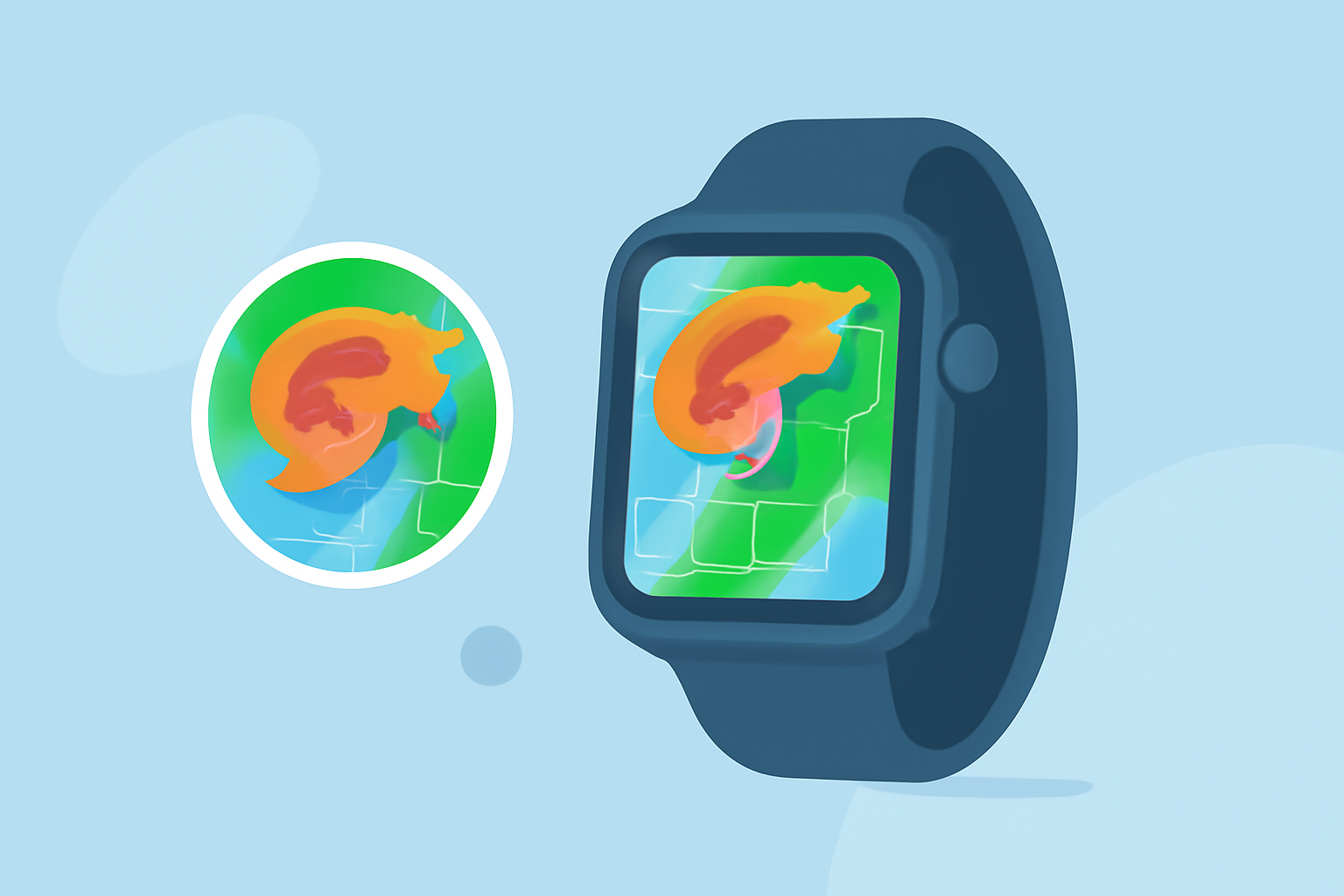
Storm-relative velocity maps are essential tools for analyzing severe weather patterns, particularly in identifying rotation within storms that may lead to tornadoes. These maps display wind velocities relative to the storm's motion, allowing meteorologists and weather enthusiasts to detect rotation more effectively. With the advancement of technology, accessing these maps on devices like the Apple Watch has become increasingly feasible, providing real-time, on-the-go weather insights.
What Are Storm-Relative Velocity Maps?
Storm-relative velocity maps are radar images that depict wind velocities within a storm, adjusted for the storm's movement. By subtracting the average storm motion from the observed wind velocities, these maps highlight rotational features such as mesocyclones, which are indicative of potential tornado development. This adjustment enhances the detection of rotation, especially in fast-moving storms. (radarscope.zendesk.com)
Accessing Storm-Relative Velocity Maps on Apple Watch
The Apple Watch, known for its compact design and powerful capabilities, now supports advanced weather tracking features, including storm-relative velocity maps. This integration allows users to monitor severe weather conditions directly from their wrist, ensuring timely and informed decisions during storm events.
Key Features of Storm-Relative Velocity Maps on Apple Watch
-
Real-Time Data: Receive up-to-date information on storm movements and potential rotation, enabling prompt responses to changing weather conditions.
-
User-Friendly Interface: Navigate through detailed radar images with intuitive controls, making complex weather data accessible to both professionals and enthusiasts.
-
Customizable Alerts: Set personalized notifications for specific weather events, ensuring you stay informed about critical developments in your area.
Benefits of Using Storm-Relative Velocity Maps on Apple Watch
-
Enhanced Safety: By monitoring storm-relative velocities, you can identify potential tornadoes early, allowing for timely safety measures.
-
Convenience: Accessing detailed weather information on your Apple Watch provides immediate insights without the need to consult multiple devices.
-
Comprehensive Understanding: These maps offer a deeper comprehension of storm dynamics, aiding in better preparedness and response strategies.
Getting Started with Storm-Relative Velocity Maps on Apple Watch
-
Install a Compatible App: Choose a weather application that offers storm-relative velocity maps and is compatible with the Apple Watch.
-
Set Up Notifications: Configure alerts for severe weather events to receive timely updates.
-
Familiarize Yourself with the Interface: Explore the app's features to effectively interpret radar images and understand storm-relative velocities.
Conclusion
Integrating storm-relative velocity maps into your Apple Watch enhances your ability to monitor and respond to severe weather conditions. This advancement empowers users to make informed decisions, prioritize safety, and stay connected with real-time weather data, all from the convenience of their wrist.
Highlights:
- Not just the iPhone – your Apple Watch can now track storms like a pro - PhoneArena, Published on Thursday, June 04