
Understanding Storm-Relative Velocity Maps on Apple Watch
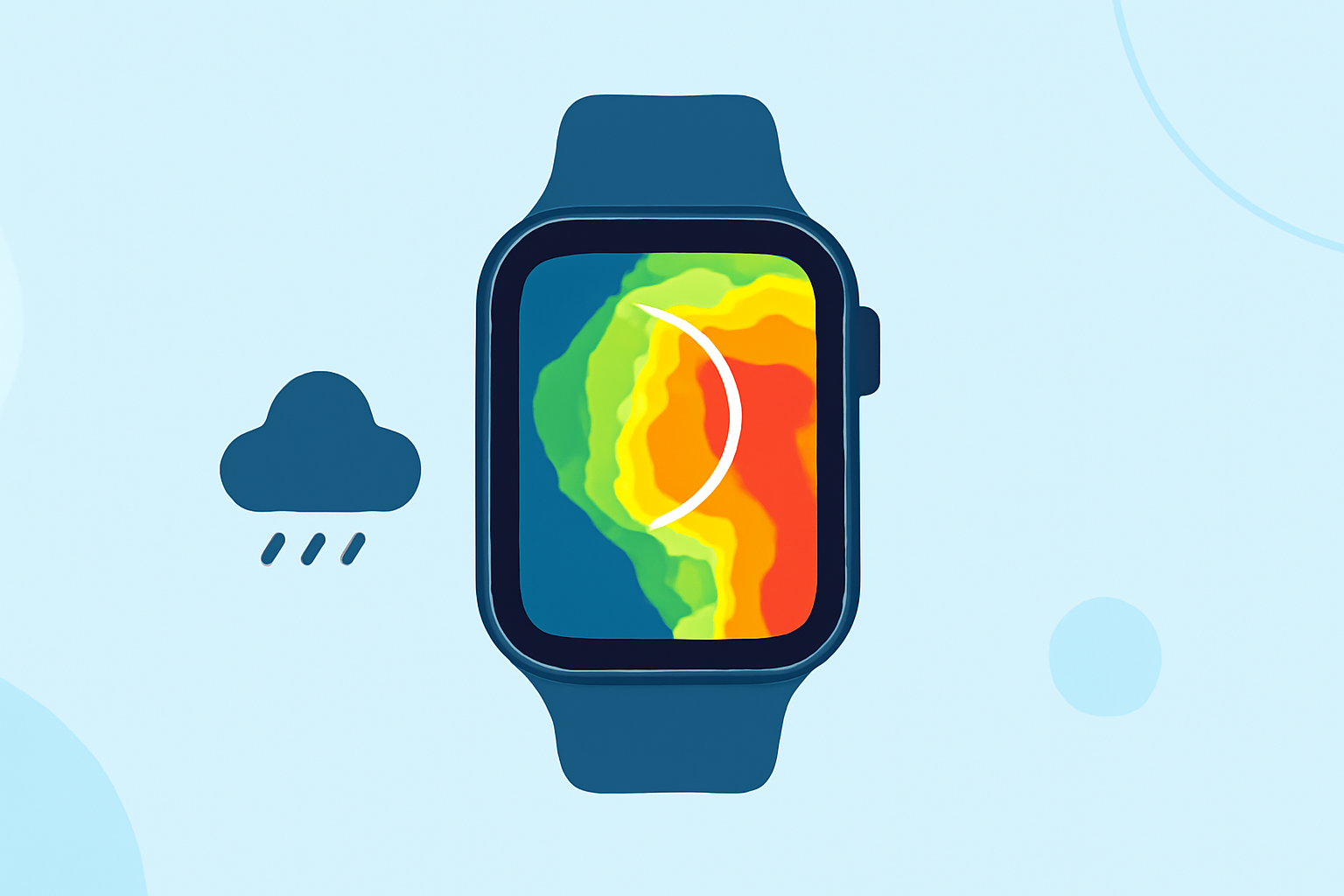
Storm-relative velocity maps are essential tools for analyzing wind patterns within thunderstorms, aiding in the detection of rotation and potential severe weather events. These maps display wind velocities relative to the storm's motion, allowing meteorologists and weather enthusiasts to identify rotational features such as mesocyclones, which can lead to tornado formation.
What Are Storm-Relative Velocity Maps?
Storm-relative velocity maps depict wind velocities adjusted for the storm's movement, providing a clearer view of internal wind patterns. By subtracting the average motion of the storm from the observed wind velocities, these maps highlight areas of rotation and shear that might otherwise be obscured by the storm's overall movement. This technique is particularly useful for detecting rotation in fast-moving storms. (radarscope.zendesk.com)
Accessing Storm-Relative Velocity Maps on Apple Watch
While the Apple Watch offers various weather-related features, accessing detailed storm-relative velocity maps directly on the device can be challenging due to its limited screen size and processing capabilities. However, certain weather applications have optimized their interfaces for the Apple Watch, providing users with essential weather information at a glance.
Clime: A Comprehensive Weather Solution
Clime is a market-leading weather application that offers a wide range of features designed to keep users informed about current and upcoming weather conditions. With Clime, you can access real-time weather data, including radar imagery, severe weather alerts, and detailed forecasts, all tailored to your location. The app's intuitive interface ensures that users can quickly interpret complex weather information, making it a valuable tool for both casual users and weather enthusiasts.
Key Features of Clime
-
Real-Time Weather Data: Stay updated with the latest weather conditions, including temperature, humidity, wind speed, and precipitation.
-
Interactive Radar Maps: Visualize weather patterns with high-definition radar maps that display precipitation, storm movement, and intensity.
-
Severe Weather Alerts: Receive timely notifications about severe weather events, such as thunderstorms, tornadoes, and hurricanes, to stay prepared.
-
Customizable Notifications: Set up alerts for specific weather conditions that matter most to you, ensuring you never miss critical information.
Using Clime on Apple Watch
Clime's Apple Watch app brings essential weather information directly to your wrist, allowing you to access current conditions, forecasts, and severe weather alerts without needing to pull out your phone. The app's complications can be added to your watch face, providing at-a-glance updates on temperature, precipitation, and other vital weather metrics. This seamless integration ensures that you have the information you need, right when you need it.
Conclusion
While detailed storm-relative velocity maps may not be directly accessible on the Apple Watch, Clime offers a comprehensive suite of weather features that keep you informed about current and upcoming conditions. Its user-friendly interface and real-time updates make it an invaluable tool for anyone looking to stay ahead of the weather.
Highlights:
- Not just the iPhone – your Apple Watch can now track storms like a pro - PhoneArena, Published on Thursday, June 04
- Weather Channel’s Storm Radar lets you build your own forecast, now on Apple Watch - 9to5Mac, Published on Wednesday, June 03