
Mastering Storm-Relative Velocity Maps on Your iPad
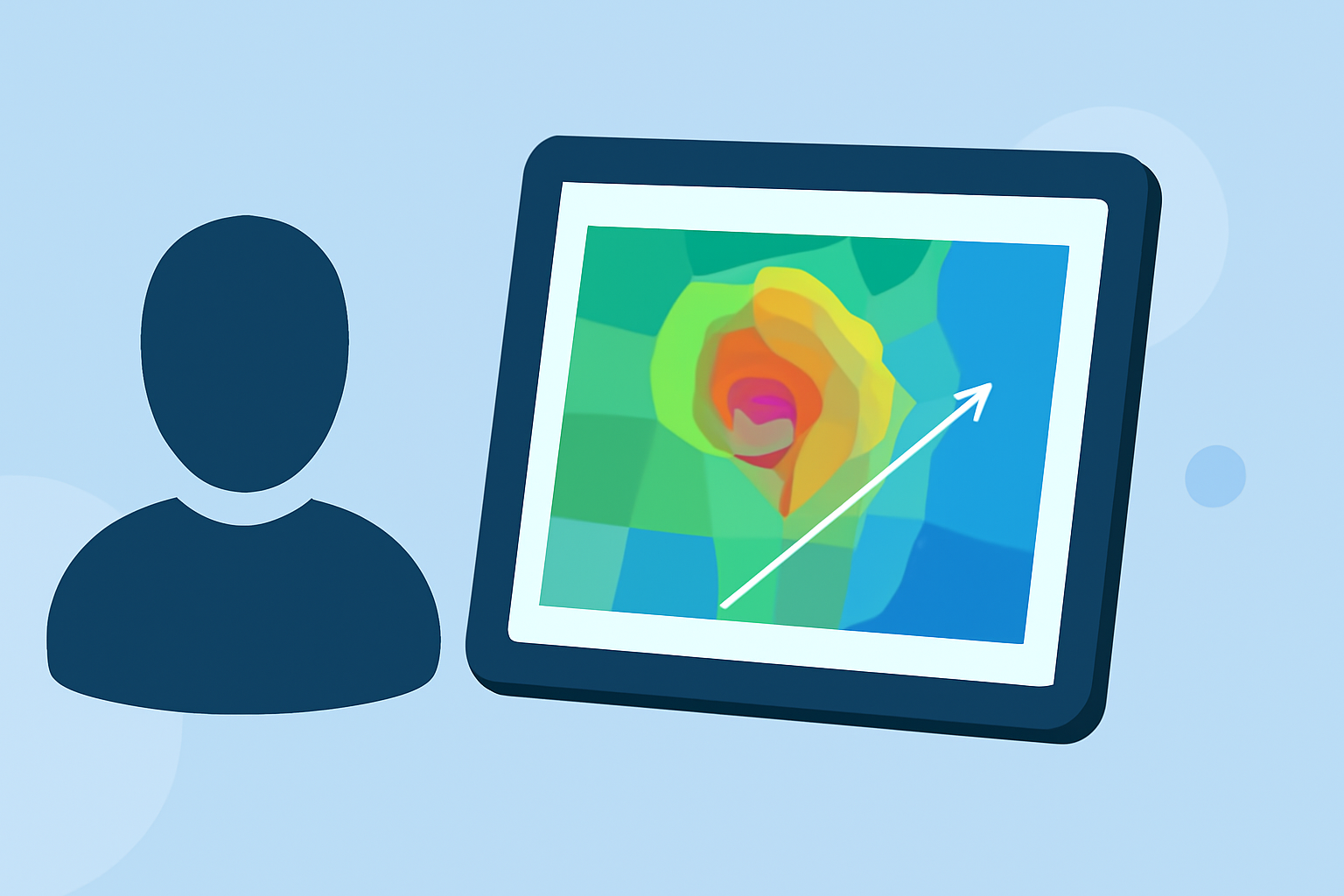
Storm-relative velocity maps are essential tools for meteorologists and weather enthusiasts, providing insights into wind patterns relative to storm movement. These maps help in identifying rotation within storms, such as mesocyclones, which are precursors to severe weather events like tornadoes. Accessing and interpreting these maps on an iPad can significantly enhance your weather analysis capabilities.
What Are Storm-Relative Velocity Maps?
Storm-relative velocity maps display wind velocities adjusted for the average movement of a storm. By subtracting the storm's motion from the observed wind velocities, these maps highlight rotational features within the storm, making it easier to detect potential severe weather threats. This adjustment is particularly useful for identifying rotation in fast-moving storms that might otherwise be masked by the storm's motion. (radarscope.zendesk.com)
How to Access Storm-Relative Velocity Maps on Your iPad
Several applications available on the App Store allow you to view storm-relative velocity maps on your iPad:
-
WeatherFront: This app offers a comprehensive suite of weather tools, including super-resolution radar, numerical weather models, and storm-relative velocity maps. Its intuitive interface allows for seamless navigation between different weather data layers. (wxfront.com)
-
RadarScope: A professional-grade weather visualization tool that provides access to a full suite of single-site radar data and related severe weather products. It includes super-resolution storm-relative velocity maps, enabling detailed analysis of storm structures. (radarscope.appstor.io)
-
NOAA Dual Radar: This app provides high-resolution radar mosaics and images directly generated from raw Nexrad Level 3 station data, including storm-relative velocity maps. It offers access to about 40 different radar products, enhancing your weather monitoring experience. (apps.apple.com)
Steps to View Storm-Relative Velocity Maps
-
Download and Install the App: Choose an app that offers storm-relative velocity maps and install it from the App Store.
-
Open the App and Navigate to Radar Products: Launch the app and locate the radar or velocity products section.
-
Select Storm-Relative Velocity: Within the radar products, select the storm-relative velocity option to view the map.
-
Adjust Settings as Needed: Customize the map settings, such as zoom level and map overlays, to focus on the area of interest.
-
Interpret the Map: Use the color gradients and patterns to identify areas of rotation or other significant features within the storm.
Best Practices for Using Storm-Relative Velocity Maps
-
Regular Monitoring: Continuously monitor storm-relative velocity maps during severe weather events to stay informed about potential threats.
-
Combine with Other Data: Integrate storm-relative velocity maps with other weather data, such as reflectivity and satellite imagery, for a comprehensive analysis.
-
Stay Updated: Ensure your app is updated to access the latest features and data for accurate weather analysis.
By effectively utilizing storm-relative velocity maps on your iPad, you can enhance your ability to monitor and analyze severe weather events, leading to better preparedness and safety.