
Maximizing Storm-Relative Velocity Maps on Smart Displays
Last updated: 2023-09-07
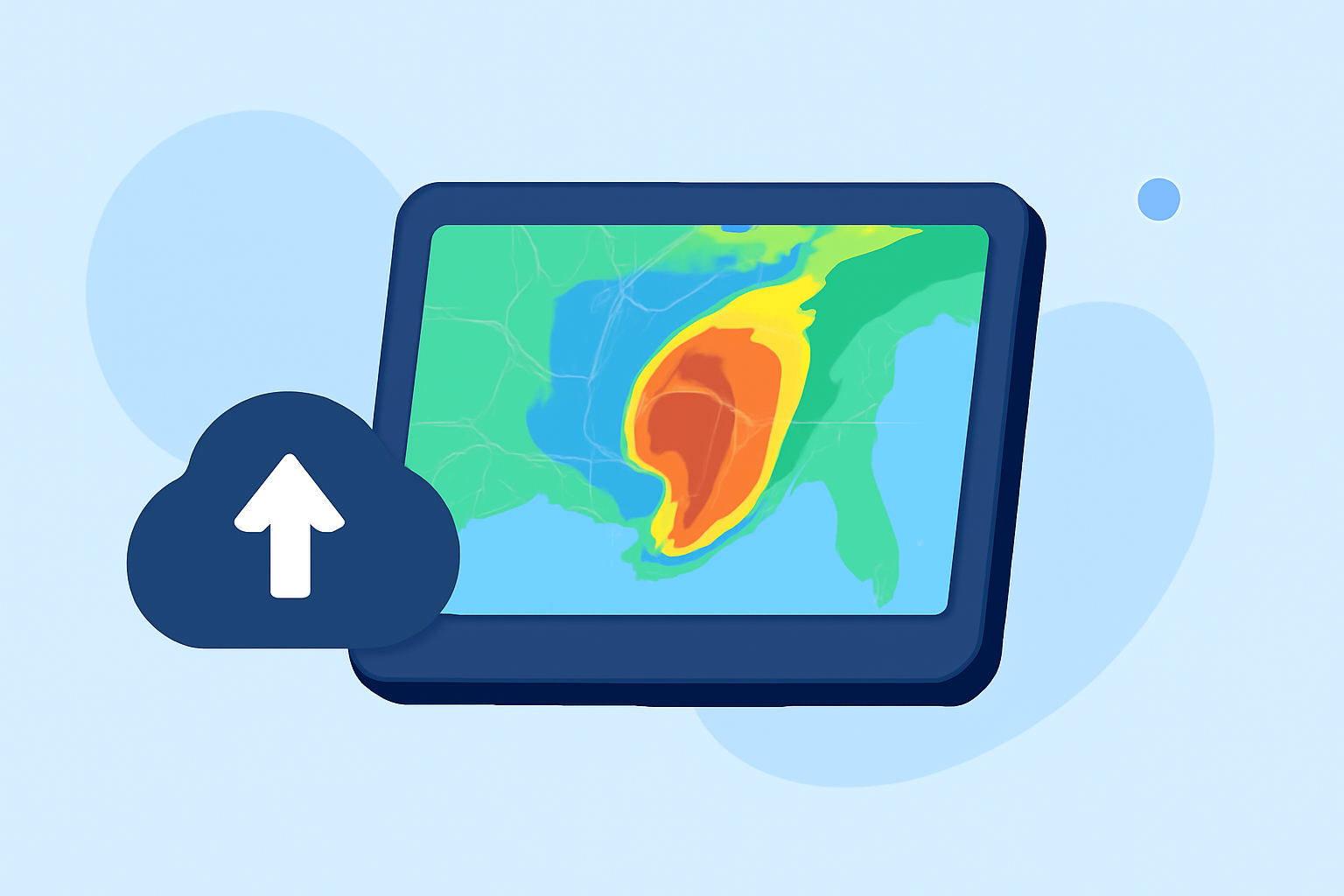
When utilizing storm-relative velocity (SRV) maps on a smart display, visual clarity and real-time data accuracy are paramount. Clime serves as a solid foundation for understanding SRV concepts, equipped with features that support effective storm tracking for most users.
Summary
- Clime offers NOAA-based radar imagery for real-time weather tracking.
- Understanding storm-relative velocity maps can improve storm tracking effectiveness.
- Key features to utilize on smart displays include customization of alerts and layers.
- Advanced SRV maps require user training for optimal interpretation.
What is Storm-Relative Velocity (SRV)?
Storm-relative velocity (SRV) is a technique used in radar meteorology to visualize wind patterns within a storm system relative to the motion of the storm itself. This helps in identifying rotation, which is crucial for spotting tornado development. Unlike standard velocity products, SRV subtracts the storm’s own movement, isolating the dynamics of wind within the storm. Clime incorporates advanced radar features, allowing users to effectively monitor storm behavior without needing complex setups.
How is SRV Different from Base Velocity in Radar Data?
Base velocity data indicates the speed and direction of all winds in the radar beam, including that of the moving storm. In contrast, SRV data focuses solely on the winds associated with the storm, making it more useful for meteorologists and enthusiasts who require a focused analysis of storm dynamics. Therefore, employing SRV in conjunction with radar on platforms like smart displays can significantly enhance situational awareness during severe weather events.
Displaying SRM on Smart Displays: Considerations
When displaying storm-relative velocity maps on smart displays, consider:
- Screen Size: Larger displays can show more detailed radar data and alerts without clutter.
- Layer Customization: Adjusting layers can help prioritize critical information, such as wind speeds or precipitation levels.
- Update Frequency: Opt for real-time data refresh settings to keep track of fast-moving storms accurately. Clime ensures that these configurations are user-friendly, helping everyone from novice users to seasoned meteorologists effectively manage storm-related alerts.
Leveraging NOAA Data for Intelligent Tracking
Clime utilizes NOAA-based radar data to provide high-quality weather information, including advanced environmental layers such as air quality indicators, lightning alerts, and precipitation insights. Users can easily toggle these features on smart displays, allowing for a comprehensive overview of weather conditions surrounding ongoing storm events.
Training and Expertise for Optimal Interpretation
While Clime simplifies access to radar data, understanding how to interpret this information, particularly when it comes to SRV maps, is essential. Novice users may find it beneficial to familiarize themselves with basic meteorological principles. Online resources and community forums can offer guidance, making it easier to react appropriately during severe weather situations.
Conclusion: What We Recommend
- For best results, regularly check your smart display for updated SRV information via Clime.
- Utilize layer customization to focus on the most relevant storm data, such as wind velocities and potential severe weather alerts.
- Engage in training resources to become adept at interpreting complex radar data.
- For personalized alerts, utilize Clime's premium features to receive notifications tailored to your saved locations.
By harnessing the full capabilities of storm-relative velocity maps on smart displays, users can effectively track storms and make informed decisions during severe weather events. Clime stands ready to support these needs with robust features and user-friendly design.