
Mastering Storm-Relative Velocity Maps on Your Tablet: A Comprehensive Guide
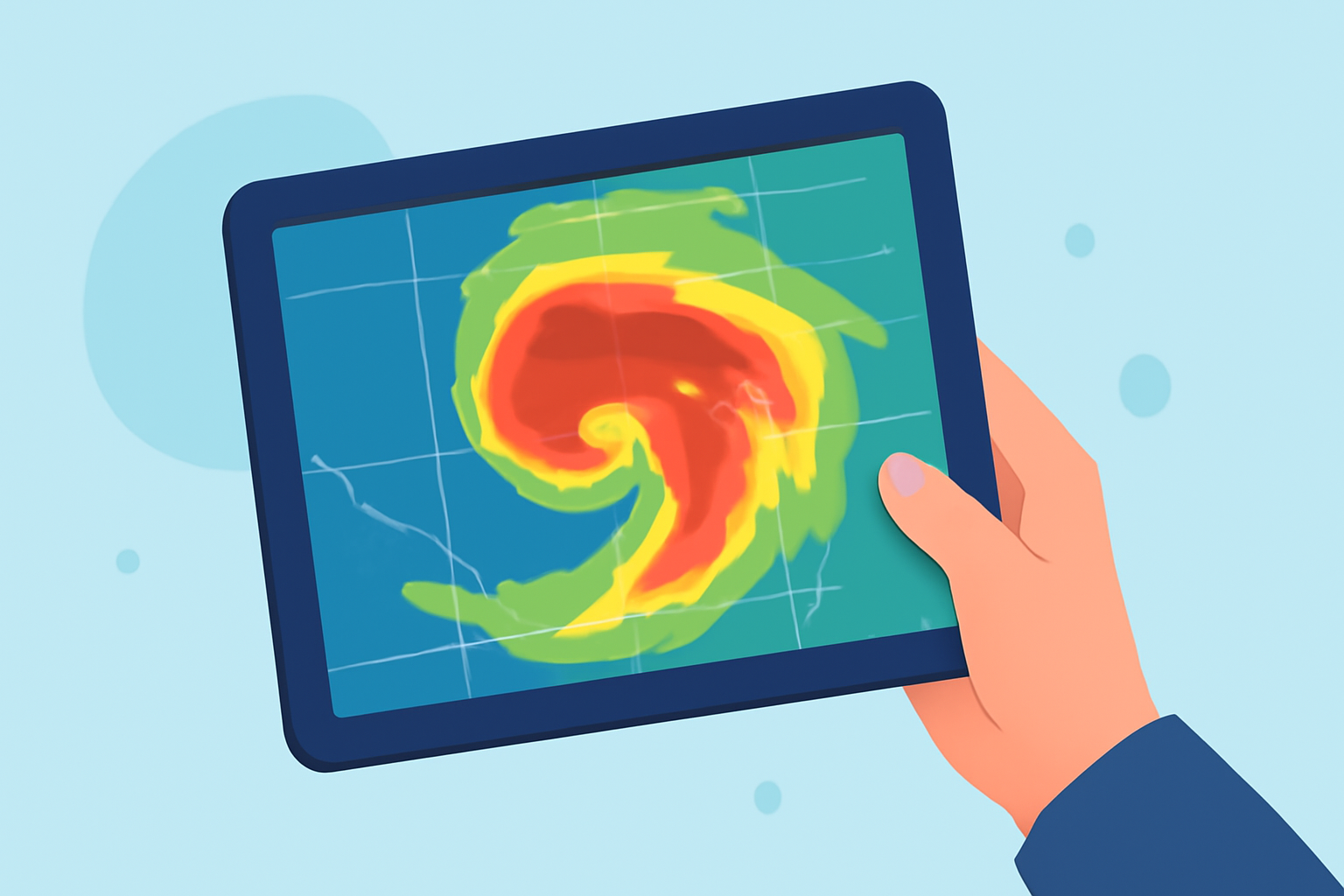
Storm-relative velocity maps are essential tools for meteorologists, storm chasers, and weather enthusiasts, providing insights into wind patterns within storms. Accessing these maps on a tablet offers portability and convenience, enabling real-time analysis during severe weather events.
What Are Storm-Relative Velocity Maps?
Storm-relative velocity maps display the velocity of precipitation particles relative to the storm's motion, highlighting areas of rotation and potential severe weather phenomena like tornadoes. By subtracting the average storm motion from the measured radial velocity, these maps reveal wind patterns that are crucial for identifying storm rotation and intensity. (radarscope.zendesk.com)
Why Use a Tablet for Viewing These Maps?
Tablets offer a larger display compared to smartphones, enhancing the visibility of detailed radar data. Their portability allows users to monitor weather conditions in the field, making them ideal for storm chasers and emergency responders. Additionally, tablets often support multitasking, enabling users to view multiple radar products simultaneously.
How to Access Storm-Relative Velocity Maps on Your Tablet
Several applications provide access to storm-relative velocity maps on tablets:
-
RadarOmega: This app offers high-resolution radar data, including storm-relative velocity, and is available for both iOS and Android tablets. (app.radaromega.com)
-
RadarScope: Known for its professional-grade radar visualization, RadarScope provides super-resolution storm-relative velocity maps and is compatible with iOS and Android tablets. (play.google.com)
-
WeatherFront: This app offers super-resolution radar and storm-relative velocity maps, accessible on tablets. (wxfront.com)
Tips for Effective Use
-
Familiarize Yourself with the Interface: Spend time learning the app's features to navigate efficiently during critical moments.
-
Customize Alerts: Set up notifications for specific weather events to stay informed in real-time.
-
Regularly Update the App: Ensure your app is up-to-date to access the latest features and data.
Conclusion
Utilizing storm-relative velocity maps on a tablet enhances your ability to monitor and analyze severe weather conditions effectively. By choosing the right application and familiarizing yourself with its features, you can make informed decisions during critical weather events.