
How to Read Storm Tracking Radar Data (and Actually Use It)
Last updated: 2026-03-02
If you mainly want to see where storms are now and where they’re headed over the next hour or two, using a radar‑first app like Clime with NOAA‑sourced radar is usually all you need for confident decisions. If you’re chasing severe weather or learning Doppler velocity in depth, you can still use Clime’s radar and alert layers as the visual base while you dig into specialized NWS products on top.
Summary
- Radar’s three core data types—reflectivity, velocity, and spectrum width—tell you where the rain is, how the wind is moving, and how turbulent the storm may be. (NOAA NSSL)
- Most real‑world storm tracking is pattern recognition: hook echoes, bowing lines, and tight velocity couplets that hint at dangerous winds or rotation. (NOAA NSSL)
- Beam height, distance from the radar, and non‑weather clutter (like wind farms) can all mislead you if you don’t know the limits. (NWS Milwaukee/Sullivan)
- At Clime, we focus on making these concepts usable: a NOAA‑based radar map, storm‑focused layers (lightning, hurricanes, fire/hotspots), and alerts you can actually act on. (Clime)
What does weather radar actually measure in a storm?
Behind every colorful radar image are three base measurements from Doppler radar: reflectivity, velocity, and spectrum width. A Doppler system typically measures these three parameters in each radar “bin,” giving meteorologists the raw ingredients to interpret storms. (NOAA NSSL)
- Reflectivity shows how much energy bounces back to the radar. Higher values usually mean heavier rain, hail, or very dense cores.
- Velocity shows motion of targets toward or away from the radar along the beam, revealing wind patterns inside the storm.
- Spectrum width expresses how varied the velocities are in that bin, which can hint at turbulence.
Consumer apps like Clime simplify this into intuitive color palettes and smooth animation. Under the hood, though, it’s the same U.S. NEXRAD Doppler backbone that NWS forecasters use, updated roughly every several minutes. (NWS Louisville)
How should you read radar reflectivity for storm tracking?
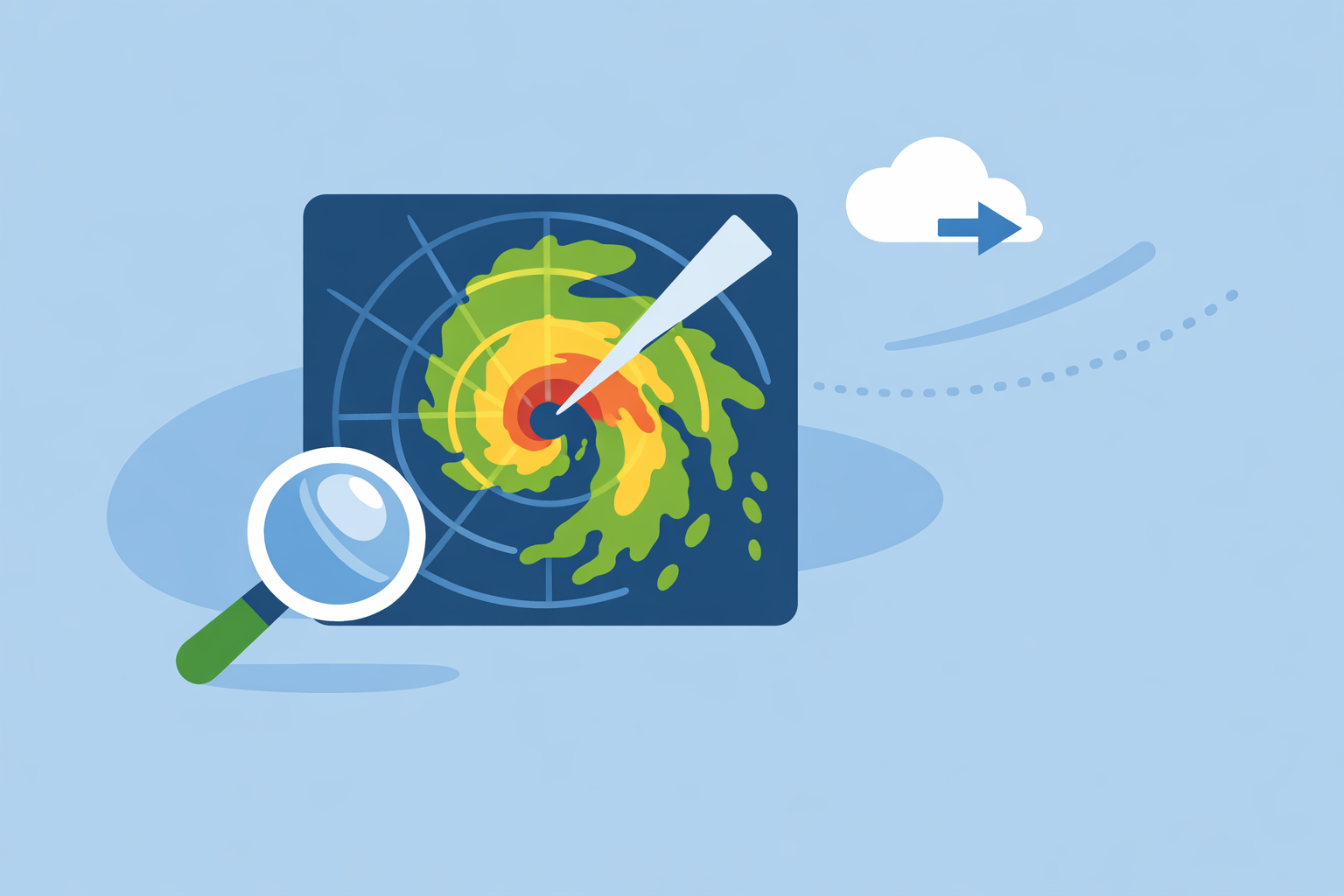
When most people say “radar,” they mean base reflectivity: the standard color plot that shows where precipitation is and how intense it is. Reflectivity is also what algorithms use to estimate rainfall and detect features like storm cores. (NWS Milwaukee/Sullivan)
On a Clime‑style map, that translates into a few practical rules:
- Light greens/blues – light rain or snow; often safe for travel and outdoor plans.
- Yellows/oranges – moderate to heavy rain; visibility drops, ponding on roads becomes more likely.
- Reds/purples – very heavy rain or hail; potential for flash flooding, damaging winds, and frequent lightning.
For storm tracking:
- Look for organized lines of moderate‑to‑high reflectivity. These are squall lines or QLCS structures that can produce strong straight‑line winds.
- Watch for bow shapes (bulging outward segments). These often signal strong rear‑inflow winds pushing the line forward.
- Note isolated, intense cores just ahead of or behind the main line. These can be severe thunderstorm cells that demand extra caution.
Clime centers your experience on this reflectivity view so you can see, at a glance, if that cluster on the map is just a passing shower or a storm you should plan around. Other tools like The Weather Channel or AccuWeather offer similar base maps, but often bury radar under layers of extra widgets, timelines, or ads that can slow you down when seconds matter. (The Weather Channel)
What does Doppler velocity tell you about rotation and wind?
Reflectivity shows where the rain is; velocity shows how the air is moving.
Doppler velocity data is crucial for spotting:
- Shear zones where wind changes speed or direction over a short distance.
- Mesocyclones and mesovortices—rotating updrafts in supercells or within squall lines that can produce tornadoes or damaging winds. (NWS Louisville)
Forecasters interpret velocity by looking for recognizable patterns or “signatures,” like tight couplets of inbound and outbound wind next to each other. Even with automated algorithms, critical warning decisions often still require human interpretation of these Doppler signatures. (NOAA NSSL)
Most consumer apps—including Clime and other options—present a simplified view of these complex fields. At Clime, we emphasize outcome‑oriented layers (lightning, hurricane tracks, severe weather alerts) on top of radar instead of exposing raw multi‑tilt velocity data, because for most users the key question isn’t “what is the radial velocity,” but “do I need to move my family or postpone travel.”
If you’re a weather enthusiast learning velocity, a practical workflow is:
- Use Clime’s radar map to find the most intense, organized storms and see their motion.
- Cross‑check nearby NWS radar velocity products on the web for those same storms to evaluate rotation and shear in detail. (NWS Milwaukee/Sullivan)
That hybrid approach keeps your day‑to‑day tracking simple while still giving you a path into deeper analysis when you want it.
How do radar limitations and artifacts affect what you see?
Radar isn’t an all‑seeing eye. A few physical limits shape everything you see on a radar map:
- Beam height grows with distance. As the beam travels away from the radar, Earth’s curvature and beam angle push it higher above ground, so low‑level features can be overshot at long range. (NWS Louisville)
- Beam width increases with distance. Each “slice” covers more area farther out, smoothing out small‑scale details like narrow downbursts.
- Non‑meteorological clutter—buildings, terrain, insects, and especially wind farms—can appear as false echoes and contaminate reflectivity near those sites. (NWS Milwaukee/Sullivan)
In practical terms, that means:
- A storm 150–200 miles from the radar may look weaker than it is at ground level because the beam is sampling the mid or upper part of the storm.
- Some odd‑looking blobs around wind farms or terrain features may not be real rain at all.
A simple best practice recommended by NWS is to switch to an adjacent radar that’s closer to the storm whenever possible, to get the lowest‑possible slice through the weather. (NWS Louisville)
Clime’s NOAA‑based radar mosaics naturally blend data from multiple sites into a single map, which helps reduce some of these blind spots for everyday users. You see one clean picture instead of juggling radar IDs and site menus, while still benefiting from that multi‑radar perspective.
How often does radar update, and how long should you loop it?
U.S. NEXRAD radars typically update every few to several minutes, depending on the scan mode, and consumer apps ingest that feed at slightly different cadences. Many public explanations describe update rates in the range of about 5–15 minutes for typical weather radar products. (Windy.app)
When you watch a radar loop in Clime or another app, a few practical guidelines help:
- Use 15–30 minutes of history to understand the storm’s motion and growth.
- For fast‑moving severe storms, a shorter, tighter loop can make motion and intensification easier to see without visual clutter.
- Remember that what you see is slightly delayed. A storm cell may already be a few miles ahead of its last plotted location, especially if it’s moving quickly.
Some alternatives highlight premium‑only longer loops or elaborate future‑radar timelines, but the marginal benefit can be small for basic safety decisions. For most households, the priority is a reliable, easy‑to‑read current radar loop plus timely alerts, which is exactly what we center in Clime’s interface. (Clime)
How can you apply this in a real decision with Clime?
Imagine a spring evening in the Midwest. You have kids at practice, a commute home, and a line of storms approaching.
A practical, radar‑first workflow could be:
- Open Clime’s radar map and zoom to your county to see the overall line structure and color intensity.
- Check motion by running a 30‑minute loop: Is the line bowing toward you? Are new cells forming ahead of the main line?
- Watch the lightning and severe layers on paid plans for a sense of how “electric” the line is and whether any severe thunderstorms or tornado warnings are active over your saved locations. (Clime)
- Make specific calls: leave practice early, delay a drive, or move an outdoor event indoors.
Could you do something similar with other tools? Yes—The Weather Channel, AccuWeather, and MyRadar each offer variations on radar plus alerts. (AccuWeather) But for many U.S. users, especially those not trying to interpret raw Doppler velocity or 21 different radar types, a focused radar map plus clear storm‑related layers is the fastest way to consistent choices.
What we recommend
- Use a radar‑centric app like Clime as your default storm dashboard, leaning on NOAA‑based reflectivity, lightning, hurricane, and fire/hotspot layers for a clean picture of current risk. (Texas Water Development Board)
- Learn a few simple reflectivity and pattern cues (lines, bows, intense cores) rather than chasing every advanced product.
- When storms look serious, cross‑check nearby NWS radar sites online for velocity and multi‑tilt details instead of relying only on one app.
- Keep your focus on decisions, not pixels: Do I need to change my route, reschedule, or seek shelter? The simpler your radar interpretation workflow, the more likely you are to act in time.