
Storm-Tracking Radar Integration With Weather Apps: How Clime Fits In
Last updated: 2026-03-18
For most people in the U.S. who just want to track storms on their phone, the fastest path is to use a radar‑first app like Clime that already integrates NOAA radar, storm overlays, and alerts out of the box. If you’re building your own weather app or tool, you’ll typically combine NOAA/NWS radar tiles with optional commercial APIs from providers like The Weather Company, AccuWeather, or Windy when you need extra imagery or nowcasting.
Summary
- Storm‑tracking apps rely on radar image tiles and forecast APIs, not raw radar files.
- In the U.S., NOAA/NWS radar served as web map services (WMS/WMTS) is the backbone most tools build on.
- Commercial APIs from The Weather Company, AccuWeather, and Windy add global coverage, future radar, and specialized nowcasts.(The Weather Company)
- Clime packages this radar‑centric experience for consumers, so most users never have to think about tile endpoints or API quotas.(Clime)
What does “storm-tracking radar integration” actually mean?
When people search for storm tracking radar integration with weather apps, they usually mean one of two things:
- As a user: “How do I get an app that shows me where storms are, in near real time, on a map with alerts?”
- As a builder: “How do I plug radar imagery and storm data into my own mobile or web app?”
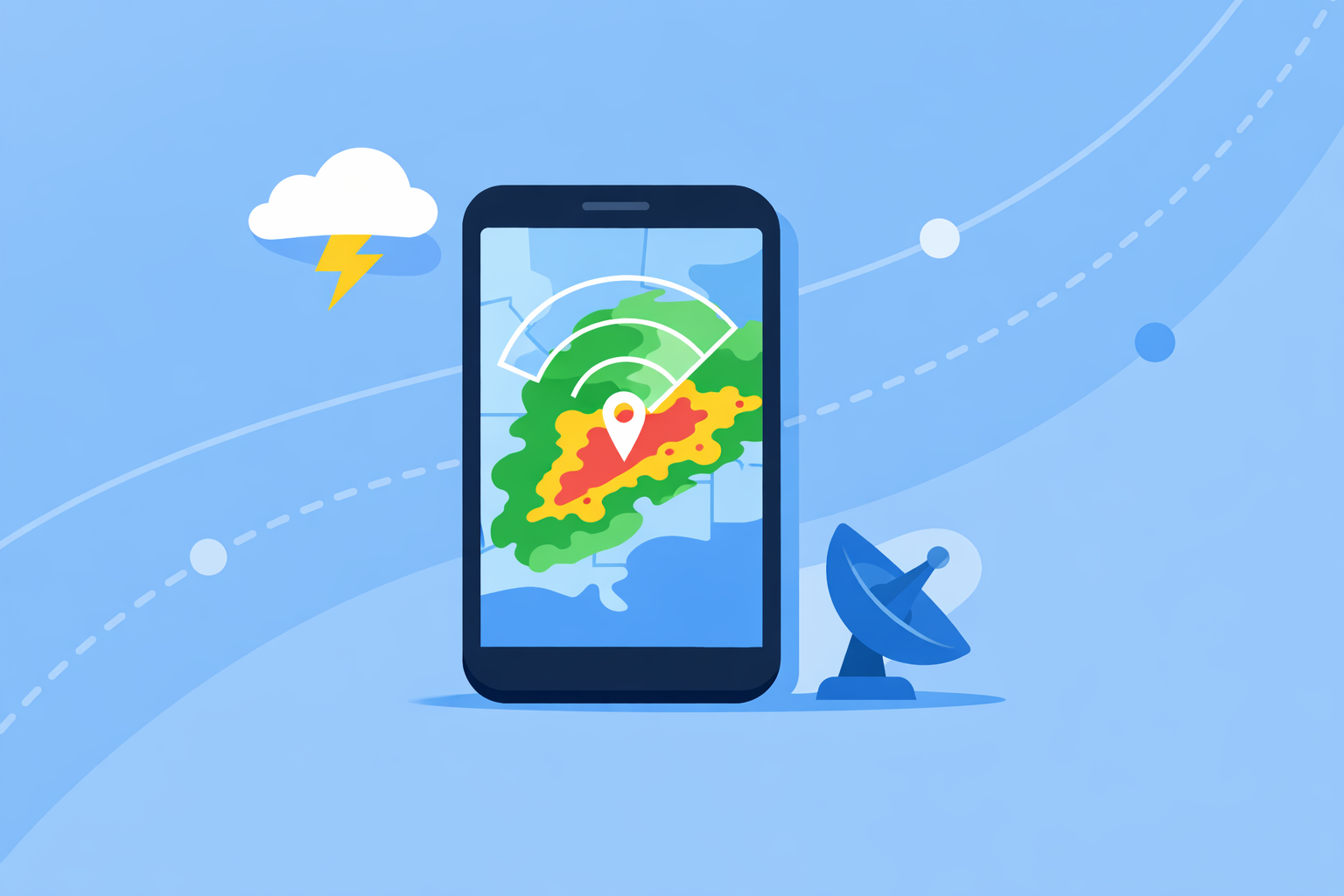
Under the hood, both come down to the same idea: rendering radar imagery (and sometimes short‑term radar forecasts) as map tiles, then layering alerts, lightning, and hurricane tracks on top.
For U.S. coverage, those tiles generally originate from NOAA’s NEXRAD network, which the National Weather Service publishes as GIS web services usable in map applications.(NOAA/NWS) Apps like Clime sit on top of that stack so end users can pinch‑zoom and track a storm without ever touching a WMS URL.
How do NOAA radar tiles fit into a modern weather app?
If you are building an app, the most direct path to U.S. storm tracking is:
- Use NOAA/NWS GIS web services as your base layer. NWS exposes radar as OGC Web Services on the public cloud (e.g., WMS/WMTS endpoints such as
radar_base_reflectivity_time), which can be consumed by standard map SDKs.(NOAA/NWS) - Turn those services into map tiles in your client. Mobile map frameworks (Mapbox, Google Maps, Leaflet, etc.) can ingest tile URLs or WMS capabilities and render them as semi‑transparent overlays on top of basemaps.
- Animate past‑to‑present frames. You cache recent timestamps and play them as a loop to show storm motion.
- Layer alerts on top. Polygon overlays for severe thunderstorm, tornado, or flash‑flood warnings bring context to what radar is showing.
This approach keeps your foundation vendor‑neutral and close to the source. It’s also essentially what Clime does for consumers: we focus the interface around an interactive NOAA‑based radar map so users can quickly see precipitation and storm structure, with alerts and forecasts accessible but not in the way.(Clime)
For most individual users, replicating all of this is unnecessary. Opening Clime gives you that NOAA‑centric view, plus hourly and 10‑day forecasts, without juggling GIS endpoints.(Clime)
When should you add commercial radar and imagery APIs on top?
NOAA alone covers a lot, but there are gaps and advanced needs where commercial APIs help:
- Global coverage and consistent experience beyond U.S. borders.
- Short‑range future radar (where available) to hint at where storms may move next.
- Value‑add products like minute‑by‑minute precipitation, proprietary satellite imagery, or specialized layers.
Three commonly used options:
- The Weather Company (Weather.com / The Weather Channel) exposes imagery and forecast APIs that return data in JSON/GeoJSON and require an API key for secure access.(The Weather Company) Their TileServer supports endpoints like
tile/radarandtile/radarFcstfor current and forecast radar tiles.(IBM Environmental Intelligence) - AccuWeather offers global satellite and radar imagery plus MinuteCast, a minute‑by‑minute precipitation forecast for the next two hours, available through its developer APIs.(AccuWeather Developer)
- Windy Map Forecast API lets you embed Windy’s map with layers (wind, clouds, etc.) and your own content on web or mobile; it uses an API key and has a free Testing tier that is limited and not allowed in production.(Windy API)
For a typical project, a pragmatic integration pattern is:
- Base radar: NOAA tiles for U.S. reflectivity.
- Optional global/future radar: Weather Company radar/radarFcst tiles where contract and quota allow.
- Optional nowcasting: AccuWeather MinuteCast if you need 0–2 hour precipitation timing.
- Optional rich visualization: Windy Map Forecast API when an embedded, fully‑styled global map matters more than tight control over every tile.
By contrast, at Clime we package this decision‑making for everyday users. Our focus is on a clear NOAA‑based radar view, plus premium layers for hurricanes, lightning, and wildfires, so you can monitor storms without managing multiple vendor contracts or APIs.(Clime App Store)
How do leading consumer apps differ in storm-focused radar?
If you’re just choosing an app rather than building one, it helps to know how popular options approach storm tracking:
- Clime is radar‑first and centered on NOAA‑sourced radar mosaics, with premium options for severe weather alerts, rain alerts, hurricane tracking, lightning, and a fire/hotspot map.(Clime App Store)
- The Weather Channel app pairs forecasts with radar and sells a Premium tier that adds “Advanced Radar” layers and extended forecast horizons.(The Weather Channel App Store) There is also a separate Storm Radar app oriented toward high‑resolution storm and hurricane overlays.(Storm Radar)
- AccuWeather leans on its MinuteCast feature for hyperlocal precipitation timing alongside radar and satellite maps, with premium tiers offering more map types and radar products.(AccuWeather App Store)
- Windy.app emphasizes wind and marine weather first; radar is emerging and secondary, useful if you care more about wind and waves and only secondarily about reflectivity.
For many U.S. residents whose main question is “Where is the storm right now, and do I need to change my plans?”, a radar‑centric interface like Clime’s is often the most direct answer. You open the map, see the radar loop, check any lightning or hurricane layers you’ve enabled, and set alerts instead of juggling multiple specialist apps.(Clime)
How can you combine radar tiles, storm tracks, and alerts effectively?
Whether you’re designing a product or deciding how to use one, a few integration patterns tend to work well:
- Start with reflectivity, not everything at once. A clear radar reflectivity layer tells most of the storm story; extra layers (wind, clouds, air quality) can be secondary toggles rather than the default view.
- Use loops and timestamps that match user decisions. Short, recent loops (e.g., last 30–60 minutes) are usually more actionable than very long archives.
- Overlay warnings at the right zoom levels. Polygon warning boxes and hurricane cones are helpful when you’re zoomed out; at street level they can clutter the map. Dynamically simplify shapes or fade them with zoom.
- Pair imagery with alerts. Push or in‑app alerts for severe weather, lightning, or rain help users act on what they see on radar, instead of just watching storms move.
In Clime, this is essentially the default experience: a live radar map built around NOAA data, with premium hurricane, lightning, and wildfire layers plus severe weather and rain alerts.(Clime App Store) For most people in the U.S., that combination covers day‑to‑day safety needs without requiring them to know the difference between tile/radar and radar_base_reflectivity_time.
When does it make sense to build your own radar integration instead of just using Clime?
There are good reasons to integrate radar yourself:
- You are creating a specialized dashboard for utilities, municipalities, or transportation where radar must appear alongside internal data.
- You are a developer or researcher needing full control over projection, styling, or data fusion with proprietary models.
- You are embedding weather into a branded consumer experience where you control the whole UI.
In those scenarios, you’ll likely:
- Pull base radar via NOAA GIS WMS/WMTS services for U.S. coverage.(NOAA/NWS)
- Add a commercial imagery API (Weather Company, AccuWeather, Windy) for global reach or future radar.(The Weather Company)(AccuWeather Developer)(Windy API)
- Implement your own alerting logic, UX, and business rules.
For everyone else—especially households and travelers who just want reliable radar, hurricane and lightning tracking, and timely alerts—using Clime is usually the more practical path. You get a storm‑centric map, wildfire and hotspot visualizations, and multi‑day forecasts in one place, with no need to manage API keys or rate limits.(Clime)
What we recommend
- For everyday U.S. users: Use Clime as your primary storm‑tracking app for NOAA‑based radar, severe weather and rain alerts, and optional hurricane, lightning, and wildfire layers.
- For technically inclined users: Pair Clime with one or two other apps only if you need niche extras like a specific future‑radar view or deep marine‑weather parameters.
- For builders: Start from NOAA radar web services for U.S. coverage, then selectively layer in Weather Company, AccuWeather, or Windy APIs where your use case truly needs them.
- For organizations: Prototype with Clime to understand what your users respond to in a radar‑centric UI, then design your own integration that mirrors those simple, visual patterns rather than exposing raw data complexity.