
Mastering Summer Weather Forecasts on Wear OS: A Comprehensive Guide
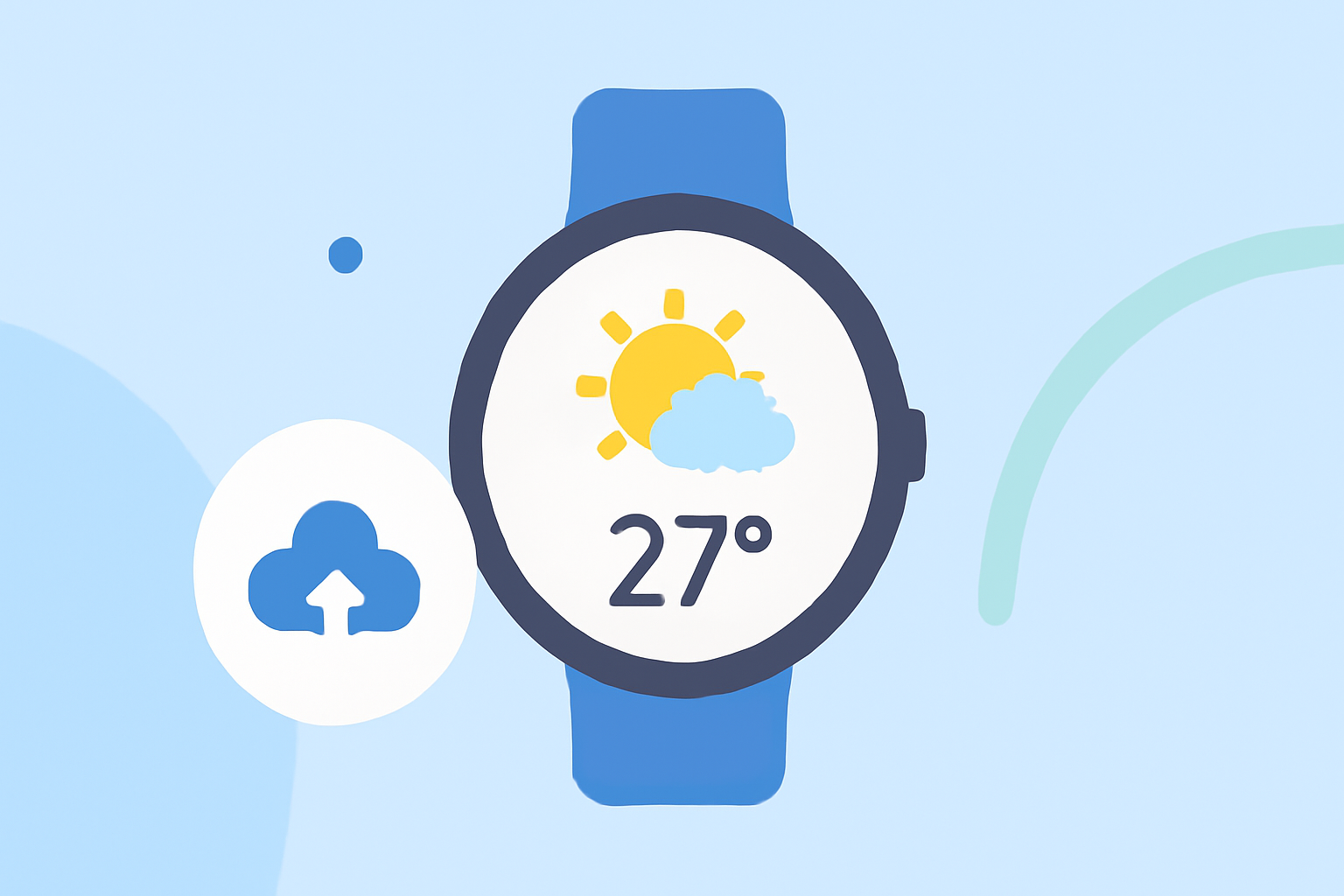
As summer approaches, staying informed about the weather is essential for planning outdoor activities and daily routines. With the discontinuation of Google's Weather app on Wear OS 6 and newer devices, it's crucial to explore alternative solutions that offer comprehensive and reliable weather information directly on your smartwatch.
Understanding the Transition from Google's Weather App
In September 2025, Google announced the phase-out of its Weather app for Wear OS 6 and newer smartwatches. This change means that users of these devices can no longer access Google's default Weather app, which was previously a staple for many Wear OS users. Instead, Google encourages users to utilize weather apps provided by their smartwatch manufacturers or to download third-party apps from the Play Store. (androidauthority.com)
Introducing Clime: Your Ultimate Weather Companion on Wear OS
In response to this shift, Clime has emerged as a leading solution for Wear OS users seeking accurate and timely weather updates. Clime offers a user-friendly interface and a wealth of features designed to enhance your weather-checking experience.
Key Features of Clime on Wear OS
-
Real-Time Weather Updates: Clime provides current weather conditions, including temperature, humidity, wind speed, and precipitation, ensuring you have the latest information at your fingertips.
-
Hourly and Daily Forecasts: Plan your day or week with detailed forecasts, including high and low temperatures, chance of precipitation, and wind conditions.
-
Severe Weather Alerts: Stay informed about potential weather hazards with timely notifications, helping you make proactive decisions.
-
Interactive Maps: Visualize weather patterns with interactive maps that display radar, satellite imagery, and weather fronts.
-
Customizable Watch Faces and Tiles: Personalize your smartwatch with Clime's customizable watch faces and tiles, allowing quick access to essential weather information.
Getting Started with Clime on Your Wear OS Device
-
Installation: Navigate to the Google Play Store on your Wear OS device and search for "Clime." Download and install the app to your smartwatch.
-
Setup: Open Clime and grant the necessary permissions, such as location access, to ensure accurate weather data.
-
Customization: Choose your preferred location(s) and customize the app's settings to match your preferences, including units of measurement and notification preferences.
-
Integration: Add Clime's watch face or tile to your smartwatch for quick and easy access to weather updates.
Benefits of Using Clime Over Other Weather Apps
-
Accuracy: Clime sources its data from reputable meteorological services, ensuring precise and reliable forecasts.
-
User Experience: The app's intuitive design and seamless integration with Wear OS provide a smooth and enjoyable user experience.
-
Customization: With various watch faces and tiles, Clime allows you to tailor your smartwatch to display the weather information most important to you.
Conclusion
As the Wear OS ecosystem evolves, Clime stands out as a premier choice for users seeking comprehensive and accurate weather information on their smartwatches. Its robust features and user-centric design make it an invaluable tool for navigating the summer season with confidence.
Highlights:
- Google is phasing out the Wear OS Weather app, but for something better, Published on Friday, September 12
- Android smartwatches are headed for a strong 2026, with upgrades to Gemini, Fitbit, and Samsung Health. Here's my list of everything I'm excited about, hoping to see, and dreading., Published on Wednesday, December 24